Best Box Mod with Screen? VOOPOO DRAG 6 Kit Review
 2026-04-01
 REVIEWS
From Vaping Hardware | Richard Winter March 23, 2026
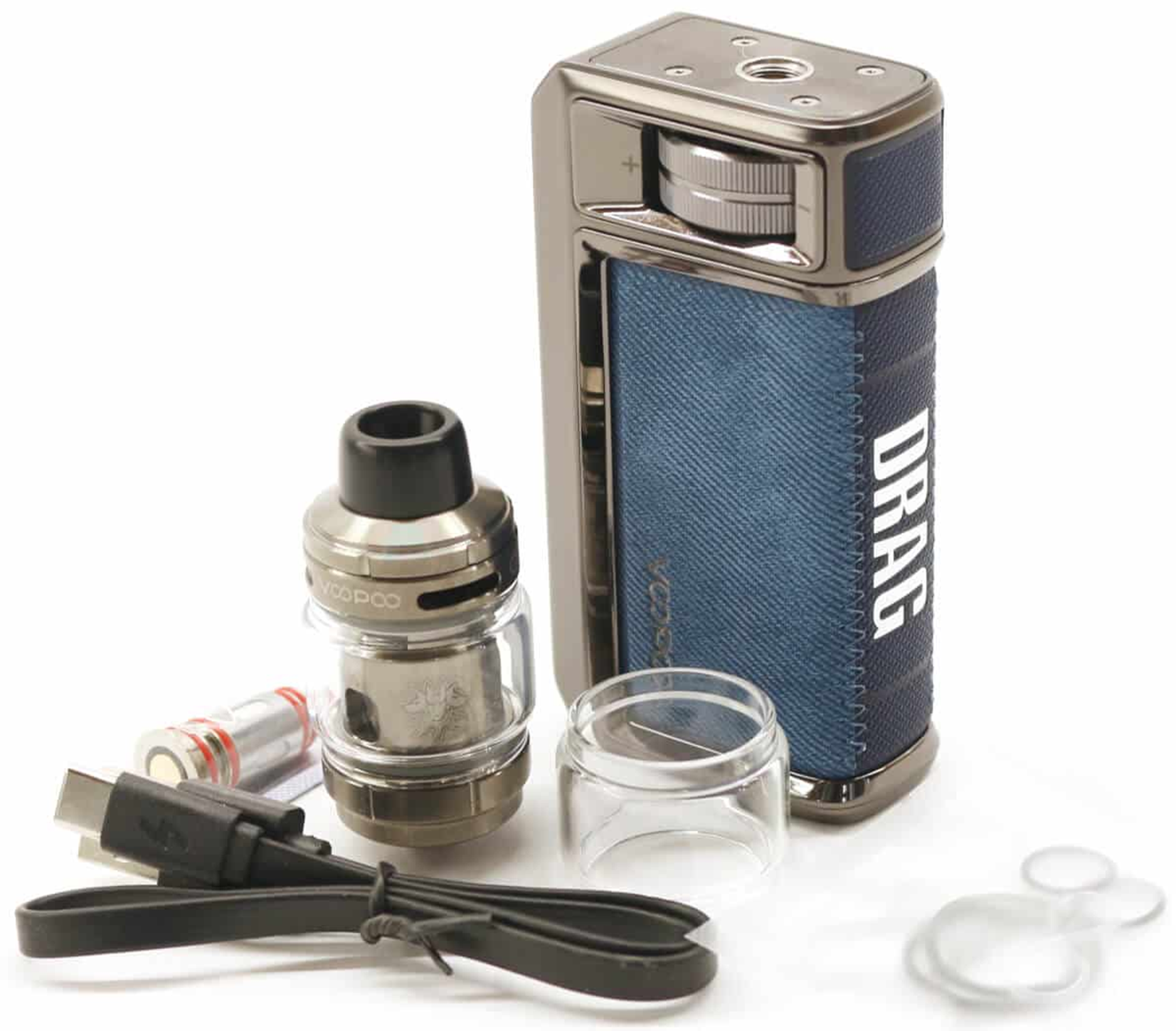
Today we're reviewing the newly released VOOPOO DRAG 6 Kit which consists of the new DRAG 6 Mod together with the new UFORCE-X Tank II. Having reviewed virtually all of the earlier DRAG releases, all of which have been hugely successful, VOOPOO have again mixed things up a little with this latest release.
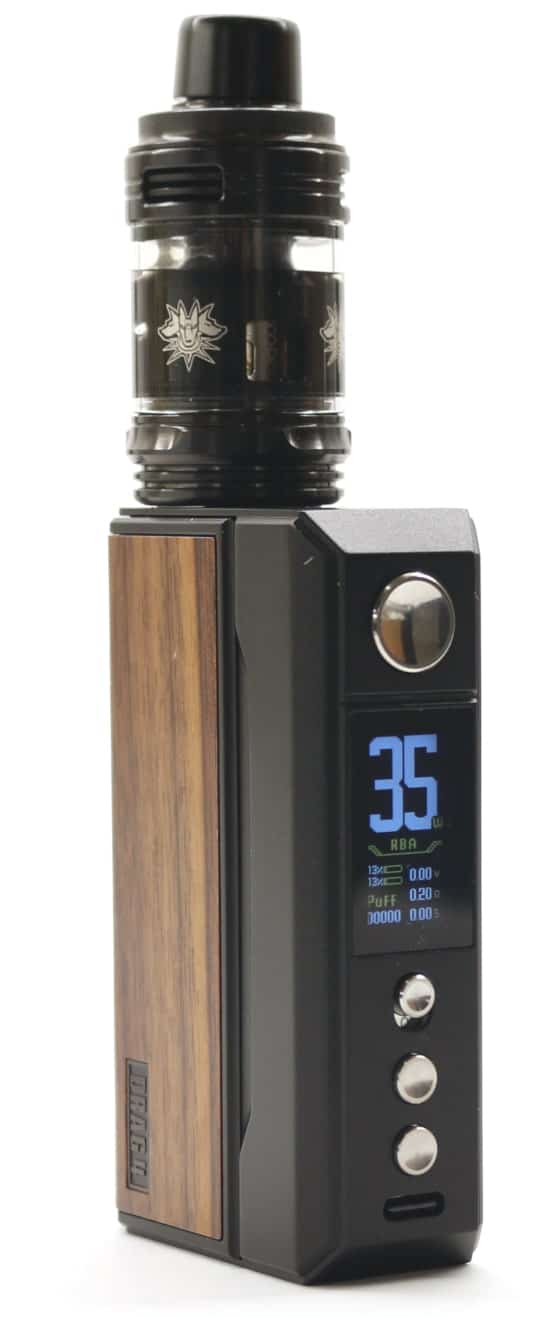
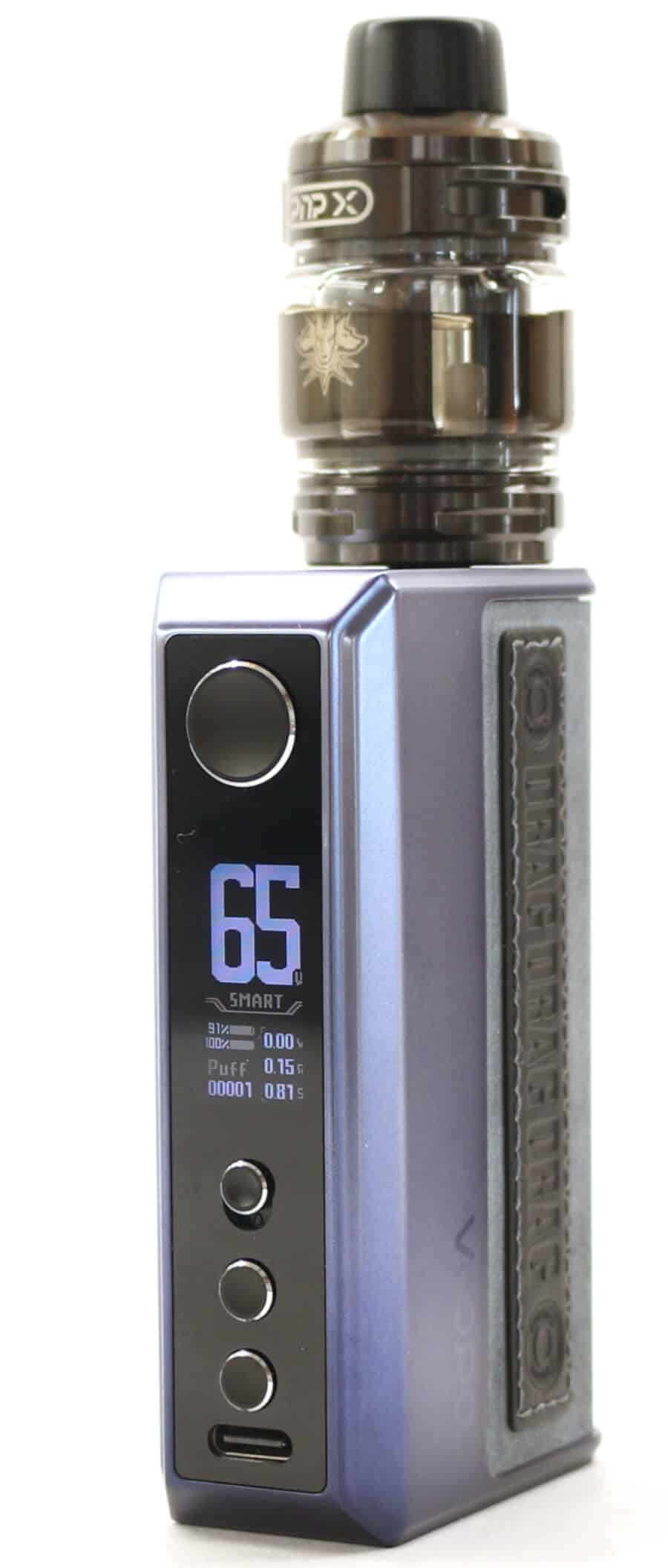
It was 18 months ago we reviewed the VOOPOO DRAG 5 kit following its release, so were eager to find out what changes have been made. The VOOPOO DRAG 5 which came with the then new UFORCE-X tank, which accepted the PNP-X coils, in our opinion was a worthy upgrade over the DRAG 4 with the UFORCE-L tank.
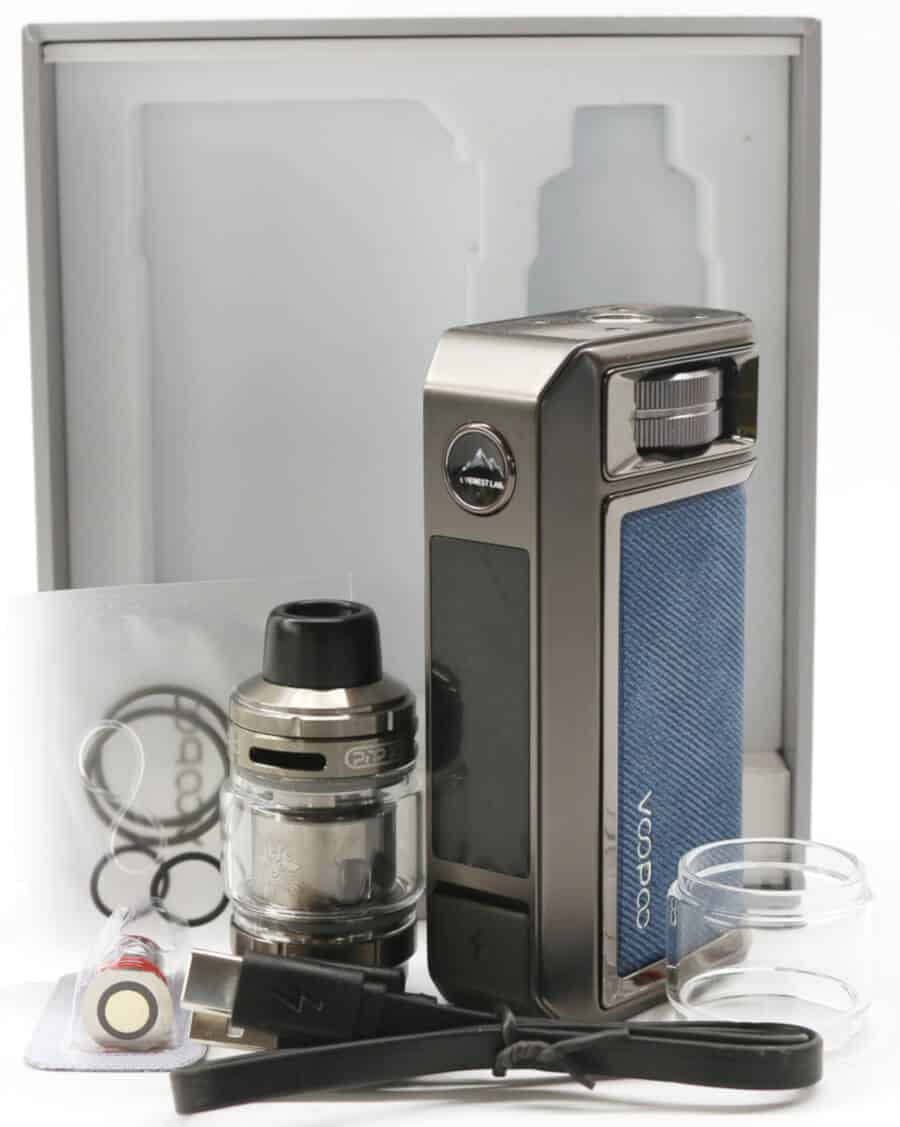
Can the DRAG 6 improve on what was already a fantastic device? Hell yes! the second we unboxed it we knew we were in for something equally as good, if not better.
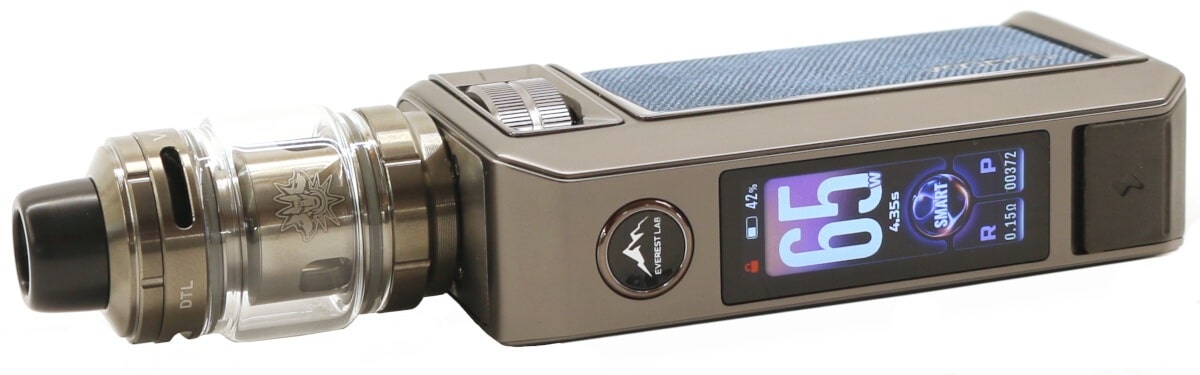
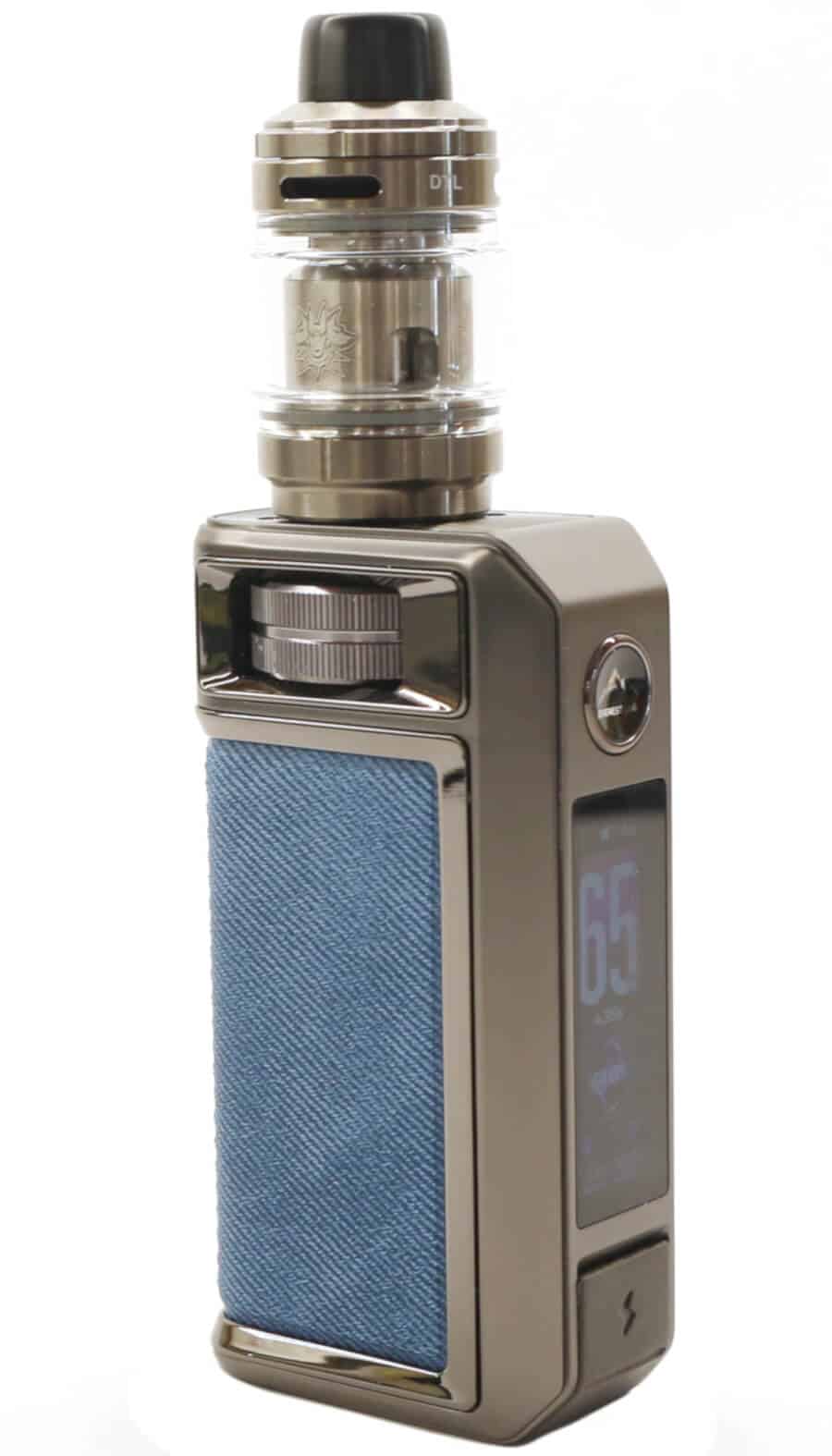
The DRAG 6 looks as impressive and without doubt strikes of elegance and class. Included is the fingerprint locking/unlocking fire button (capacitive touch) we saw when reviewing the DRAG S3/X3, a much bigger 1.66 inch TFT display with different themes and animation, and a large rotating wheel that replaces the conventional up/down (+/-) control buttons.
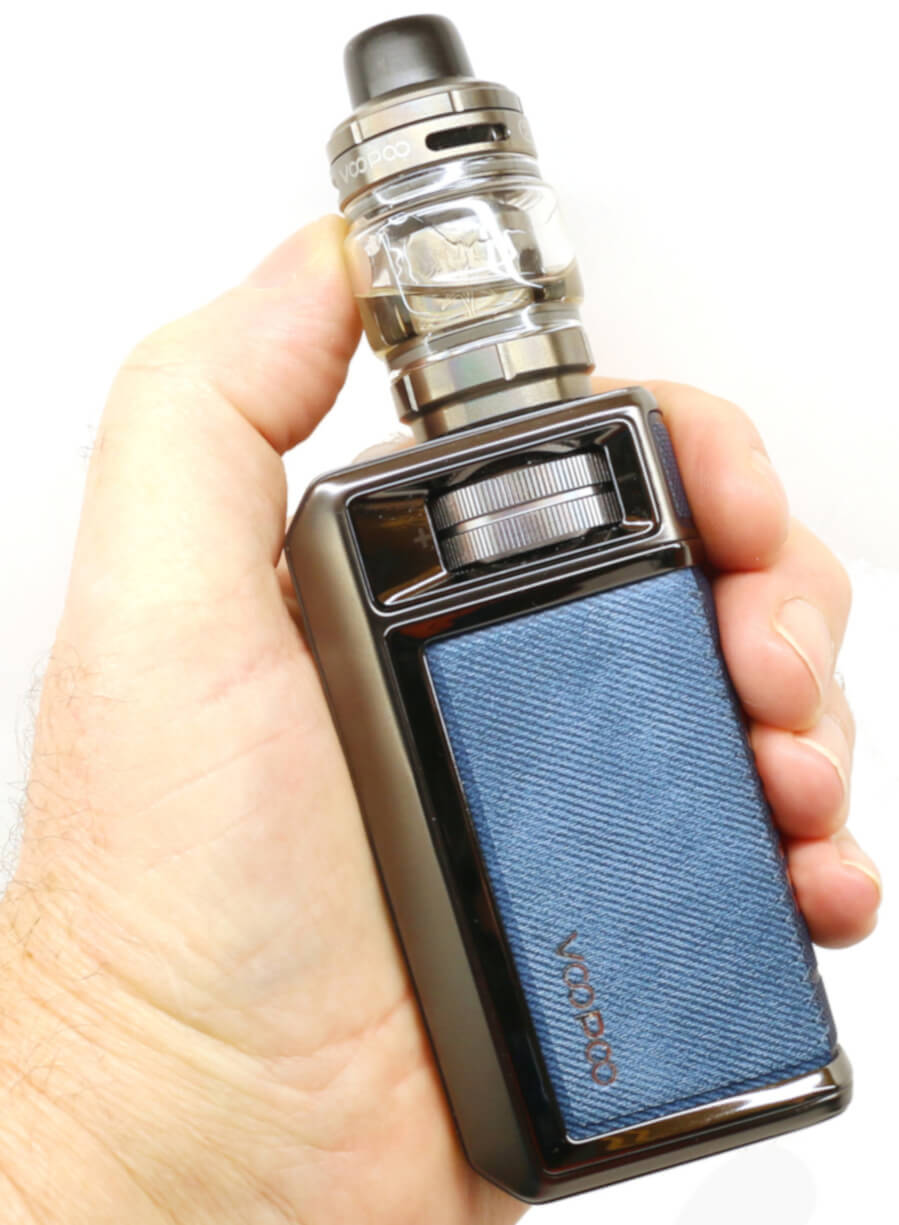
What did surprise us was the DRAG 6 mod no longer utilizes dual external 18650 batteries, so gone is the foldible magnetic battery door cover from the DRAG 5 and the earlier C-Frame removable battery cover from the DRAG 4. Instead it's now powered by a massive internal 4400 mAh capacity battery.
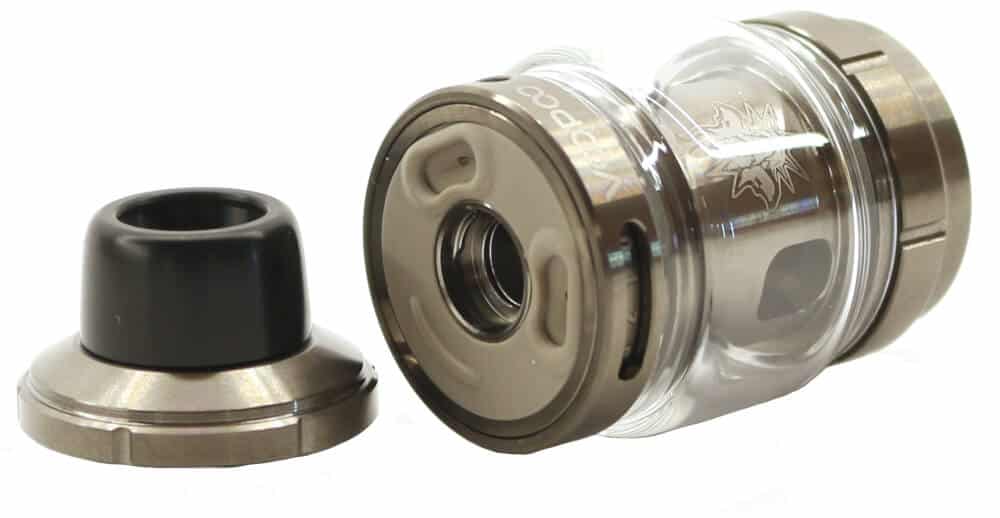
Where the earlier DRAG 5 kit included the new at that time UFORCE-X tank with its sliding top cap, the DRAG 6 kit introduces a new UFORCE-X Tank II. This tank still uses the renowned PNP-X range of coils but reverts back to the quarter turn locking top cap from the UFORCE-L tank, which in my opinion is a better filling system, and now has triple top airflow fully adjustable Cyclops slots.
As always we will give a quick overview covering the main points and features of the VOOPOO DRAG 6 kit and then jump into the main body of the review covering all it has to offer.
Overview of the VOOPOO DRAG 6 Kit
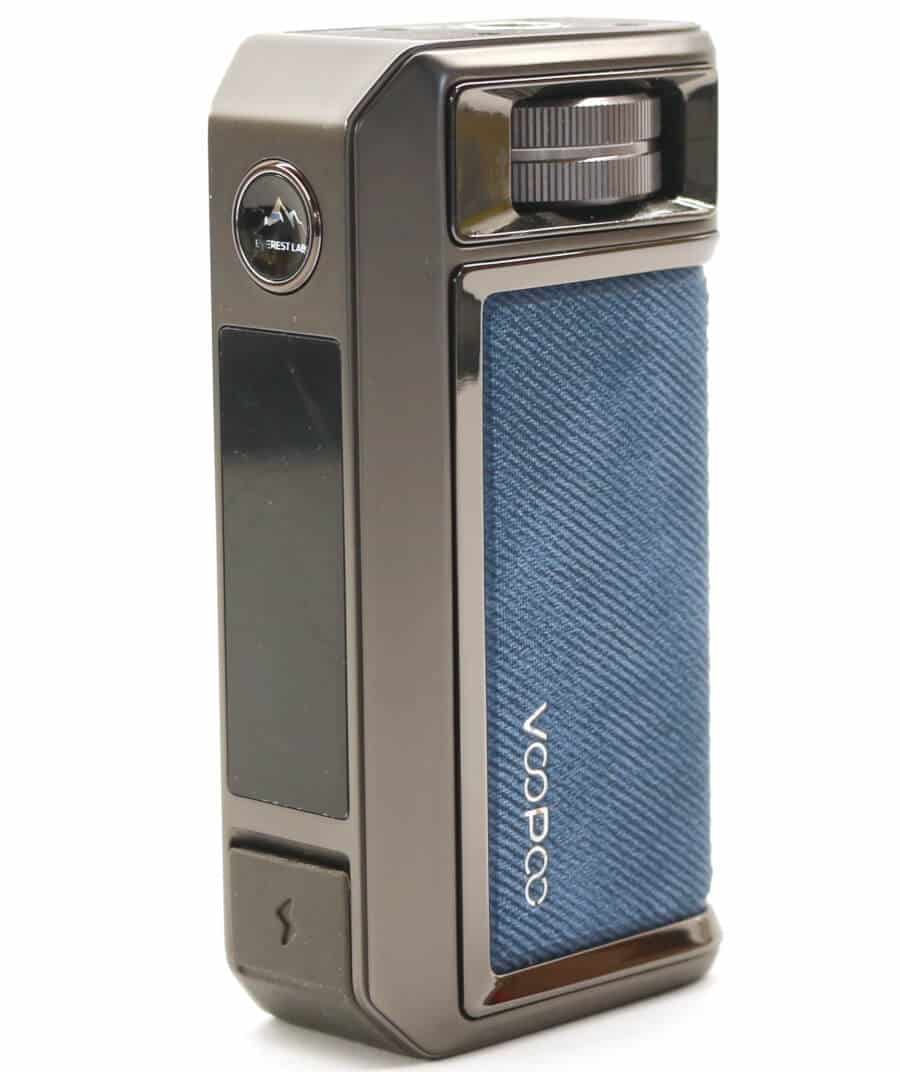
The DRAG 6 mod is powered from an internal 4400 mAh capacity battery and is a full feature box style mod with a maximum output power of 220 W. Its operating modes include Smart (auto coil detect), RBA (variable wattage) and Temperature Control with 4 pre-set wire types.
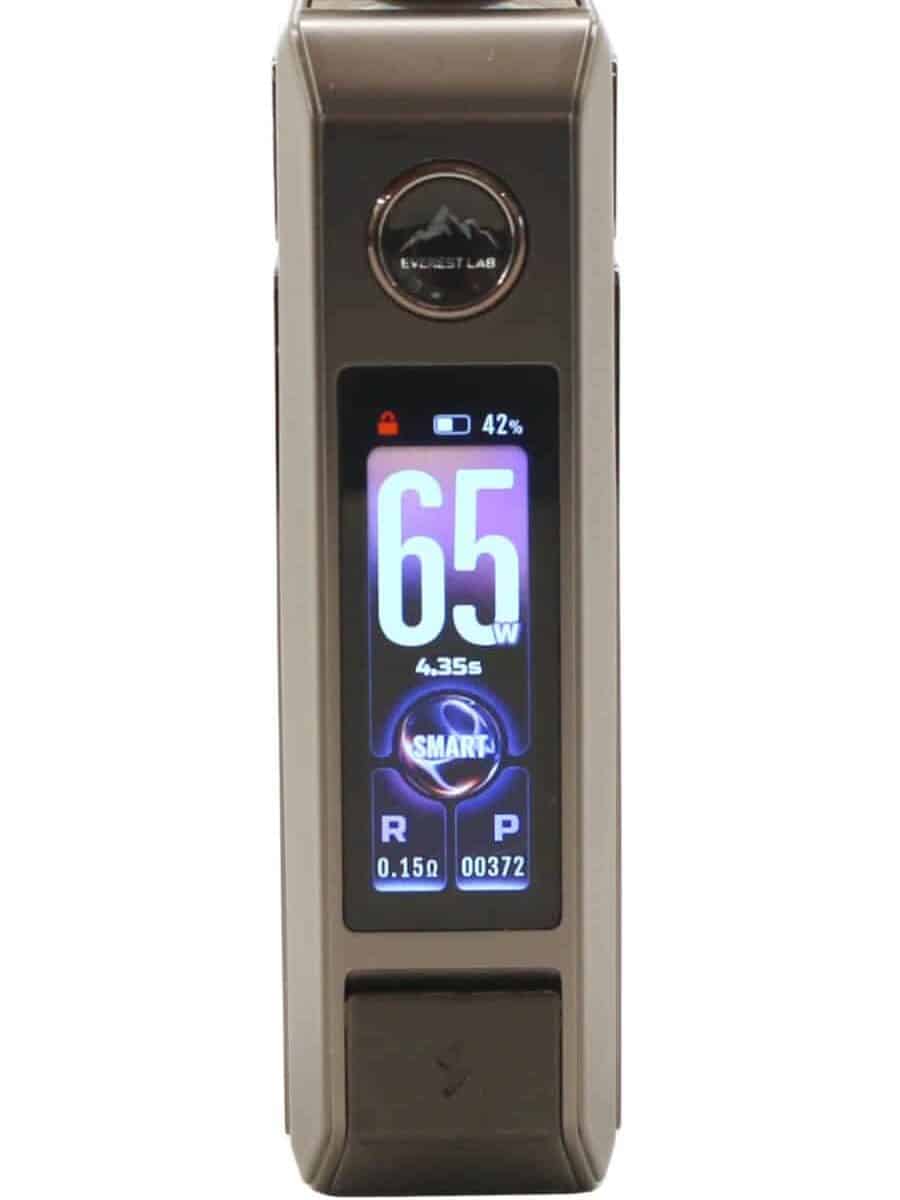
A large 1.66 inch colored TFT display highlights all the user information and includes 3 different theme options with an animated graphic screen that's switchable on/off. Adjustment and selection of its menus and variable settings are carried out using a large rotary wheel together with the capacitive lock/unlock fire button.
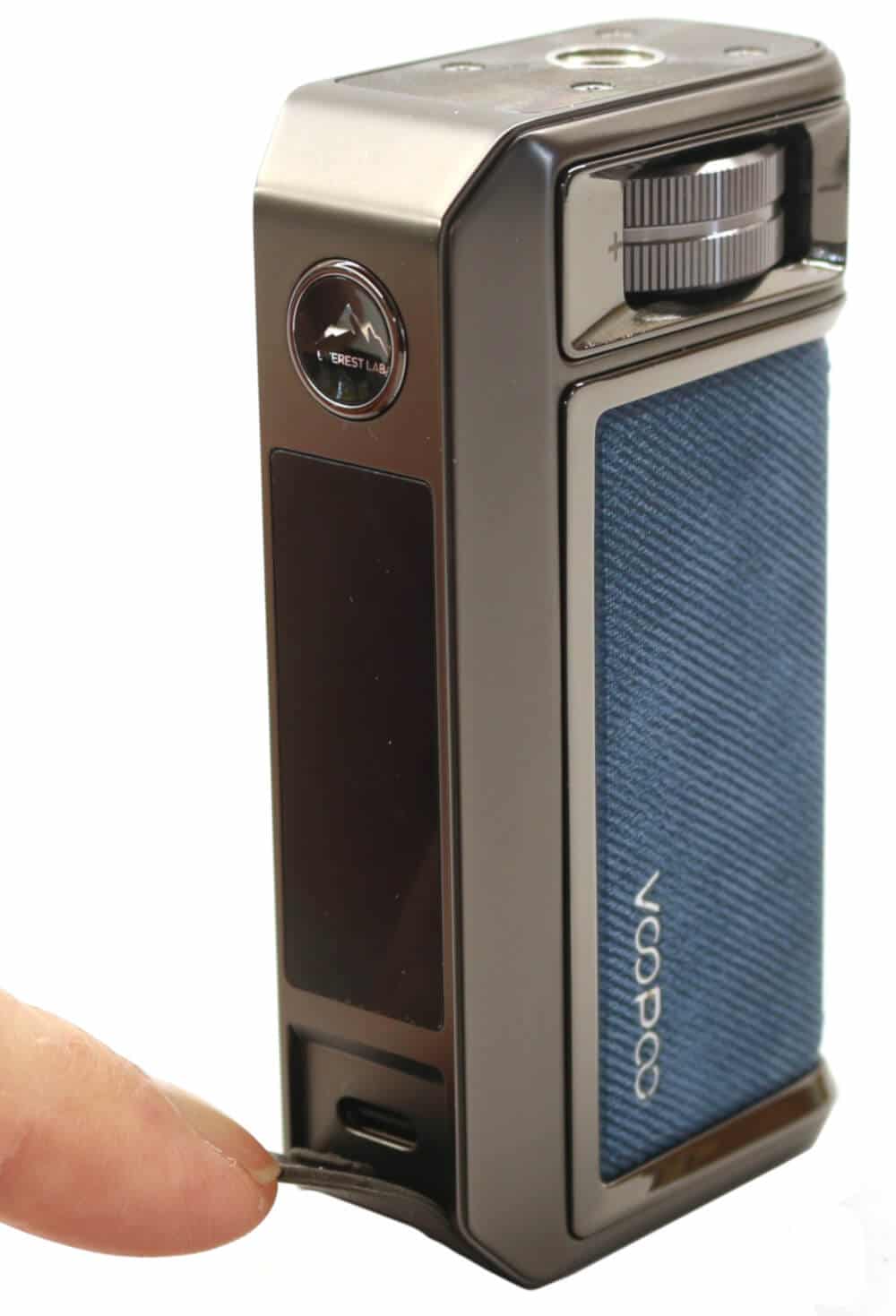
Manufactured from Aluminum Alloy with the now legendary leather 3/4 wrap around hide, the DRAG 6 packs some weight coming in at 280 g and feels incredibly robust. A Super-fast 3 A Type-C USB charging port is concealed behind a flush fitting rubber flap on the front panel below the display and will fully charge the device in approximately 80 minutes.
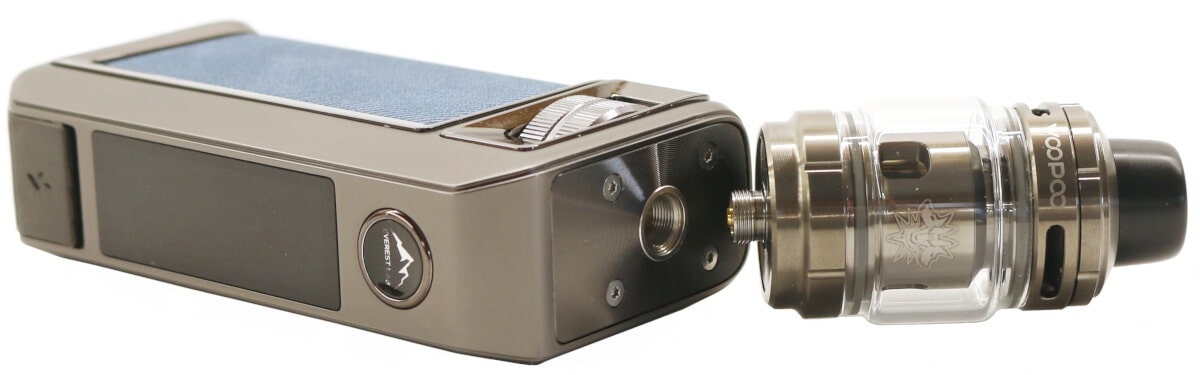
Included in the DRAG 6 kit is the new UFORCE-X Tank II which has an e-liquid capacity of 5 mL (standard) or 2 mL (TPD). It's a quarter turn lock/unlock top fill removable cap with a wide bore drip tip and fully adjustable triple slot top located airflow control. It accepts the complete range of VOOPOO's PNP-X push fit coils and comes supplied with both the PNP-X 0.15 ohm and 0.3 ohm coils.
I would like to thank Siren and Rebecca at VOOPOO for sending us the DRAG 6 Kit for the purpose of this review. As always this review is completely unbiased and is my honest opinions based during my time using and reviewing the product.
Contents
- Features and Specifications
- What's in the Box?
- DRAG 6 Kit Packaging
- Preparing to Use the DRAG 6 Kit
- VOOPOO DRAG 6 Kit Design and Appearance
- DRAG 6 Mod Functionality
- DRAG 6 Kit Performance
- DRAG 6 Battery Performance
- How do I Charge the DRAG 6 Mod?
- VOOPOO DRAG 6 Kit Review Verdict
- VOOPOO DRAG 6 Kit Review Summary
Features and Specifications
DRAG 6 Mod - 5 W-220 W
- Dimensions: 96.5 mm (H) x 51.5 mm (W) x 28.5 mm (D)
- Weight: 222 g
- Construction: Aluminum Alloy + Leather
- Battery Specification: Internal 4400 mAh (2x 2200 mAh)
- Charging: Type-C USB (5 V/3 A)
- Charging Time: 80 Minutes
- Output Power (Wattage): 5 W - 220 W
- Temperature: 200 °F - 600 °F
- Output Voltage: 8.4 V
- Resistance Range: 0.05 ohm - 3.0 ohm
- Display: 1.66 inch TFT Multi-color Screen
- Firing Mechanism: Button Activated with Capacitive Touch Lock/Unlock
- Connection Type: Threaded 510
- Output Modes: Variable Wattage/RBA/Smart/TC-TCR SS316/SS430/Ni200/Ti
- Chip Set: GENE.TT 3.0 Chip
- Rotary Mechanical Control Wheel
- Animation: On/Off
- 3 Different Screen Themes
- 3 Different Lock/Unlock Options
- Puff Counter and Vape Time Duration Readings
- 7 Different Colors
- 6 Safety Protections
The combined height of the DRAG 6 and UFORCE-X Tank II (standard 5 mL version) is 150 mm with a combined weight of 286 g.
What's in the Box?
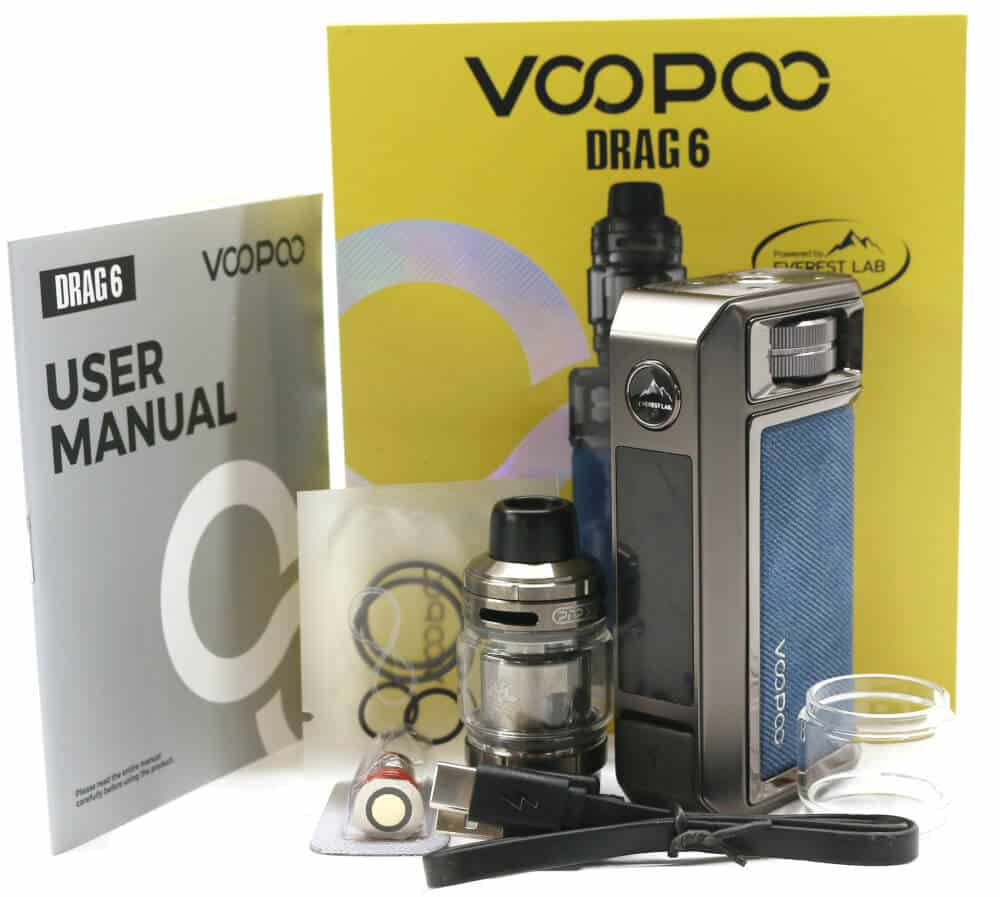
- VOOPOO DRAG 6 (220 W) Mod
- VOOPOO UFORCE-X Tank II (5 mL)
- 0.15 ohm PNP-X Mesh Coil (pre-fitted)
- 0.3 ohm PNP-X Mesh Coil
- Spare Glass - 5 mL Bubble Glass
- Spare Silicone O-Rings Pack
- Type-C USB Cable
- User Manual
- Battery Warning Card
- PNP-X Platform Card
* Note: Depending on your region, the DRAG 6 kit will include a 2 mL (TPD) or 5 mL (standard) UFORCE-X Tank II. We received the 5 mL tank so the photos throughout this review will include that variant.
VOOPOO DRAG 6 Kit Packaging
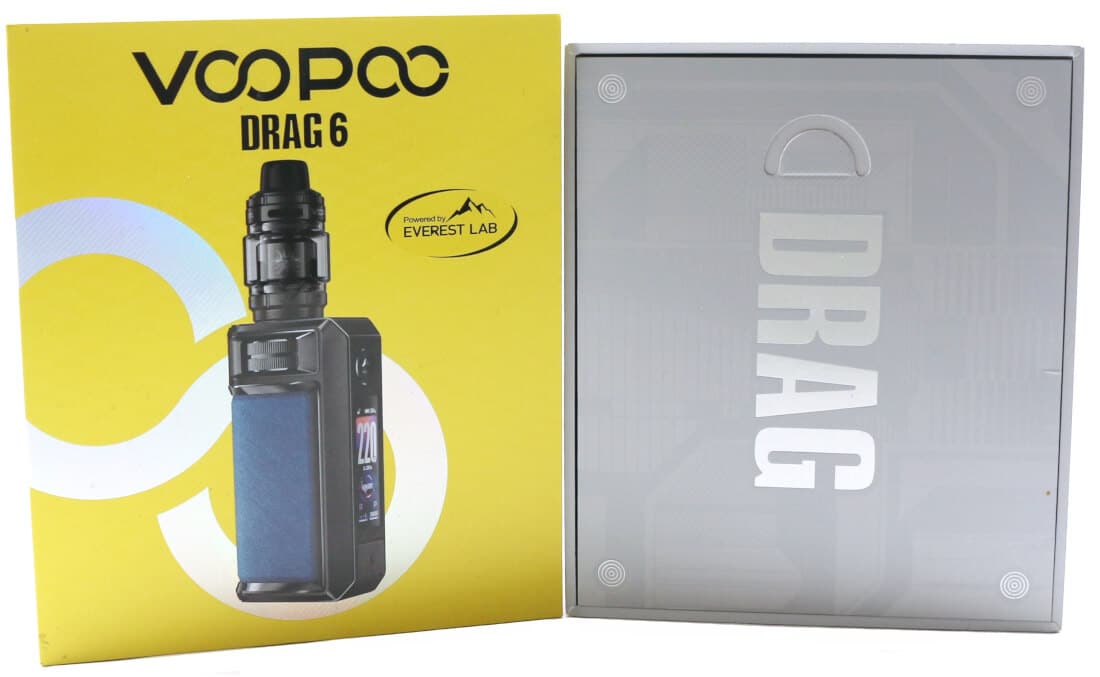
The DRAG 6 kit comes in a large packaging box and measures 144 mm x 123 mm x 42.4 mm. It has a lift off top lid, that following VOOPOO's re-branding, is now colored yellow with the famous "00" chain link from the VOOPOO name printed in silver lettering.
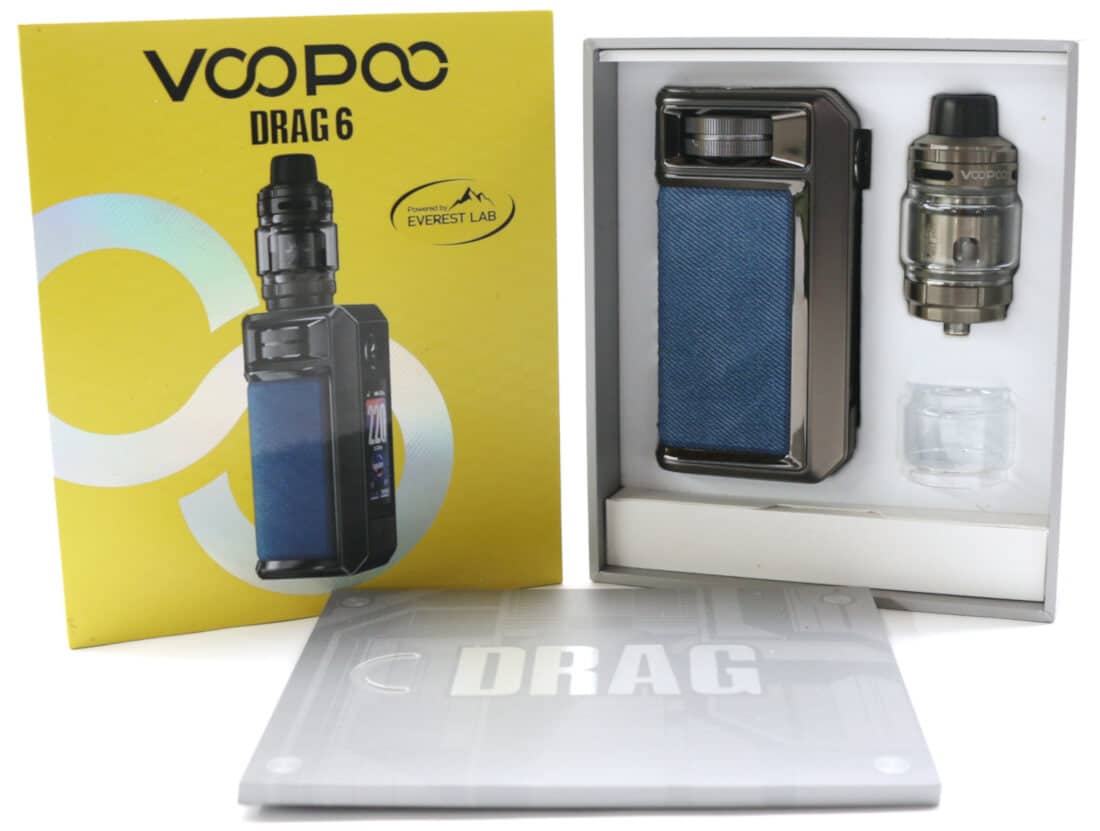
When the lid is removed, a thin cardboard wallet which contains the user manual, spare O-rings and warning/platform cards sits on top of a molded foam insert. Underneath this wallet are the DRAG 6 mod, the UFORCE-X Tank II with the PNP-X 0.15 ohm coil pre-fitted and a spare 5 mL bubble glass secured in the foam insert.
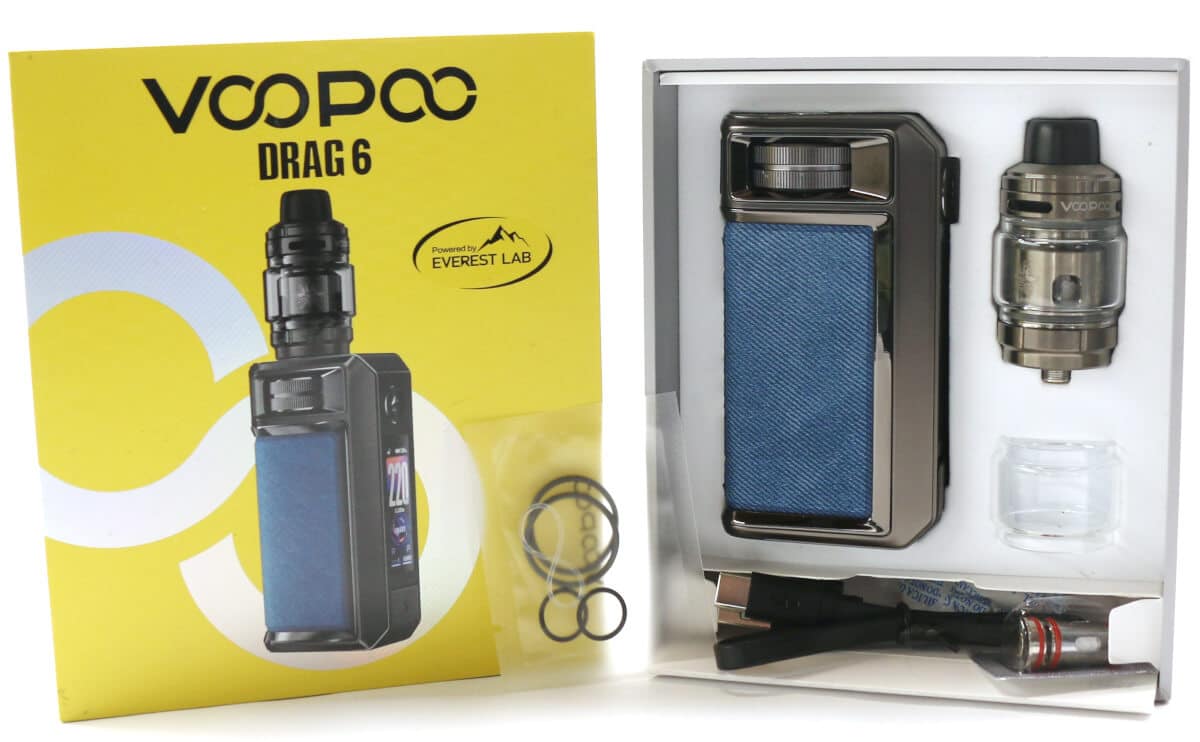
A fold out cardboard box at the bottom of the foam insert contains the PNP X 0.3 ohm coil in a sealed silver sachet and the Type-C charging cable.
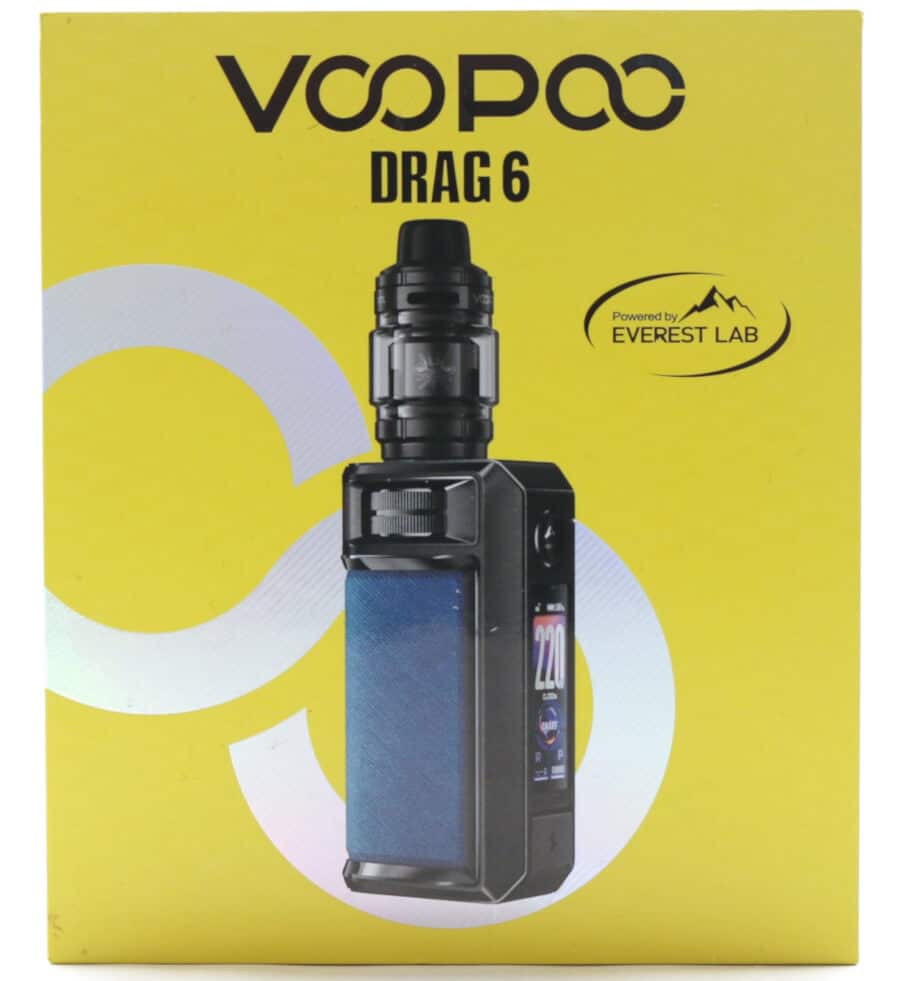
On the front of the lid is a photo of the DRAG 6 kit in the color of the included device with the branding "VOOPOO" and "DRAG 6" printed in large black lettering. To the right of the photo is an emblem with "Powered by Everest Lab" printed in smaller font.
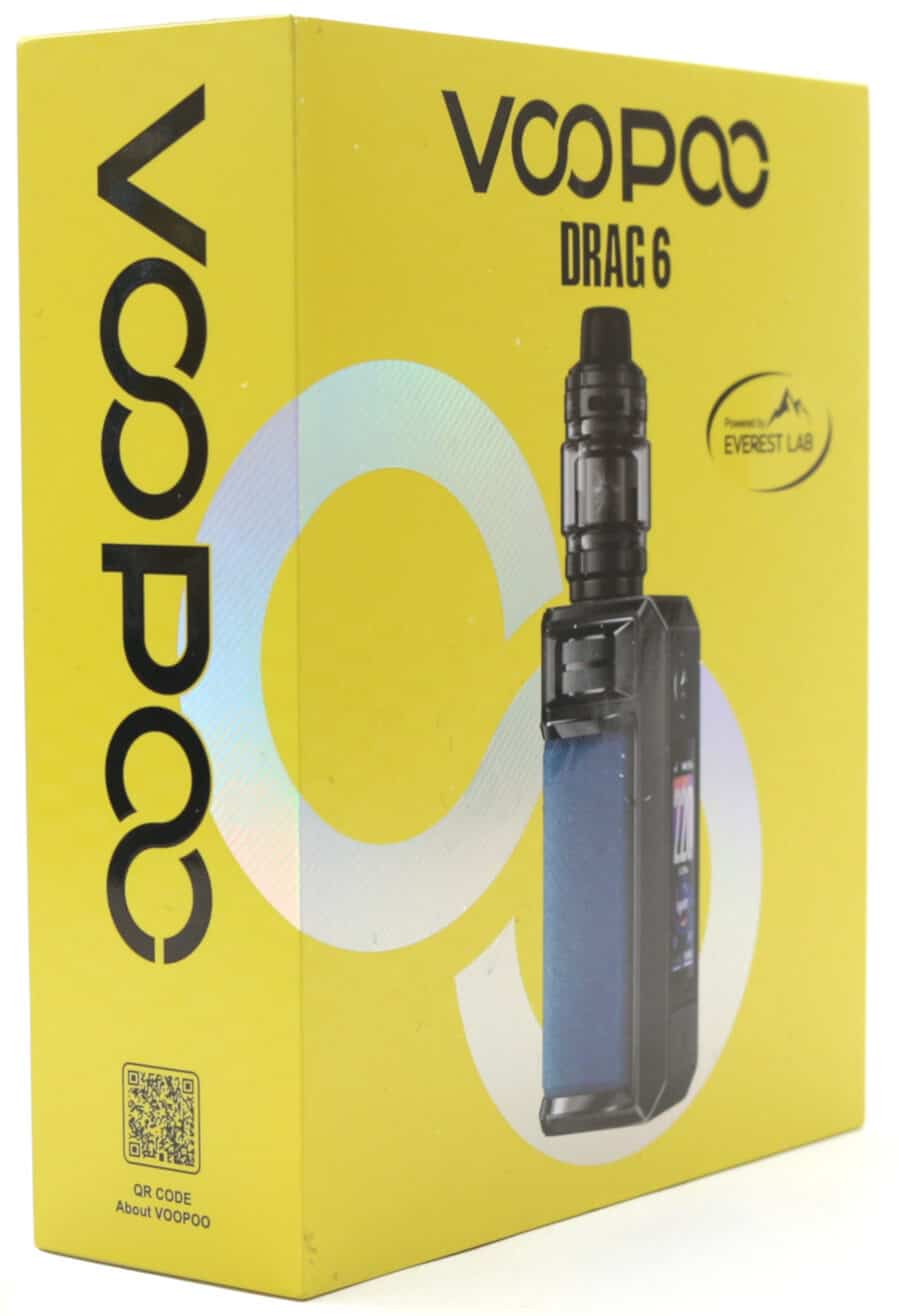
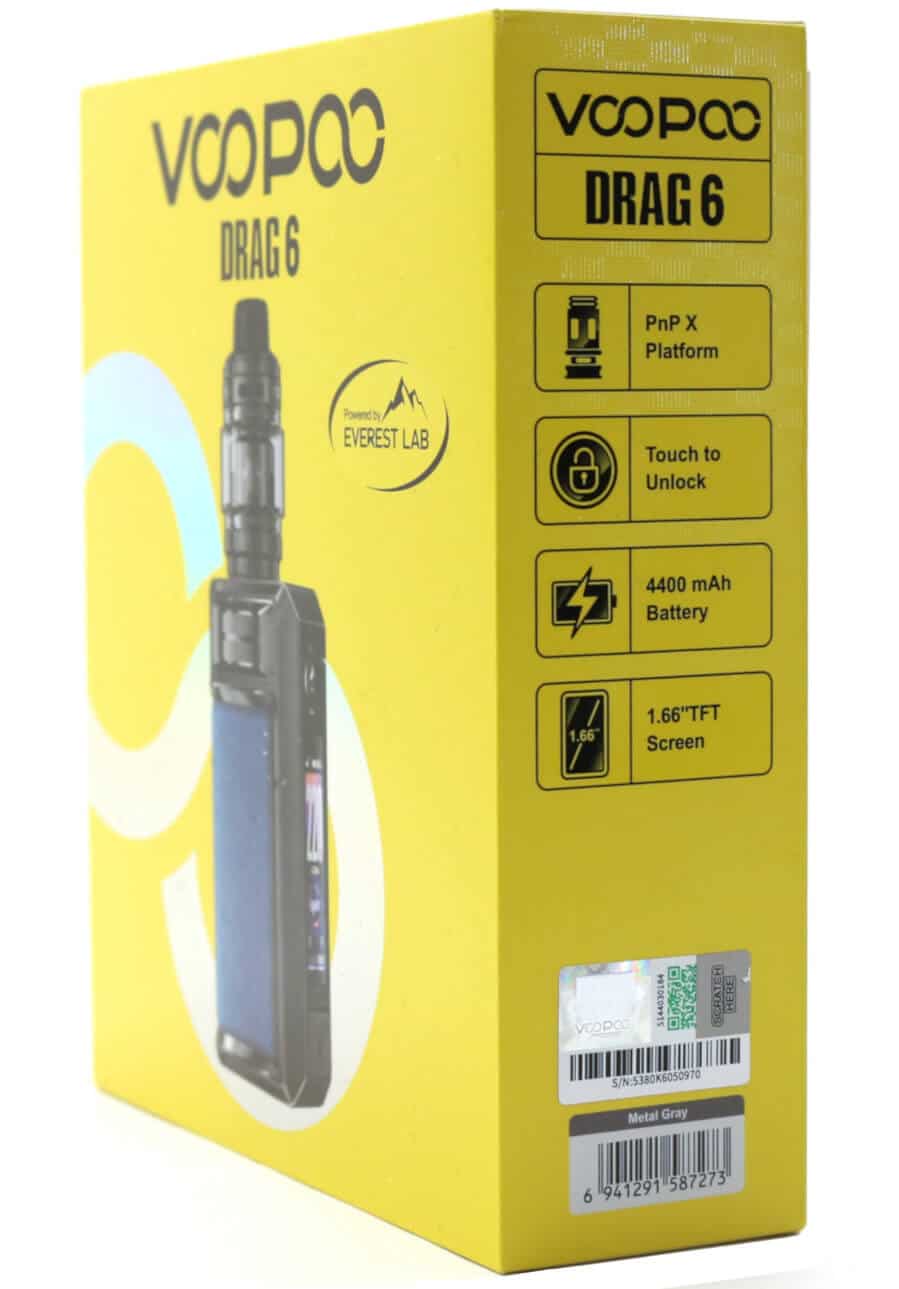
The left side of the lift off lid has "VOOPOO" in large black lettering and a small "QR Code about VOOPOO". The right side of the sleeve has the company and device name printed at the top, the main features of the device as detailed below, an "Authentication Sticker", two Barcodes and the "Color" of the included device:
- PNP X Platform
- Touch to Unlock
- 4400 mAh Battery
- 1.66 inch TFT Screen
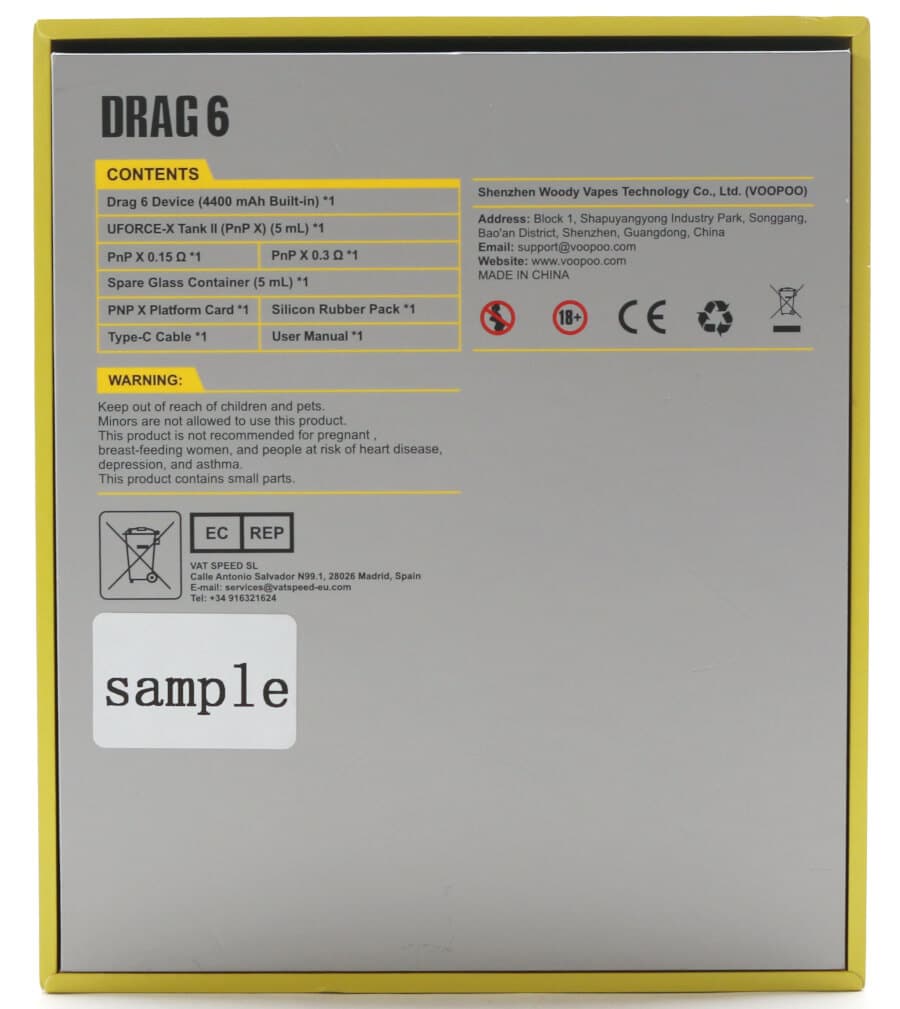
On the reverse side of the box are detailed the package contents, the manufacturer's details and the relevant safety and warning statements.
Preparing to Use the VOOPOO DRAG 6 Kit
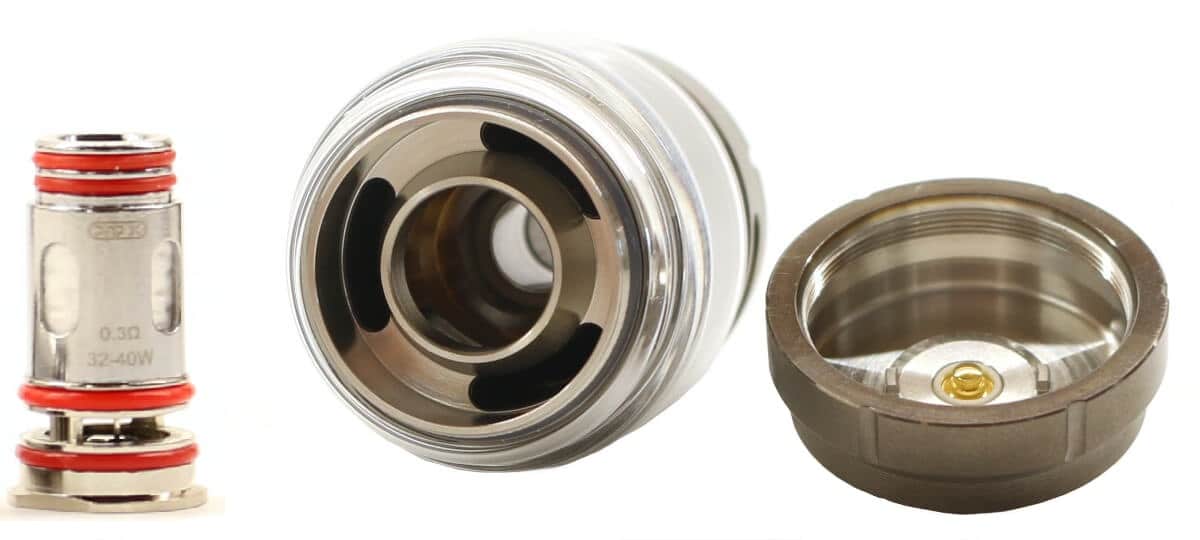
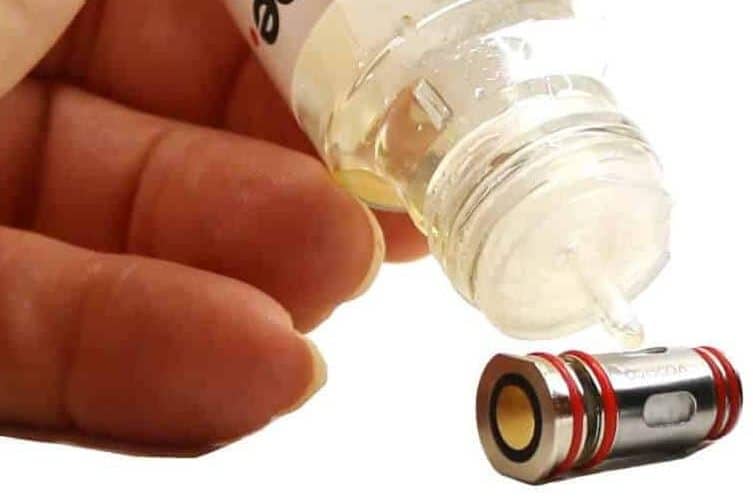
Once you've unboxed your DRAG 6 kit, remove the UFORCE-X Tank II from the foam insert and take out the pre-fitted PNP-X coil. Drip a few drops of e-liquid into each wicking port, refit the coil into the bottom of the tank and re-secure the base of the tank.
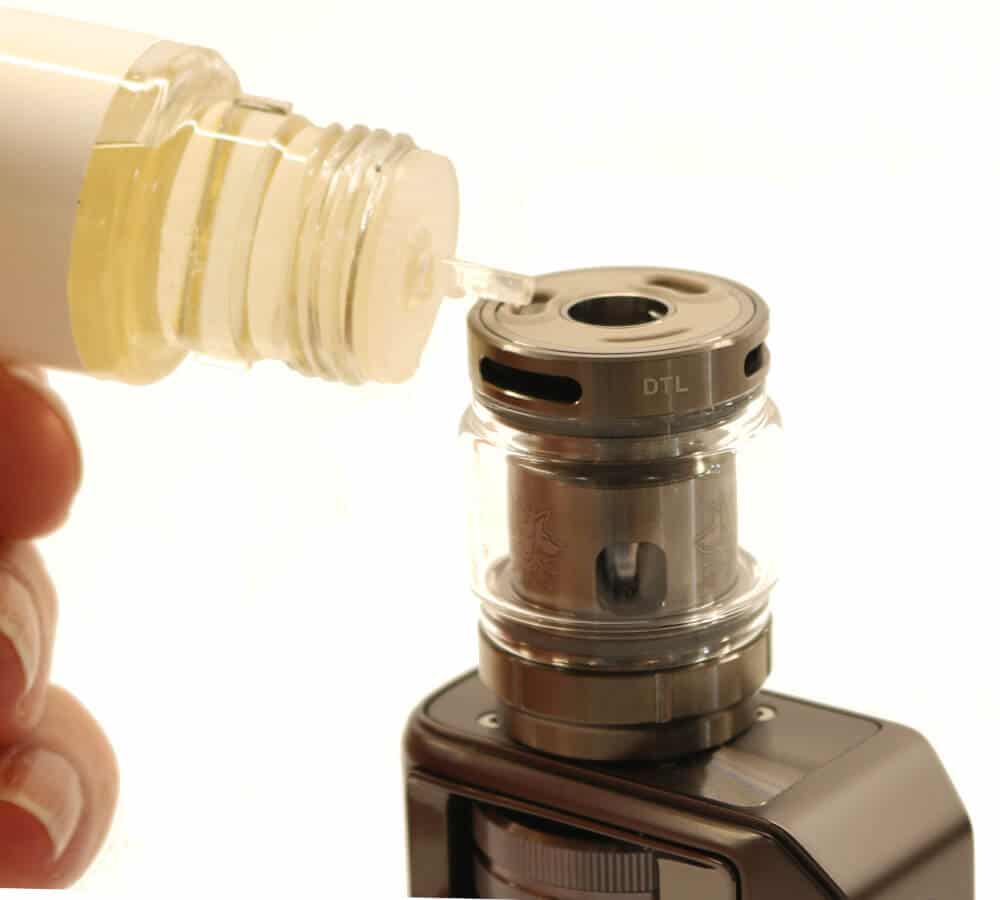
Fill the tank with your e-liquid and leave to stand for 10-15 minutes so the e-liquid fully saturates the wicking material. After this time has elapsed, screw the UFORCE-X Tank II into the 510 thread on the top of the DRAG 6 and turn it on by pressing the fire button 5 times.
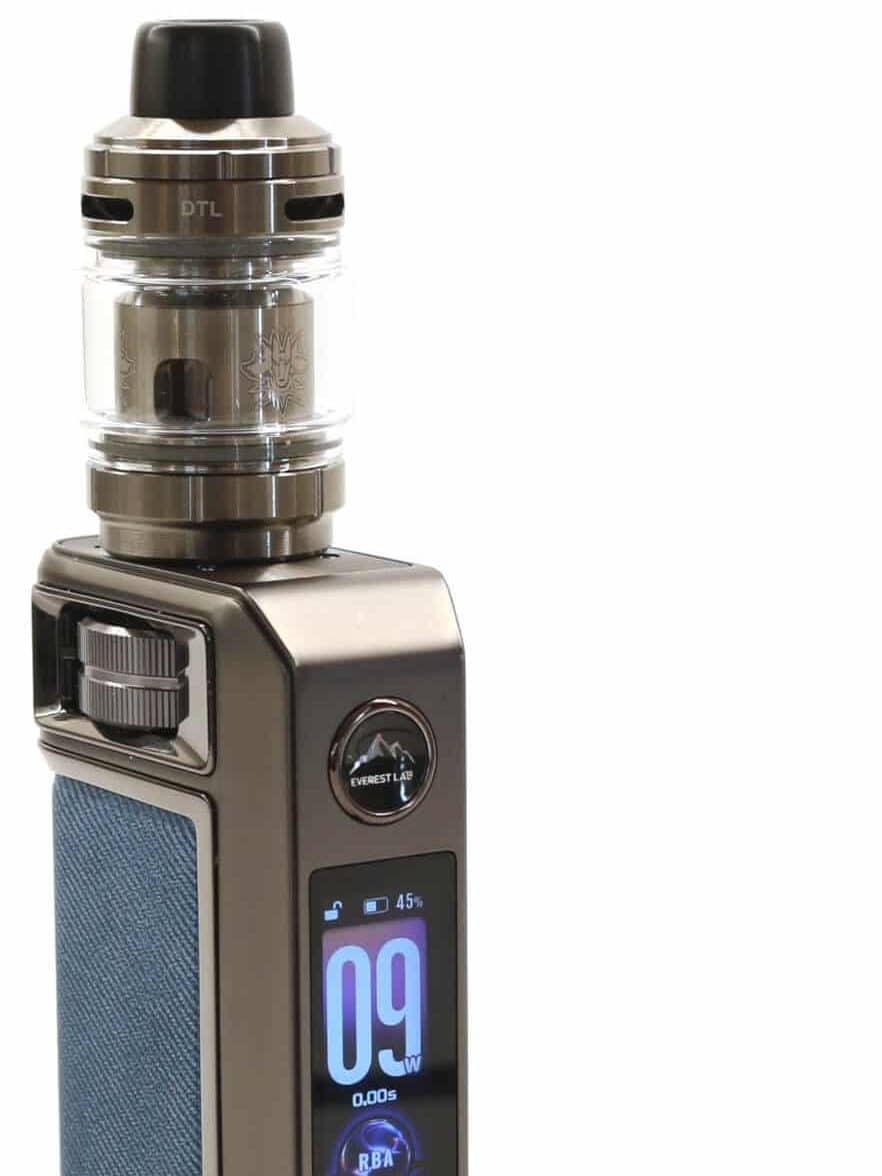
Unlock the DRAG 6 by touching the fire button and adjust the rotary wheel to set the wattage to around 10 W and take a few draws to slowly bed your new coil in. Gradually increase the wattage, each time talking a few draws until you reach the wattage that gives you your desired draw. Don't forget to adjust your airflow setting to suit your style of vaping.
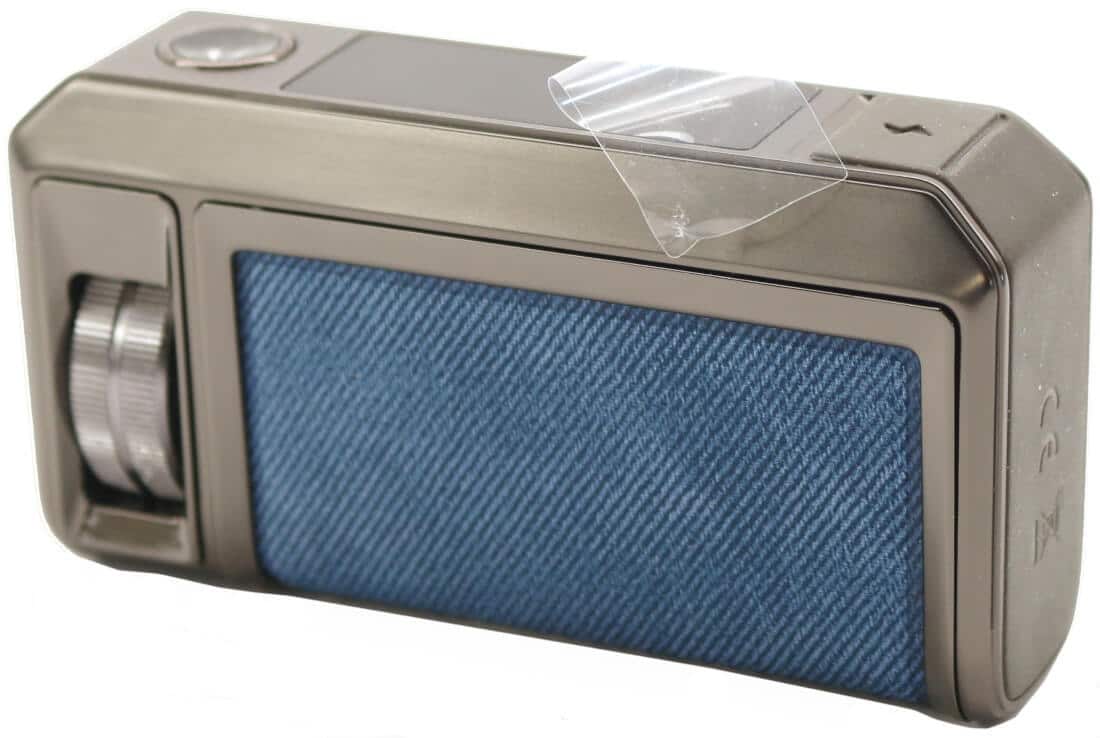
The DRAG 6 has a clear film sticker that protects the smoked black transparent screen during the packing process and transportation. It's down to user preference whether you remove this or leave as is.
For reference, we've written a detailed description on all the menus and how to select and adjust them in the Functionality section of this review. We've also covered how to Charge and Fill your VOOPOO DRAG 6.
VOOPOO DRAG 6 Kit Design and Appearance
DRAG 6 Mod
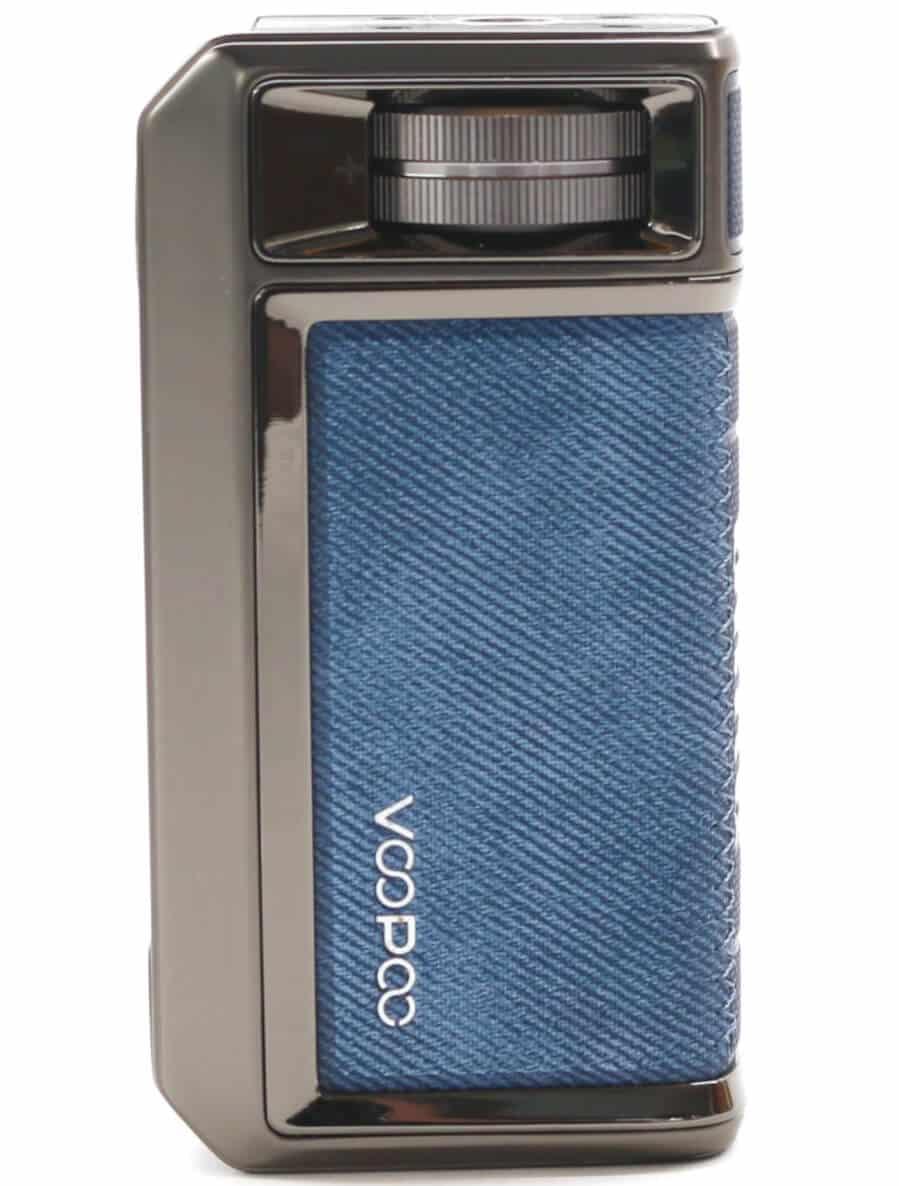
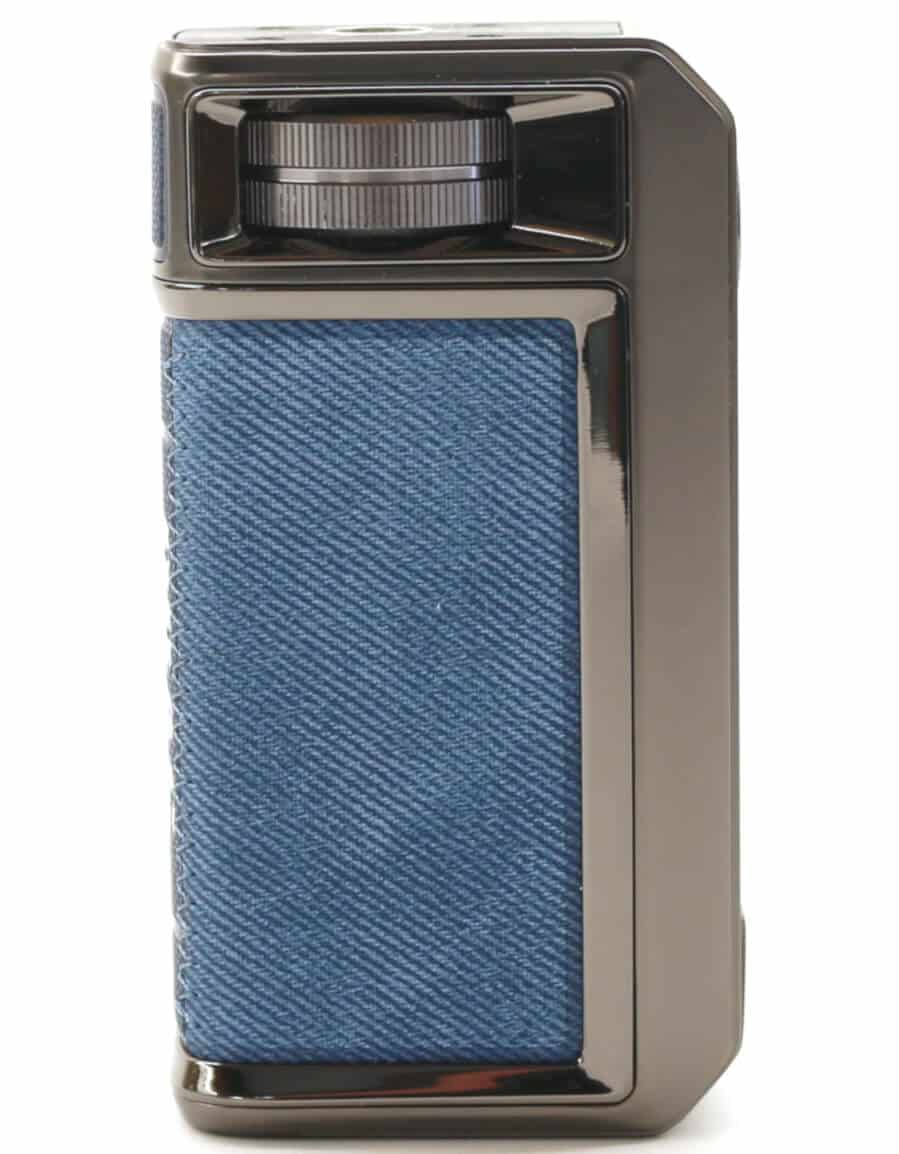
The DRAG 6 is constructed out of Aluminum Alloy with a leather 3/4 wrap-around hide that's inset into the alloy frame and measures 96.5 mm tall (excluding the tank), 51.5 mm wide by 28.5 mm deep. It's a very solid and very robust device, weighing in at a hefty 222 g.
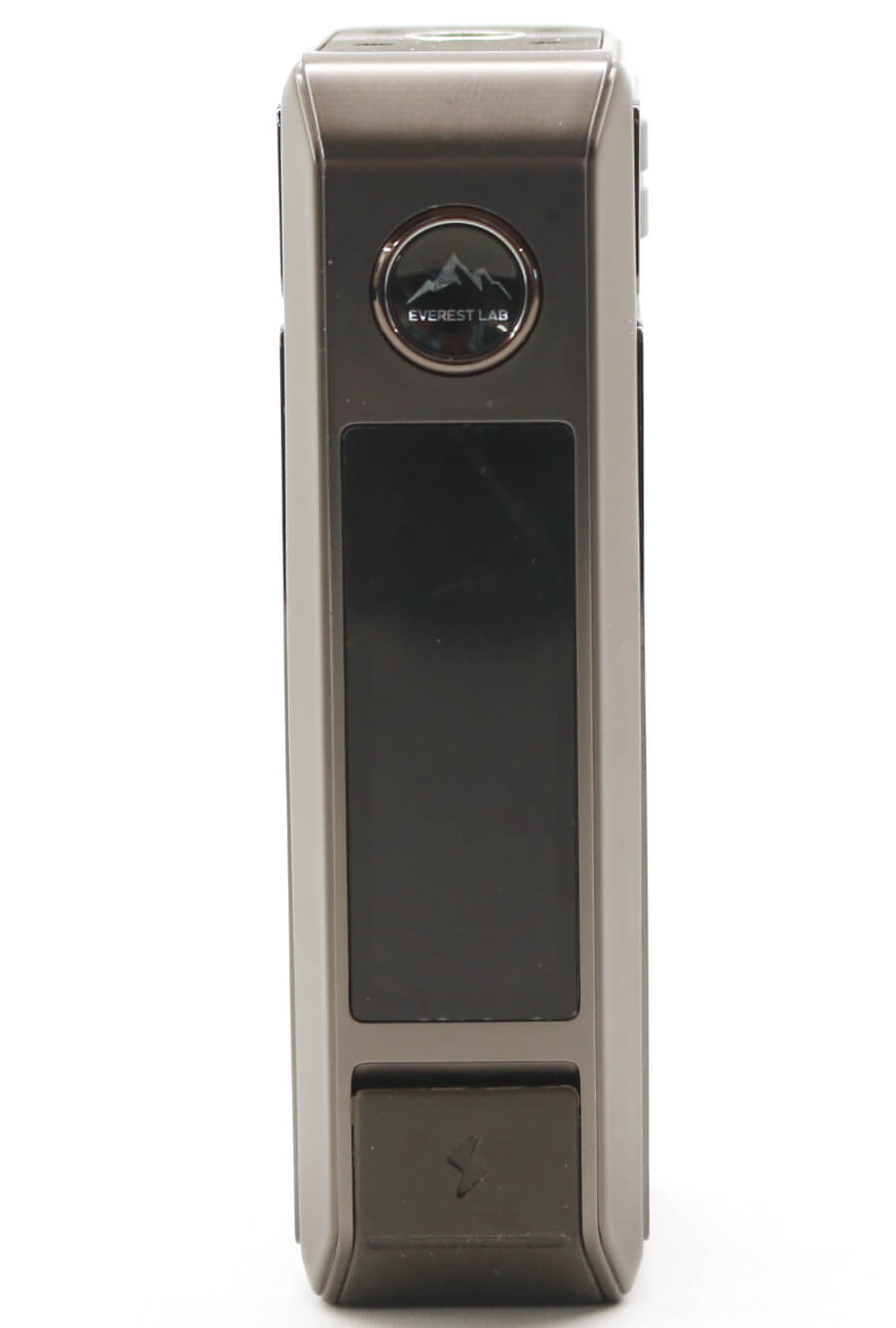
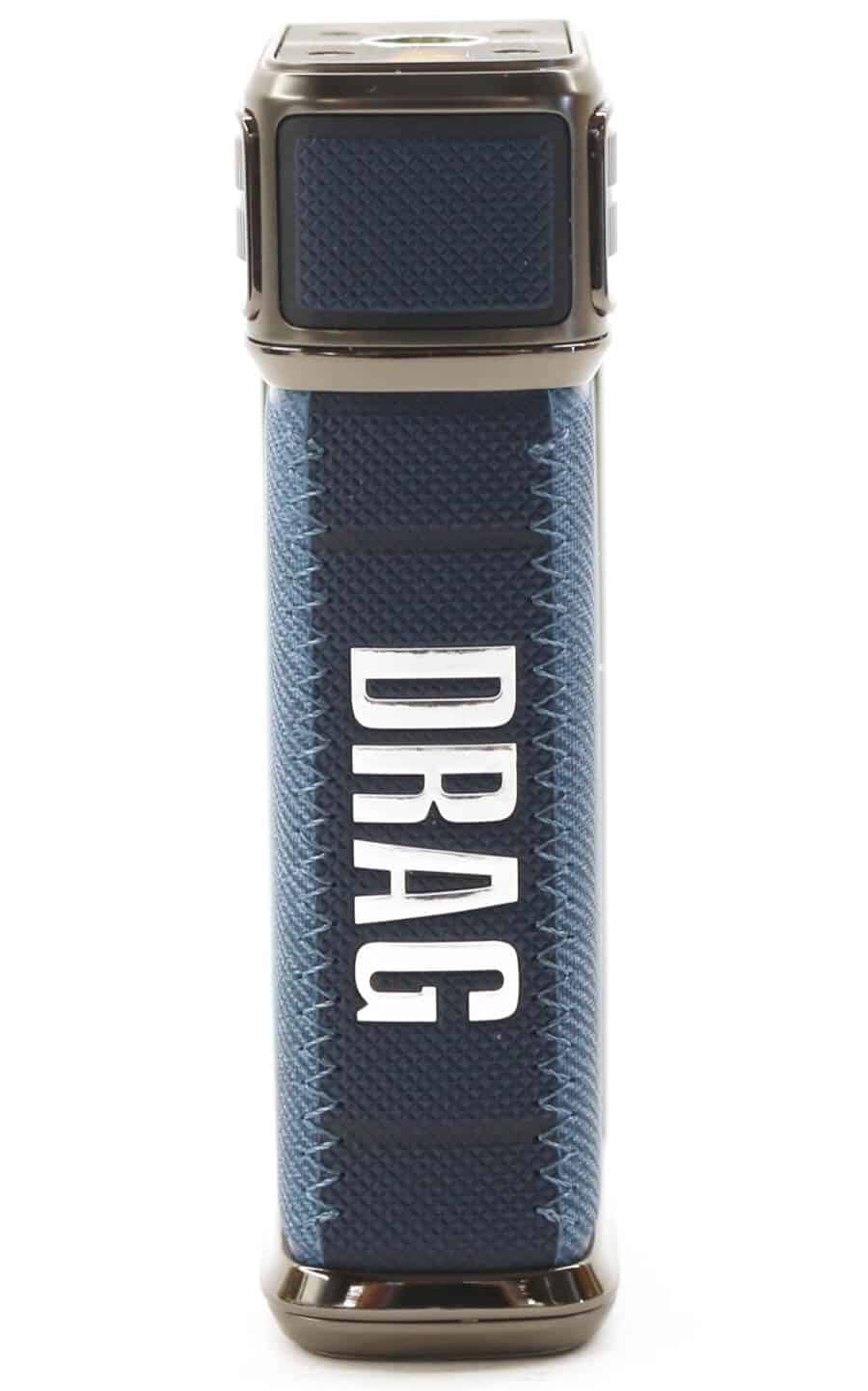
It's a multi-function mod capable of 5 W - 220 W with the following 3 different operating modes:
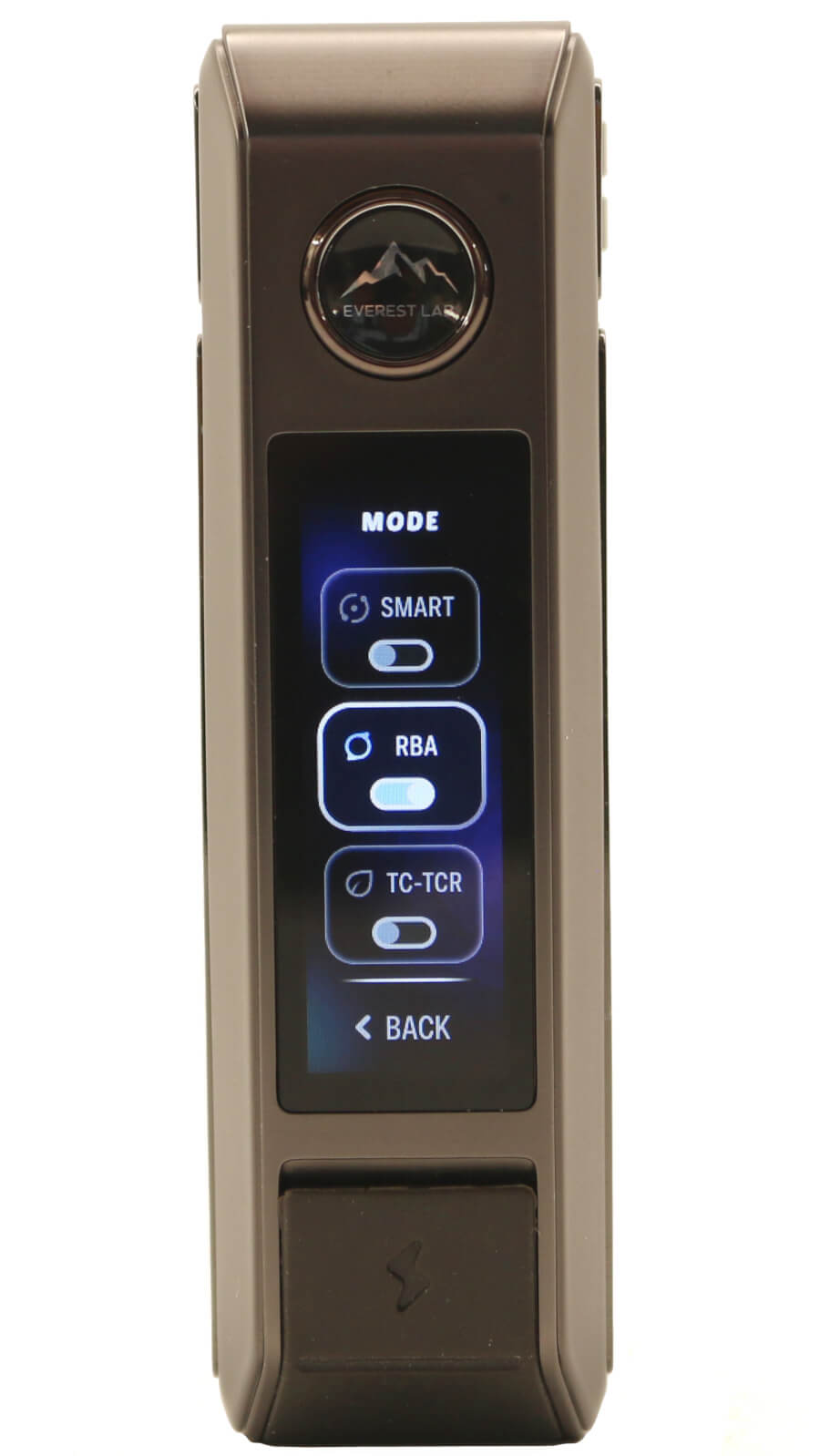
- RBA: Variable wattage from 5 W - 220 W
- SMART: Auto selects the optimum wattage and limits the maximum wattage for each coil type
- TC-TCR: Temperature Control modes with 4 selectible wire options of SS316, SS430, Ni200 and Titanium (Ti)
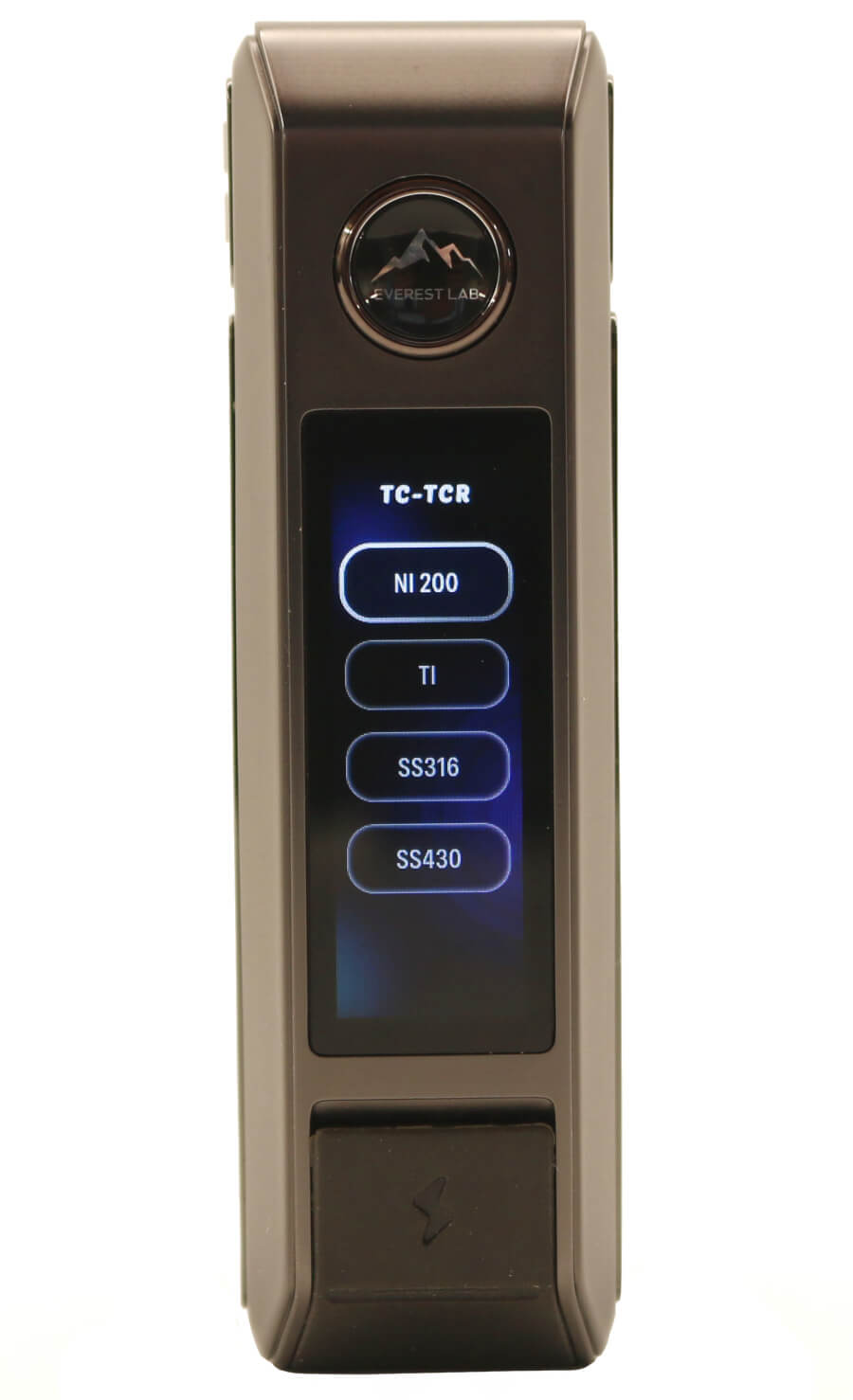
Although the DRAG 6 mod has temperature control and the mode description states TC-TCR, it is limited to the 4 selectible wire types. There is no option for selecting separate TCR (Temperature Coefficient of Resistance) values so you can't input any wire type. The temperature scale is also in Fahrenheit only and doesn't include a Centigrade/Celsius option.
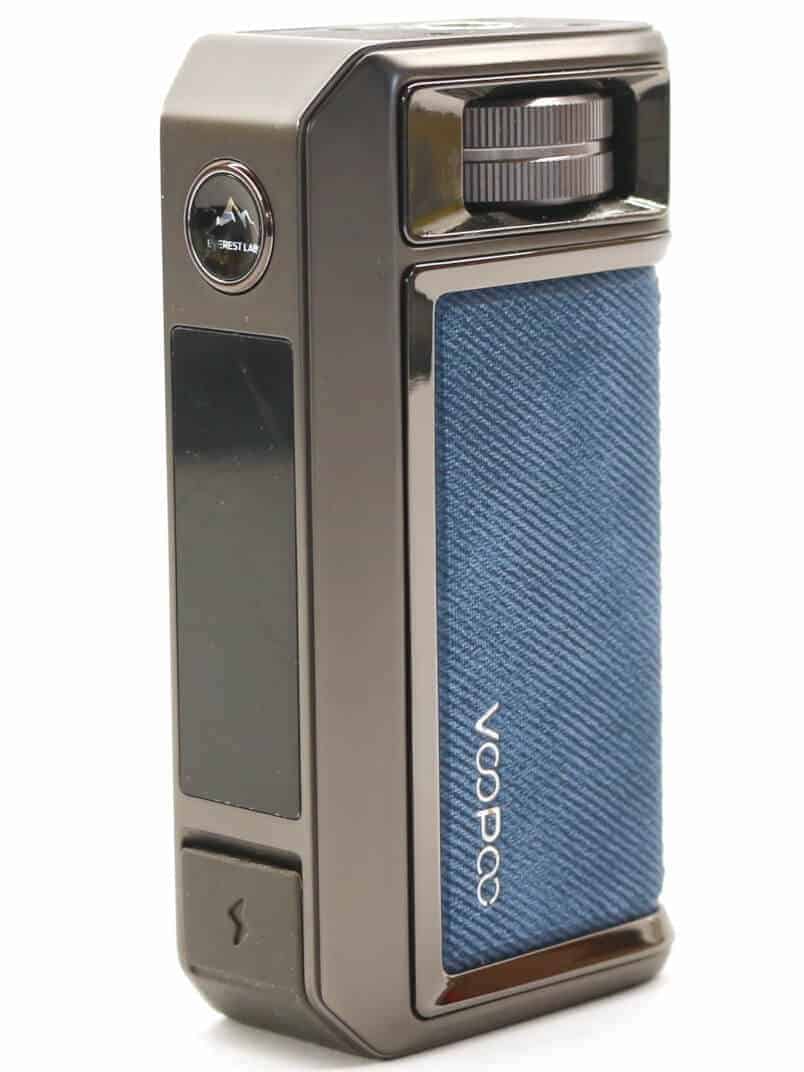
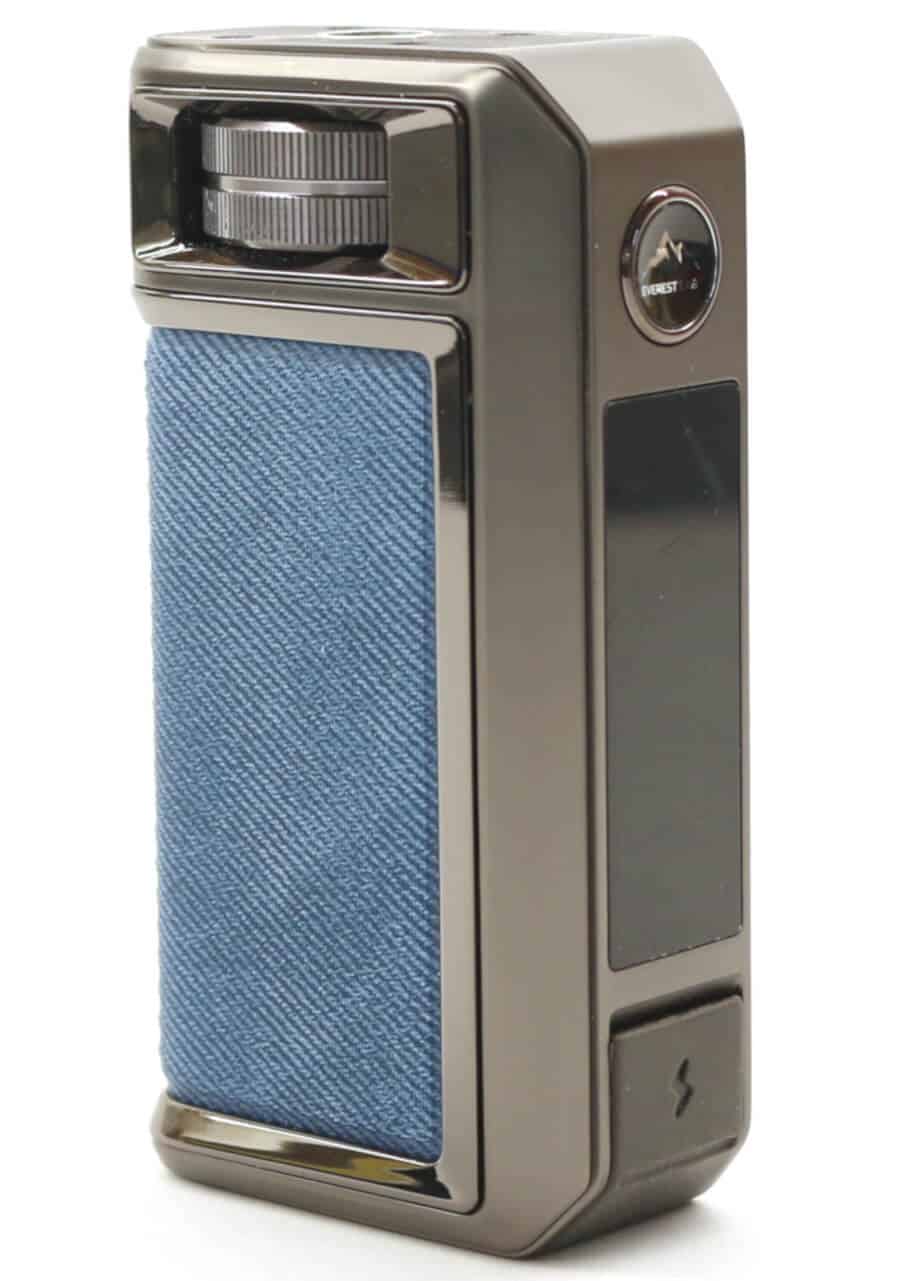
Unlike the earlier DRAG releases which used external batteries, the DRAG 6 is powered from a large internal 4400 mAh capacity battery. Charging the battery is carried out using the supplied charging cable plugged into the Type-C USB port that's concealed behind the silicone rubber flap below the display on the front of the device. This USB port is specified as 5 V/3 A so to maximize high speed charging you will need a QC compatible charge source/plug.
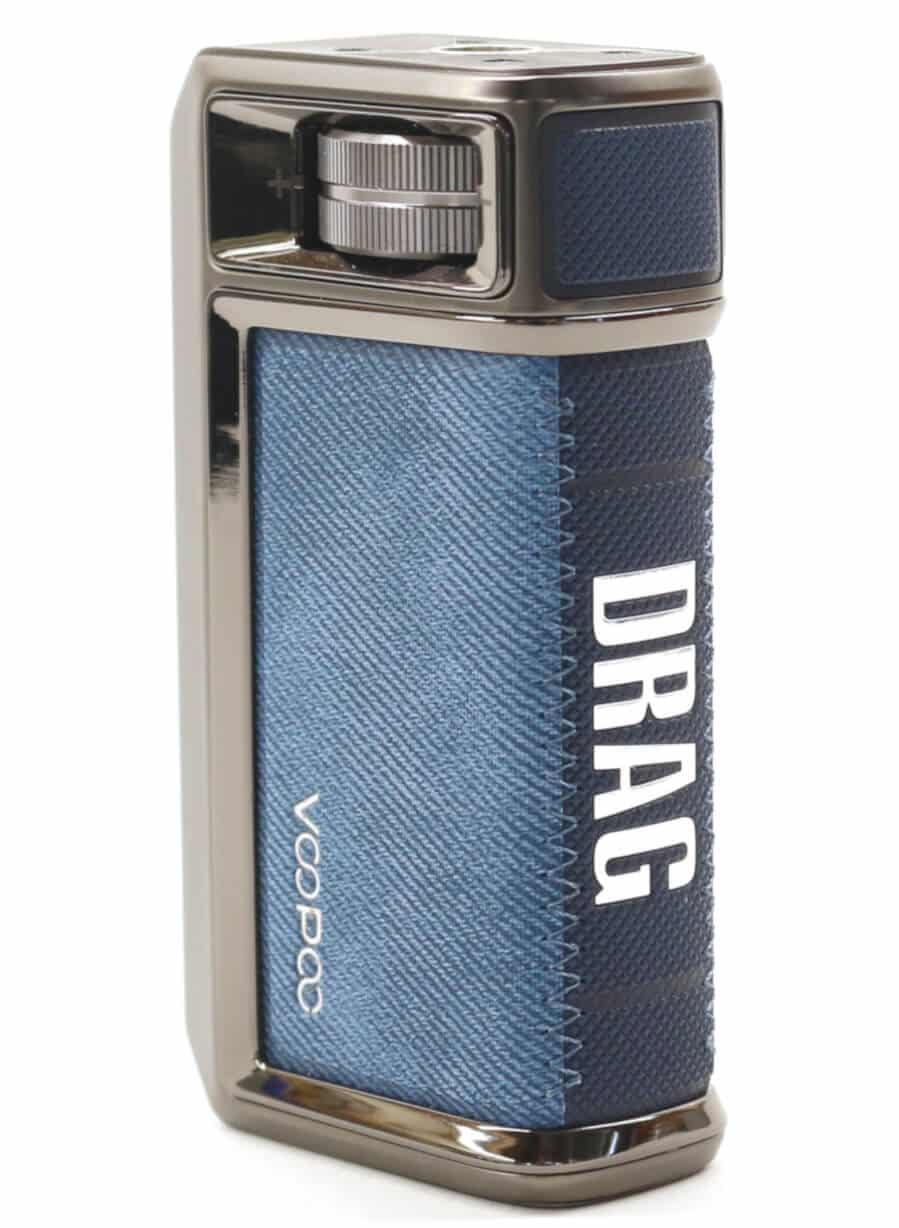
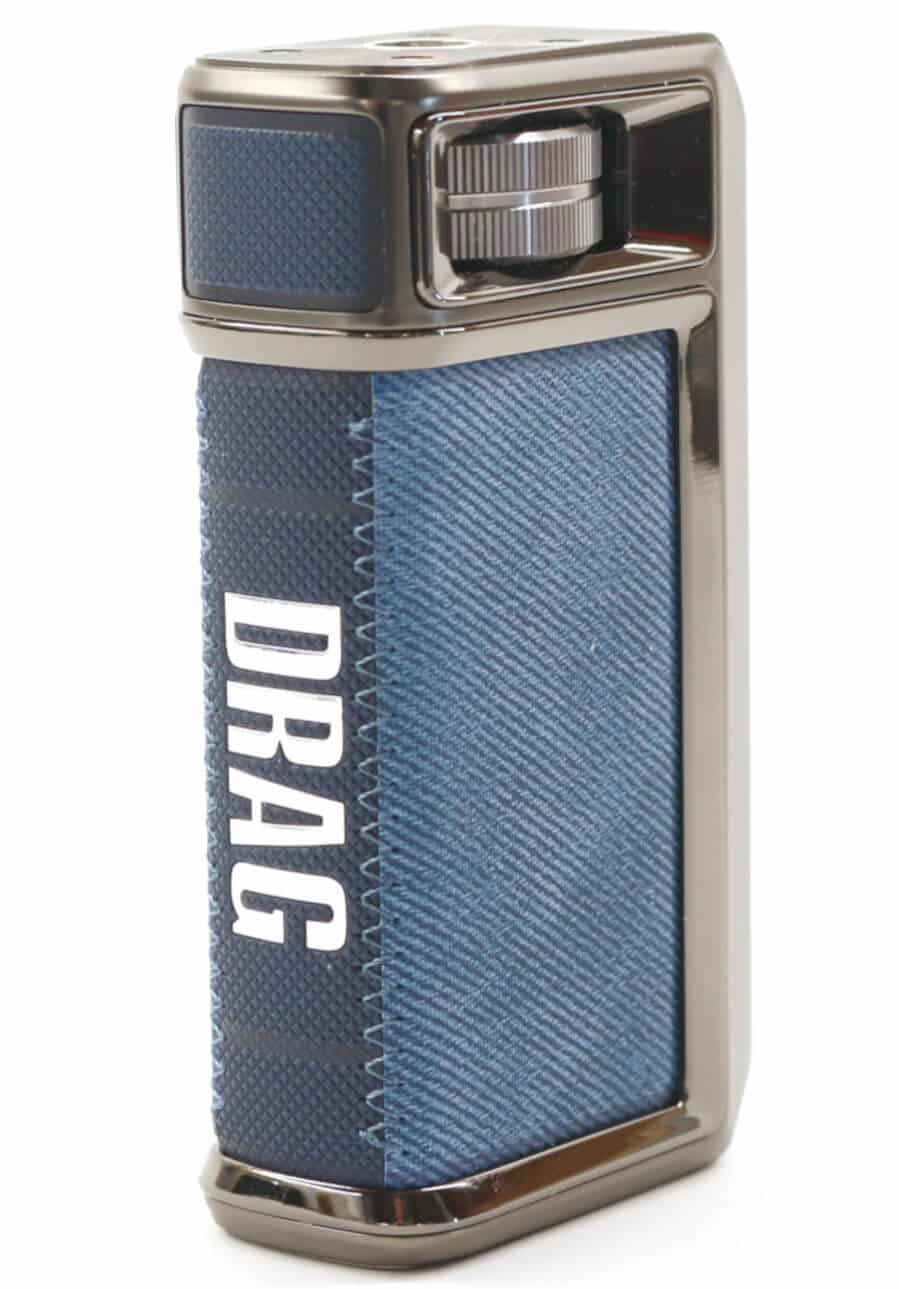
Another big change to the DRAG 6 mod is the inclusion of a large rotary notched wheel that's positioned towards the top of the body, just below the 510 thread that's accessible from either side of the device. This adjusts the different menus and variable parameters replacing the need for the more conventional up (+) and down (-) control buttons.
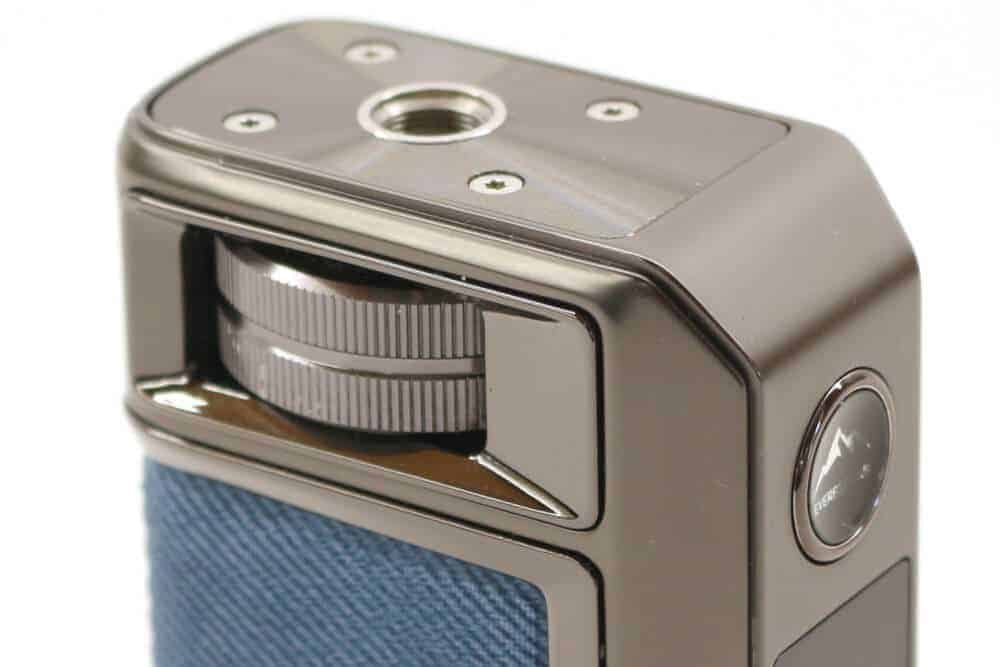
VOOPOO used this method of control, albeit combined with the fire button, on the VINCI Spark 220 kit that we reviewed back in the beginning of 2025.
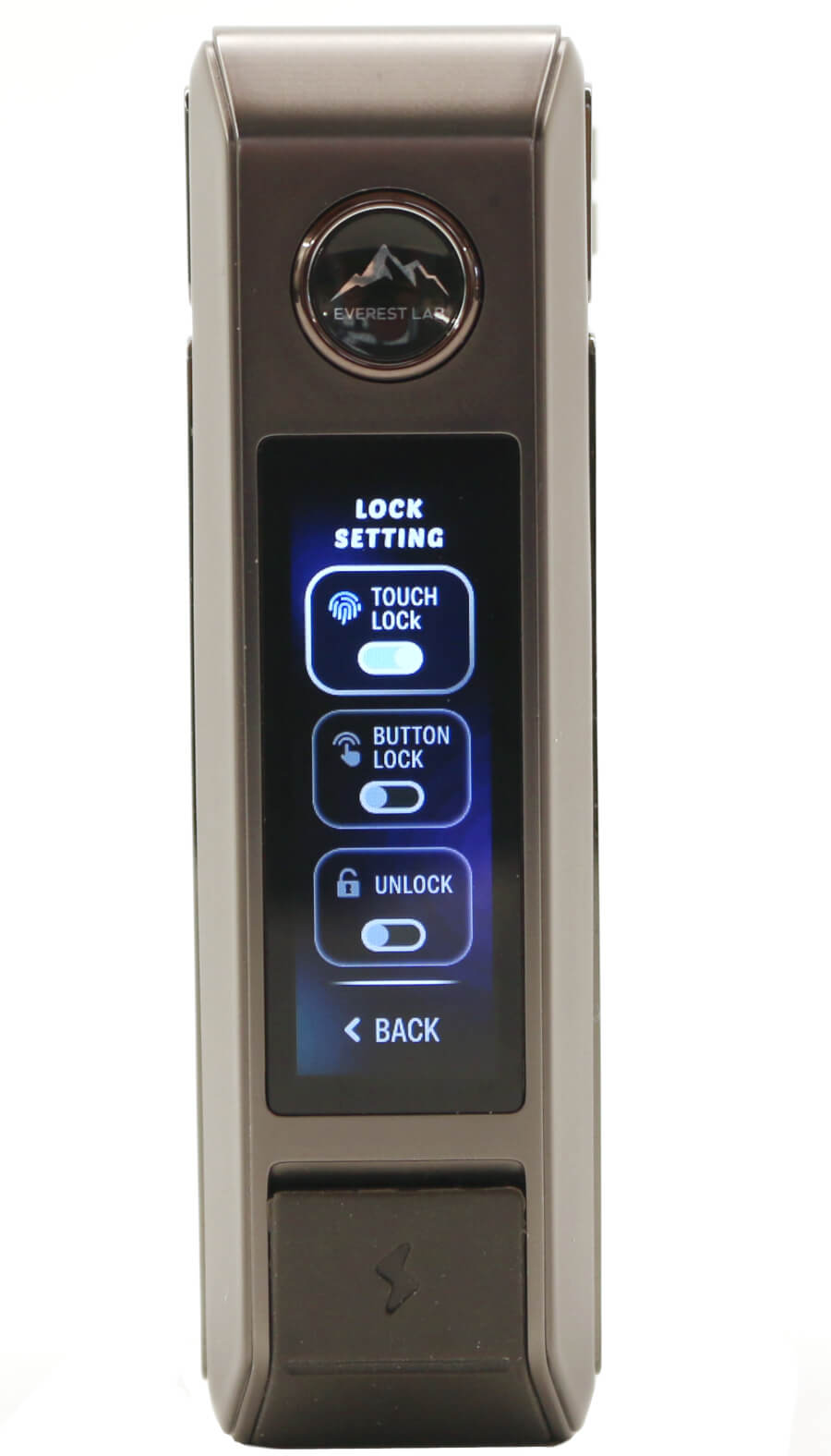
Something we first saw when reviewing the DRAG S3/X3 was a fingerprint sensitive capacitive lock/unlock fire button that's now been included on the DRAG 6. The fire button is configurable to function as un-locked, locked or automatically unlocked once your thumb/finger touches the fire button (more on this in the Functionality section).
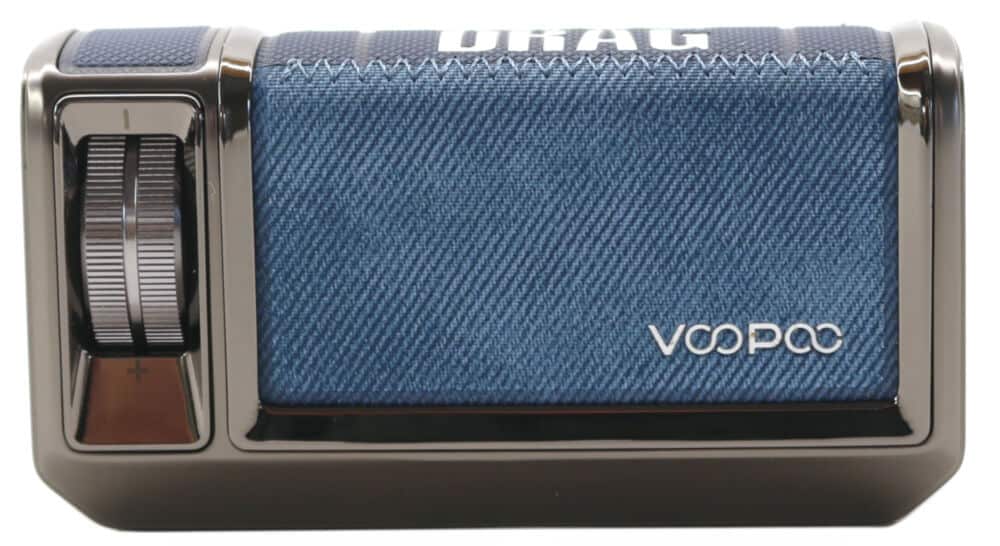
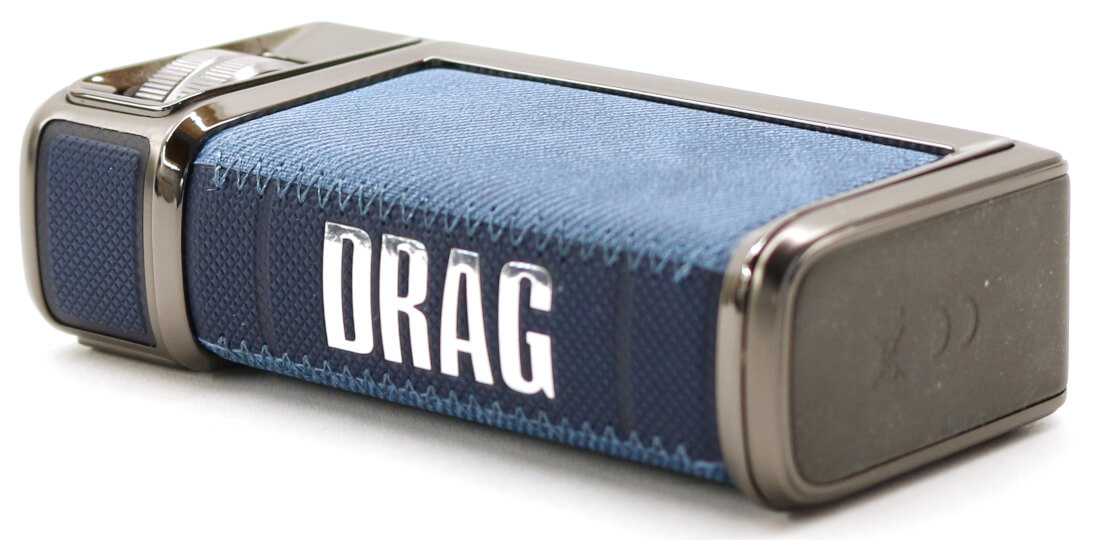
Branding on the DRAG 6 is contained to the leather hide. The left hand side has "VOOPOO" imbedded into the colored leather in small lettering and on the back spine is "DRAG" in much larger lettering.
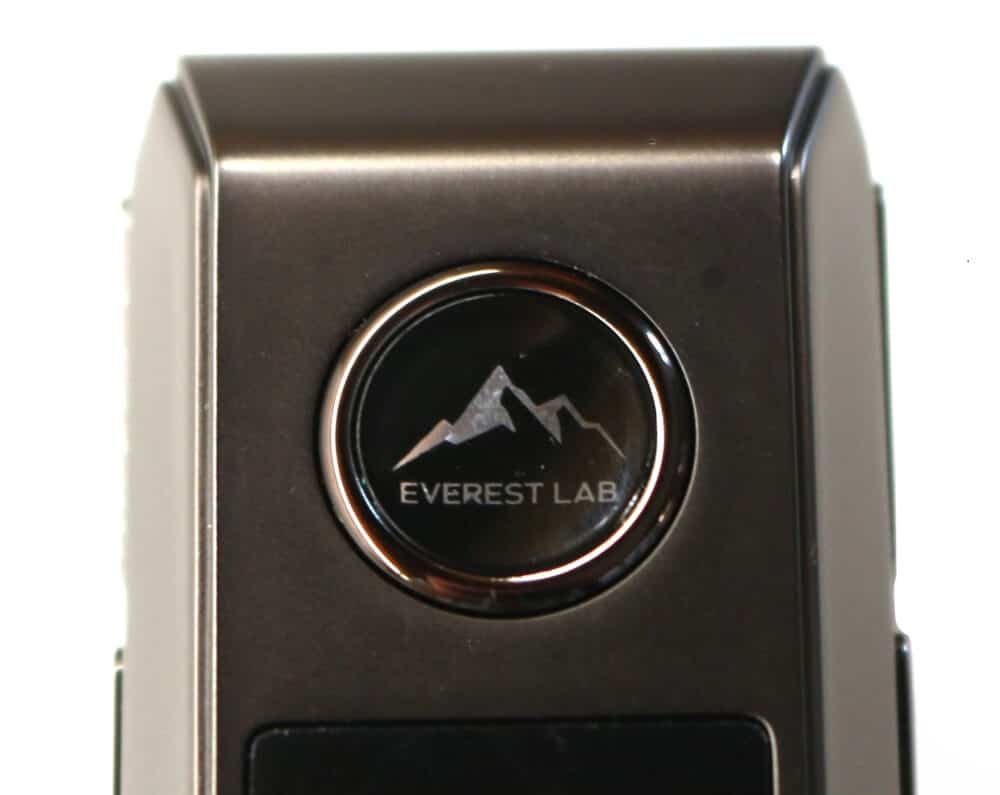

The only other markings on the DRAG 6 are on the fire button with "Everest Lab" below a mountain range image and a "+" and "-" marking on the right side alloy casing each end of the rotary wheel.
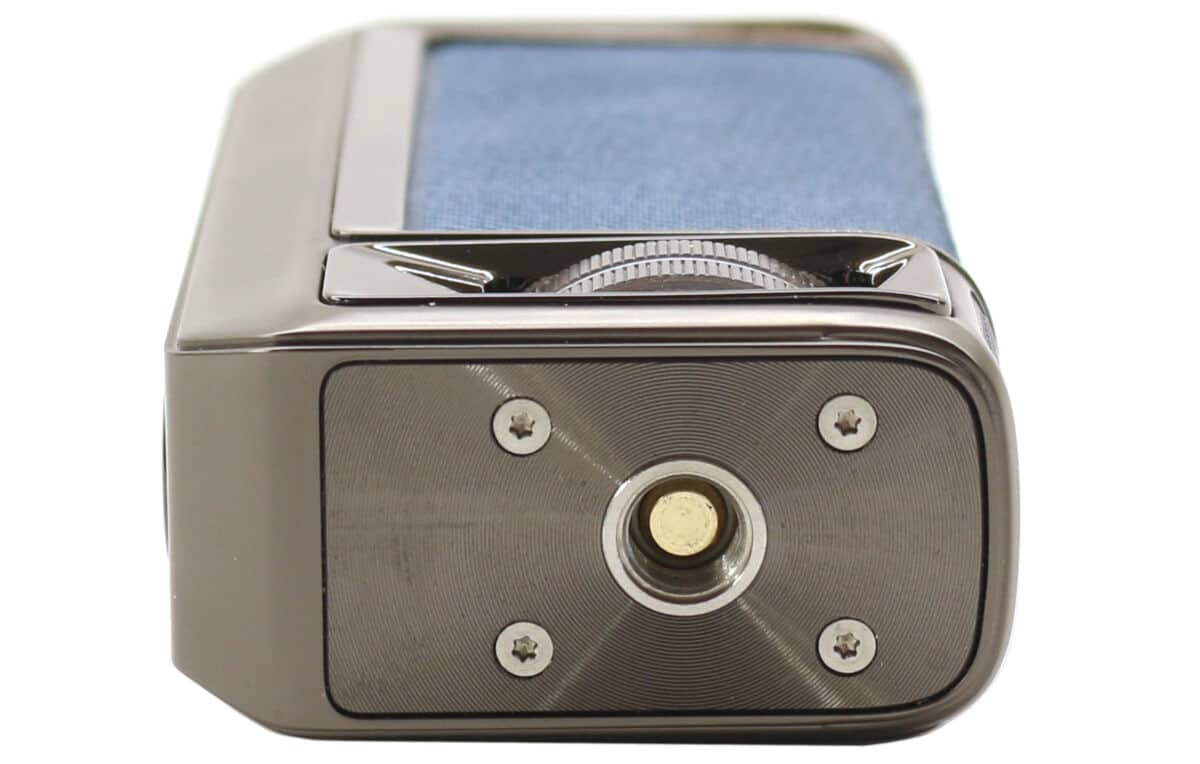
On top of the DRAG 6 mod is a slightly raised center threaded 510 insert with the spring loaded center pin that connects to the UFORCE-X Tank II and 4 star screws that surround this insert.
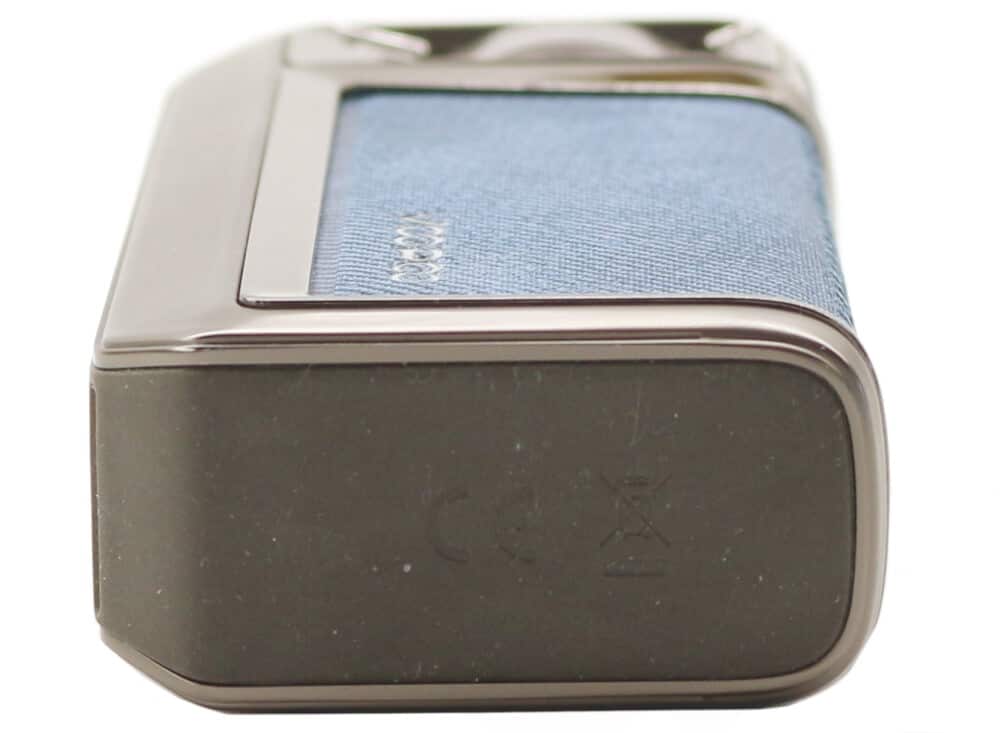
The bottom of the DRAG 6 is flat and has a rubber base to aid grip which prevents the base from being scratched or slipping when stood on a flat surface.
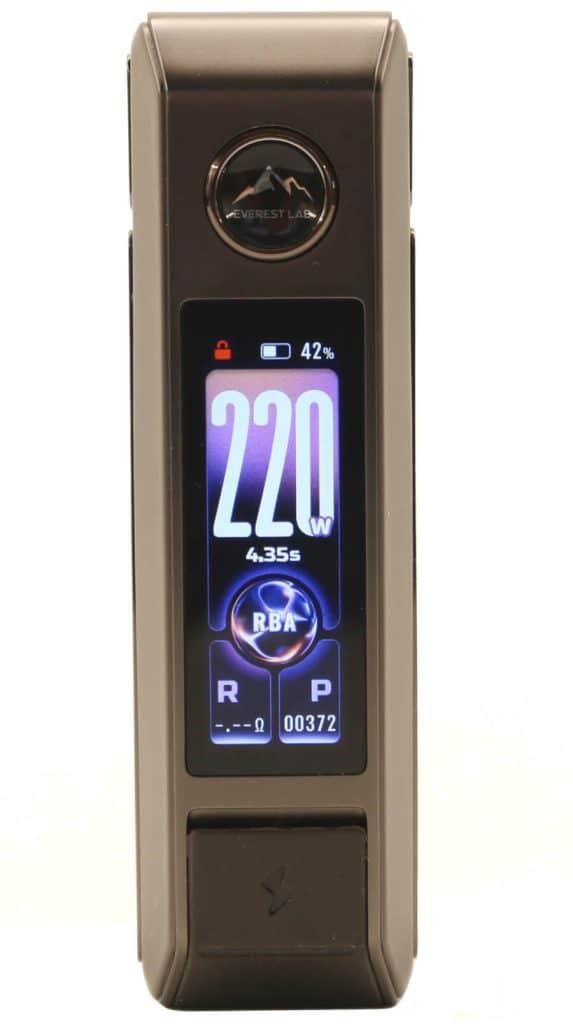
On the front of the DRAG 6, that also includes the fire button and USB charging port, is a large 1.66 inch multicolored TFT smoked black display screen. All of the user information is clearly visible on this display, even in pretty bright sunlight.
The information on the main display includes the following:
- Selected mode (RBA / Smart / TC-TCR)
- Battery level icon with % value
- Numerical Wattage / Temperature levels
- Fahrenheit (TC only)
- Lock / Unlock
- Coil resistance reading
- Puff Counter
- Vape time duration
- Animated graphic when fired
Control of the DRAG 6 is carried out by the updated GENE.TT 3.0 chipset and provides all the necessary protections and will display these notifications on the 1.66 inch TFT display screen:
- Time Out
- Check Atomizer (no resistance detected)
- High Temperature Protection
- Low Voltage / Battery Low
- Atomizer Short / Low Resistance Protection
- Device Function Lock / Unlock
- Charging
- Max Power
The DRAG 6 also has a straightforward and easy to follow menu structure (3 clicks of the fire button when turned on) where you can select using the rotary wheel and fire button to configure the following:
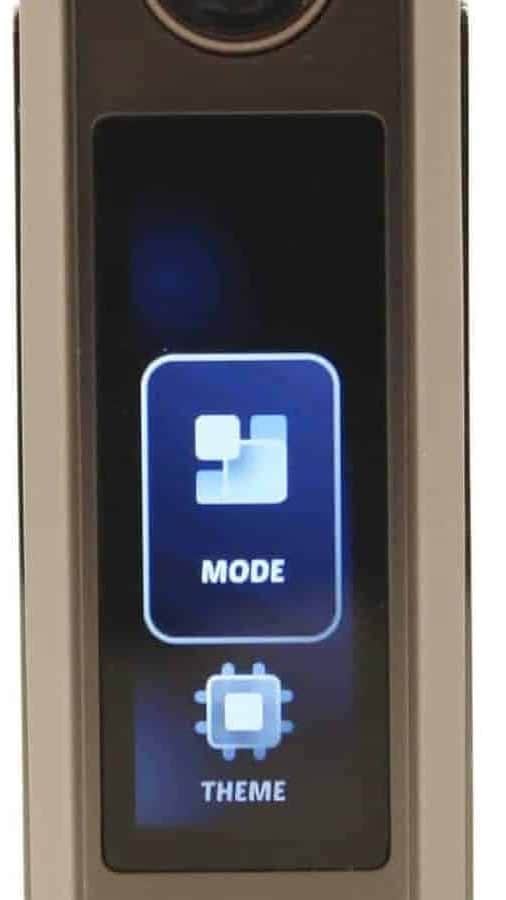
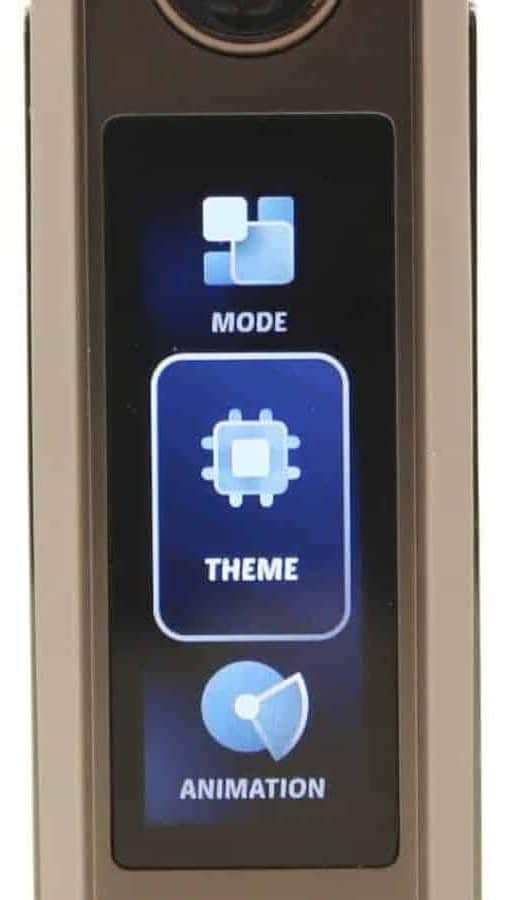
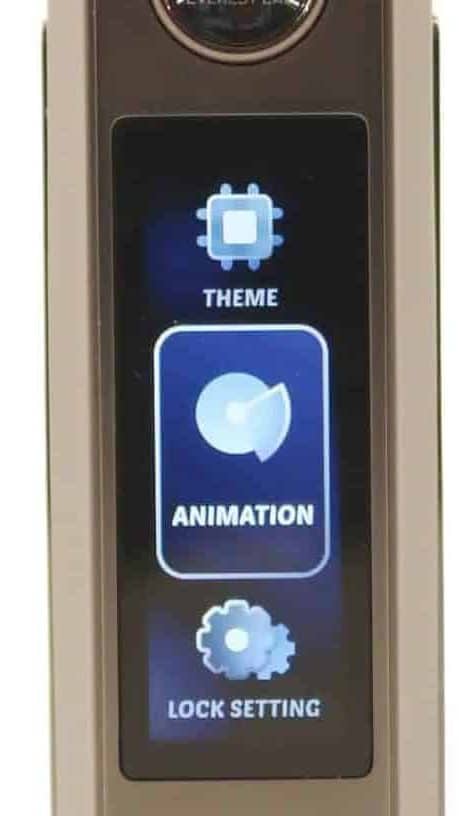
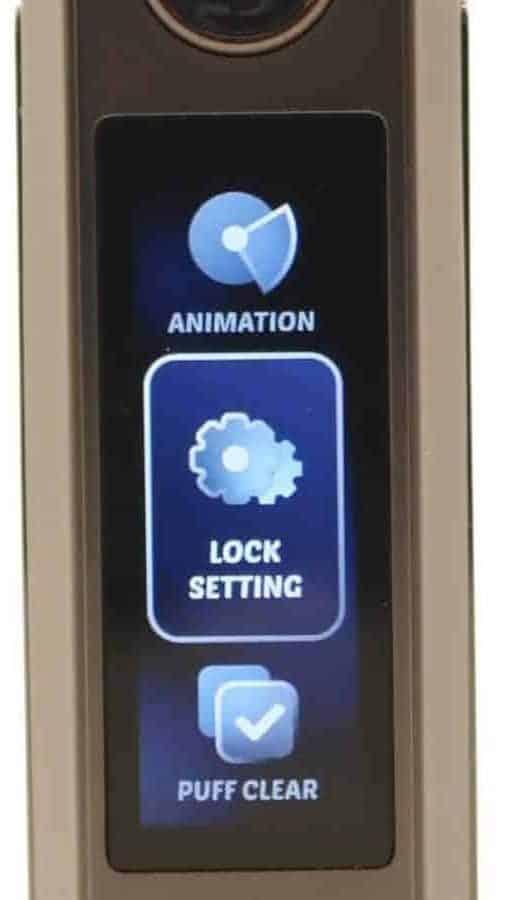
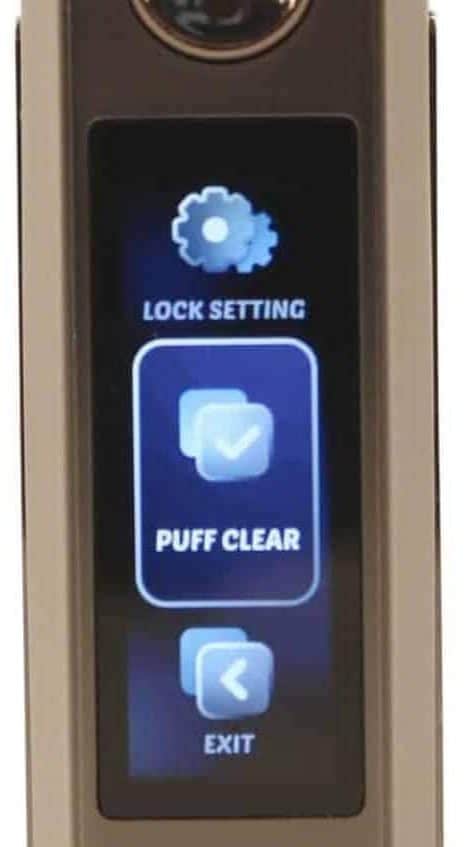
- MODE: Smart, RBA or TC-TCR
- THEME: 3 different screens
- ANIMATION: On/Off
- LOCK SETTING: Touch, Button, Unlock
- PUFF CLEAR
- EXIT
Further explanation of these options and the different menu settings are detailed in the Functionality section of this review.
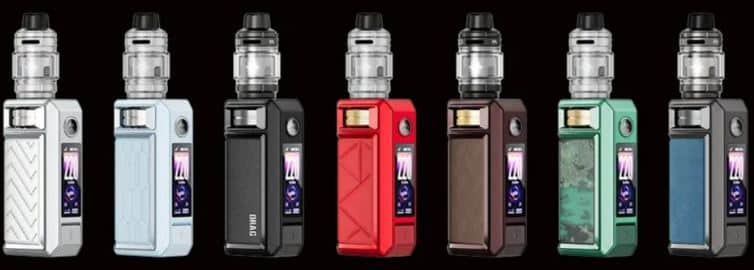
The DRAG 6 kit we received from VOOPOO was a Metal Grey color and can be seen in the photos within this review. There are a total of 7 available color options in the DRAG 6 range, each having different color Aluminum Alloy bodies and a different color/pattern leather hide. The included UFORCE-X Tank II comes in 3 colors, either black, gunmetal or silver depending on which color DRAG 6 kit you choose.
| DRAG 6 Mod | UFORCE-X Tank II |
|---|---|
| Metal Grey | Gunmetal |
| Green | Silver |
| Red | Silver |
| Blue | Silver |
| Silver | Silver |
| Black | Black |
| Brown | Black |
When comparing the DRAG 6 against the earlier DRAG 5, its build quality and functionality although quite similar comes with some welcomed changes. An internal battery, capacitive lock/unlock fire button, a larger display and a rotary adjustment wheel bringing a more modern look and feel to it.
VOOPOO DRAG 6 Mod Functionality
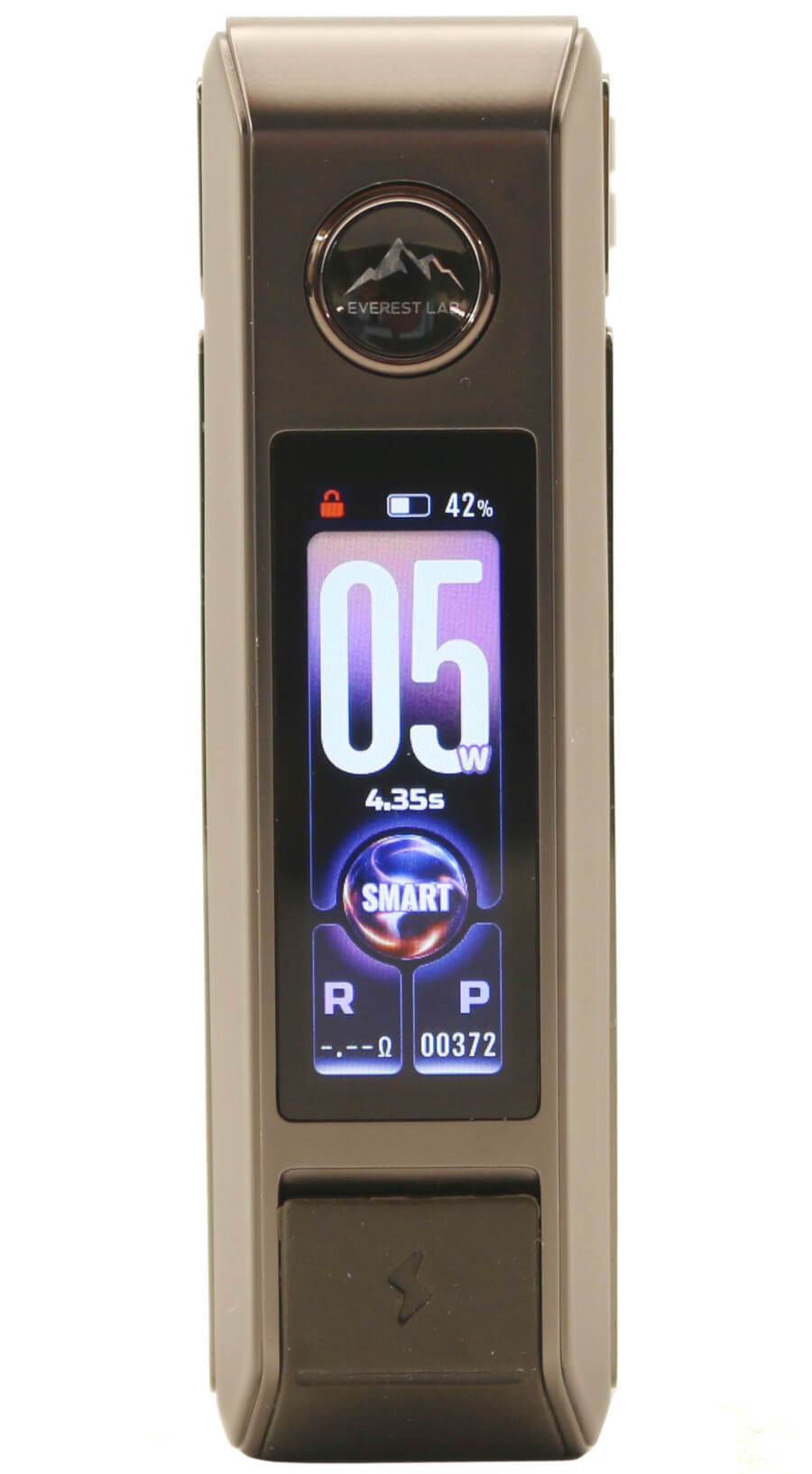
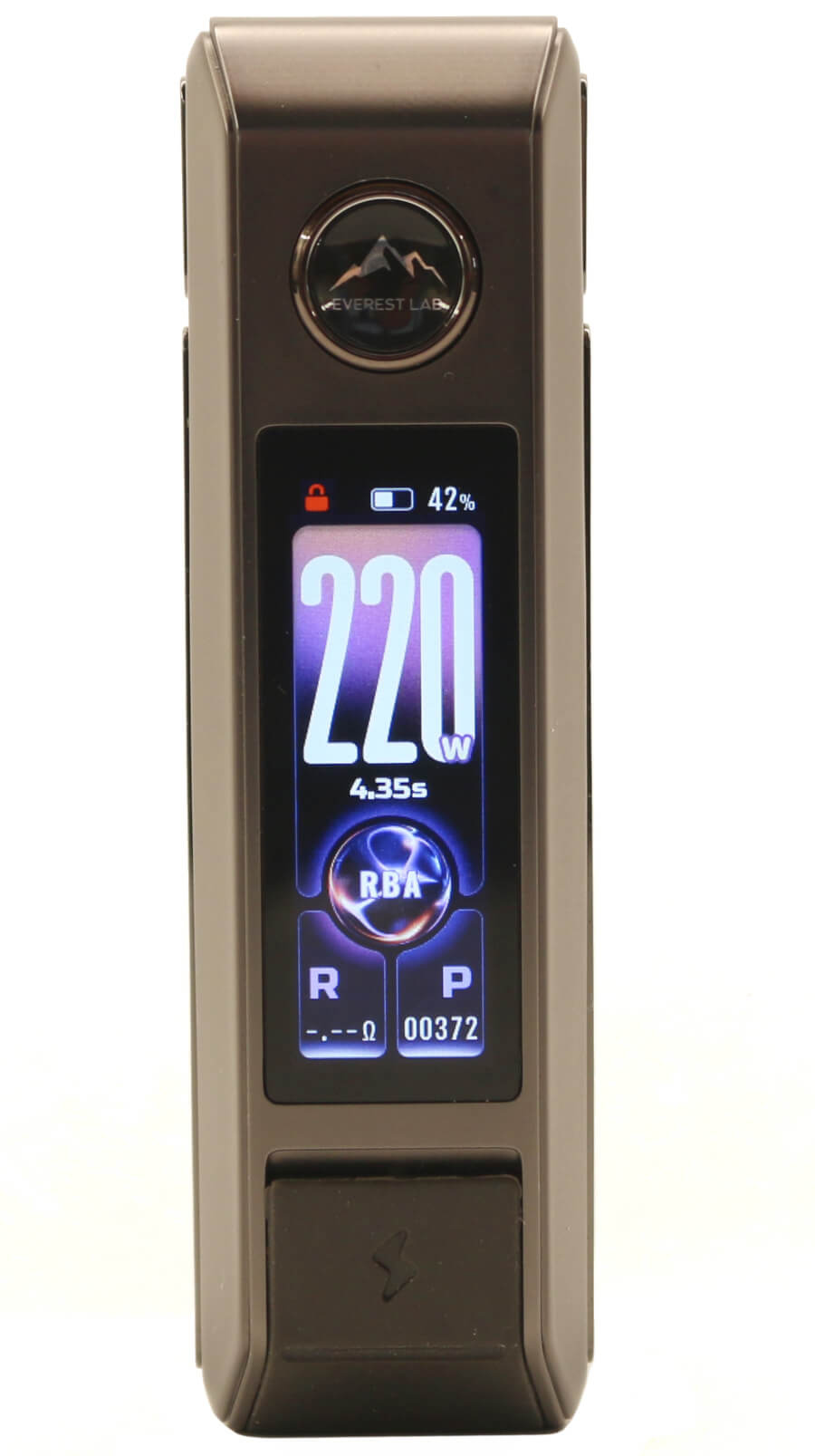
The DRAG 6 mod is a 5 W - 220 W variable power device with RBA and SMART modes and 4 TC-TCR temperature control modes (SS316, SS430, NI200 and TI). 3 different THEME settings are selectible and the ANIMATED graphic screen can be switched ON/OFF. There are also 3 different Lock/Unlock functions; BUTTON, TOUCH and UNLOCK.
Accessing these different functions are carried out using combinations of the fire button and the rotary wheel with the 1.66 inch colored TFT display highlighting all these changes.
A quick start guide of the basic functions is:
- Fire button pressed 5 times turns the device on or off
- Fire button pressed 3 times will access the MENU screen
- Fire button pressed for 5 seconds displays the Version details
- Rotary wheel increase/decreases the wattage in 1 W steps
- Rotary wheel scrolls through the Menu options
- In TC mode, rotary dial will increase/decrease the temperature in 1 degree steps
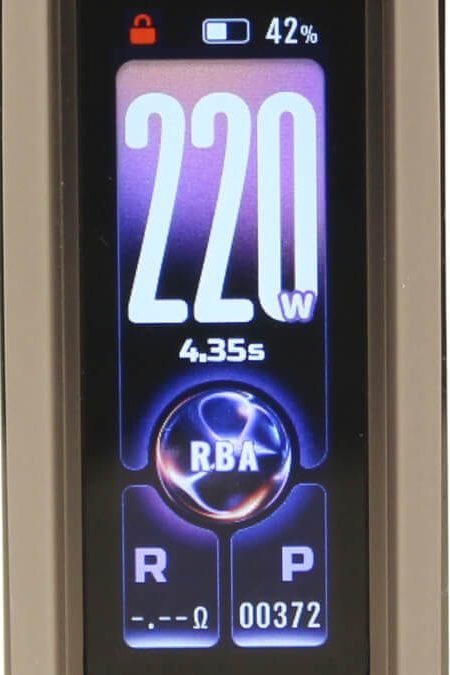
Included on the 1.66 inch TFT colored display Main screen is all of the read-out information as follows:
- Numerical Wattage/Temperature values
- Selected mode (RBA / Smart / TC-TCR)
- Battery level icon with % value
- Lock / Unlock
- Coil resistance reading (R)
- Puff Counter (P)
- Vape time duration
- Animated graphic when fired
Also the safety read-outs and the protection of the DRAG 6 are:
- Overtime Protection (10 s)
- No Atomizer (open circuit protection)
- High Temperature Protection
- Low Battery (low voltage protection)
- Atomizer Short (short circuit protection)
- Over Charge Protection
- Over Discharge Protection
- Max Power Protection
Turning the DRAG 6 mod on/off is carried out by pressing the fire button 5 times in quick succession. When turning on, the screen will display "VOOPOO" and then switch to the Main display screen. When turning off, press the fire button 5 times in quick succession and the mod will display "VOOPOO" and then shut down.
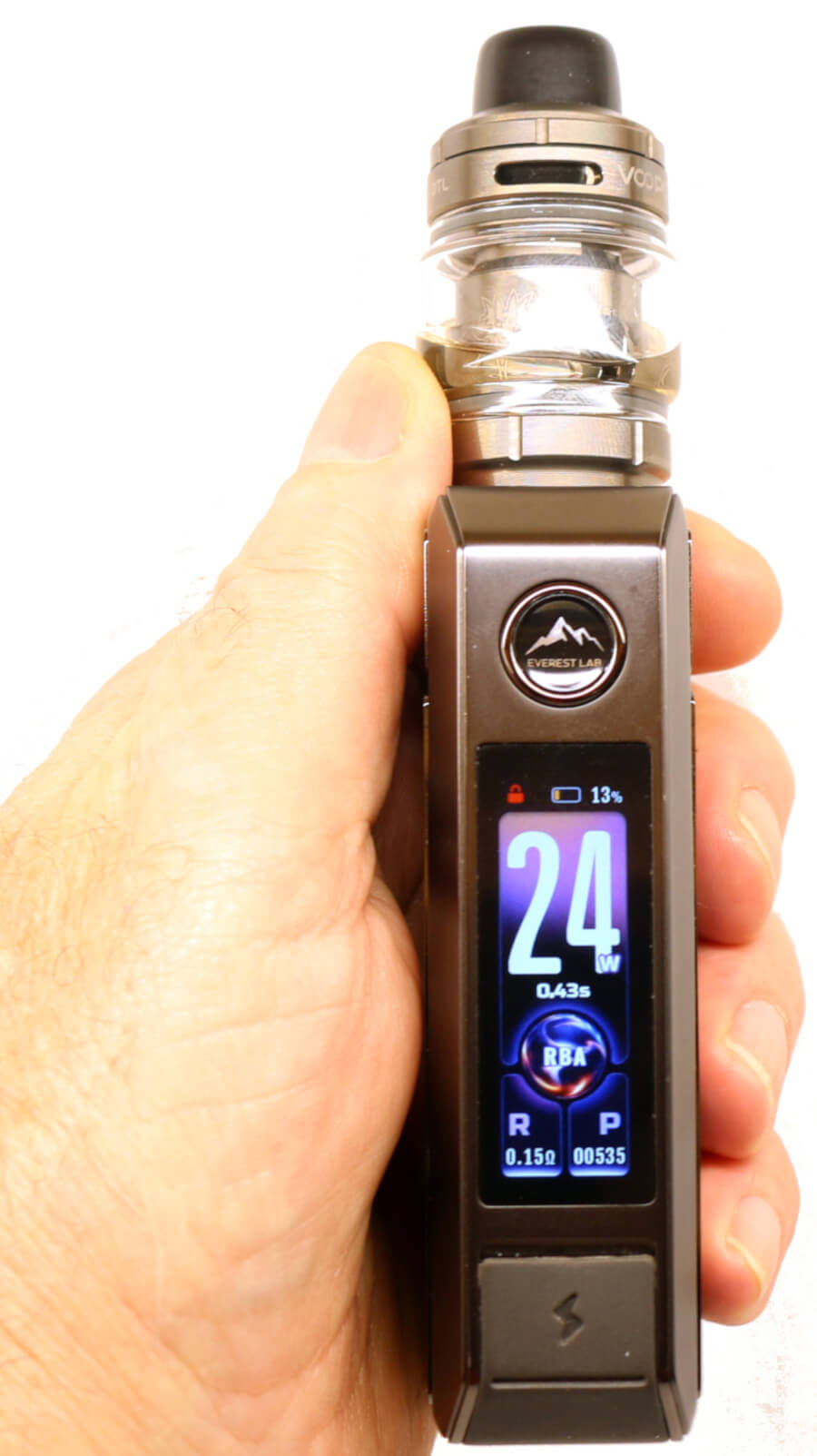
Switching between the different modes is very straight-forward and the display is very intuitive. The display is not cluttered and the size of the numerical information, especially the wattage/temperature values make it easy to read. Brightness of the display is nice and bright so will be no trouble seeing in normal sunlight.
Screen Timeout: After releasing the fire button, the display will remain illuminated for 5 seconds and then dim to half brightness. A further 10 seconds later, the display will blank until the fire button is pressed again.
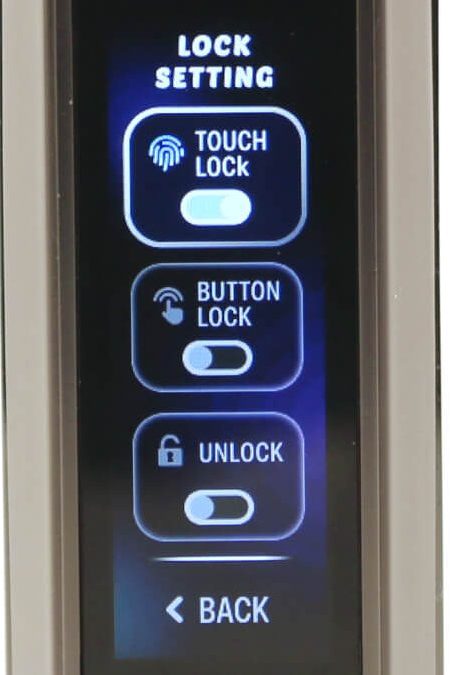
Capacitive Touch Lock: The DRAG 6 has moved away from the earlier multi-function toggle lock switch we saw on the DRAG 5 and now incorporates the capacitive touch lock fire button from the DRAG S3/X3. When TOUCH LOCK from the LOCK SETTING menu is activated, the Capacitive Touch function becomes operative.
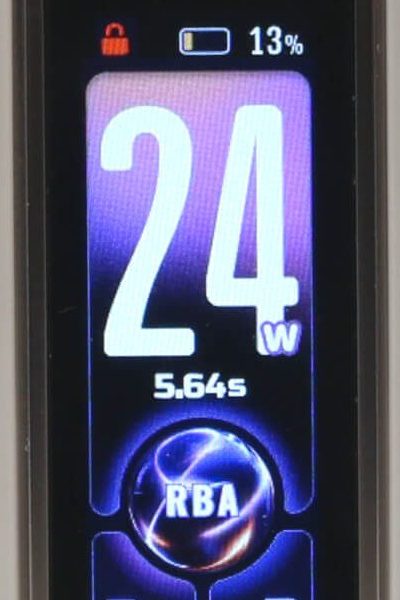
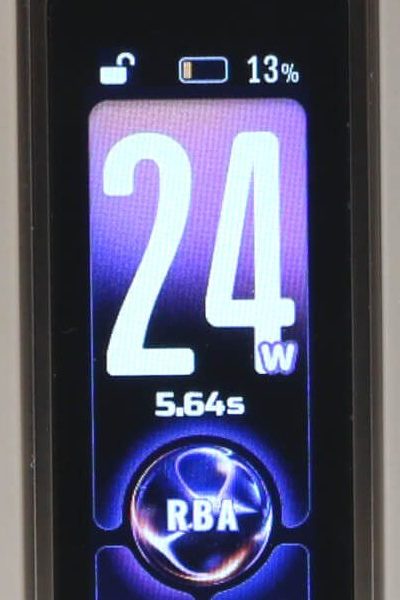
The display will show the red locked padlock symbol in the top left-hand corner of the screen and only unlocks (turns white) when the fire button is touched or pressed when using your finger. Once the fire button is released, the device automatically locks itself after 2 seconds until the fire button is touched again.
Menu Settings
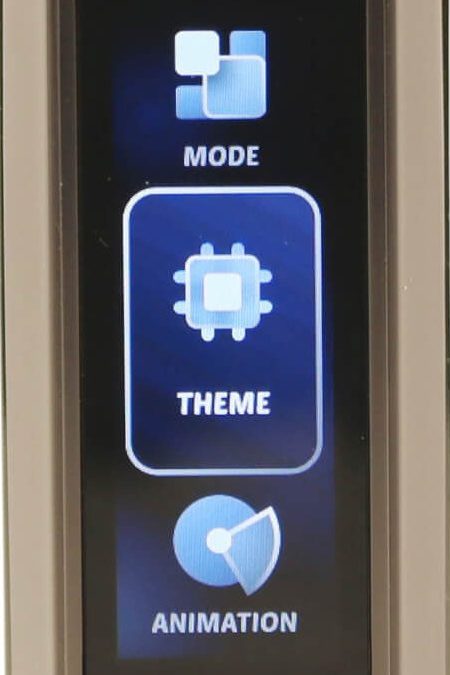
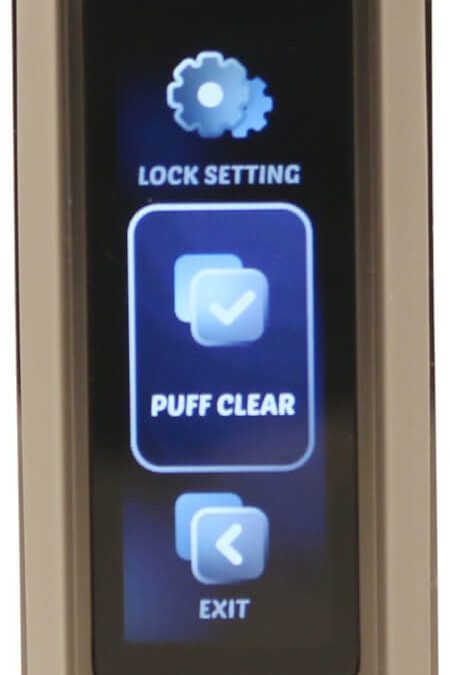
To gain access to the menu screen settings, press the fire button 3 times. The display will switch from the main screen to a menu screen showing the following:
- MODE - (additional menus)
- THEME - (additional menus)
- ANIMATION - On/Off
- LOCK SETTING - (additional menus)
- PUFF CLEAR
- EXIT - Returns to Main screen display
Use the rotary wheel to scroll through the available options. As you scroll through each one, the one that's selected will be highlighted. Press the fire button on the selected menu and it will take you to that particular menu.
Mode Menu
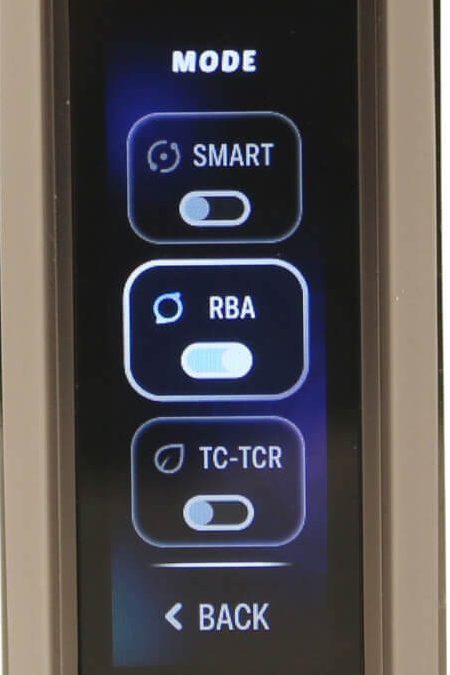
With the Mode menu highlighted, press the fire button and it will take you to the available options under that menu:
- SMART - Selects auto coil recognition
- RBA - Normal power mode
- TC TCR - Temperature control (additional sub-menus)
- BACK - Returns to main screen
Use the rotary wheel to select the mode you want by highlighting that menu. Press the fire button and it will set that mode of operation.
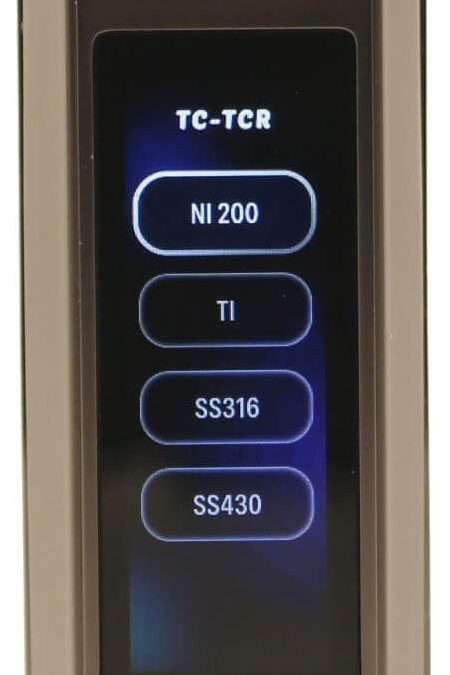
The only menu that has additional sub menus is the TC-TCR mode with 4 different wire types as follows:
- Ni200
- Ti
- SS 316
- SS 430
- Back - Returns to main screen
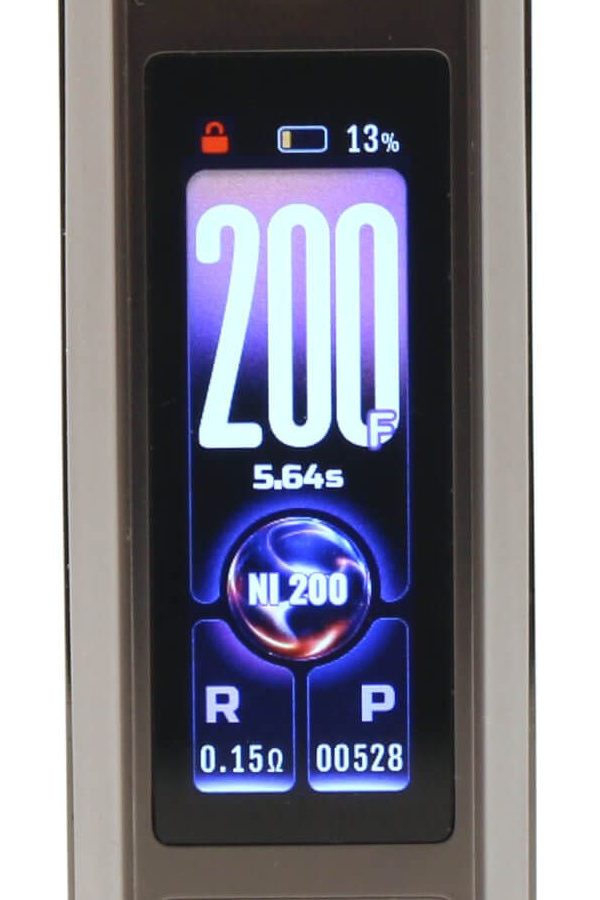
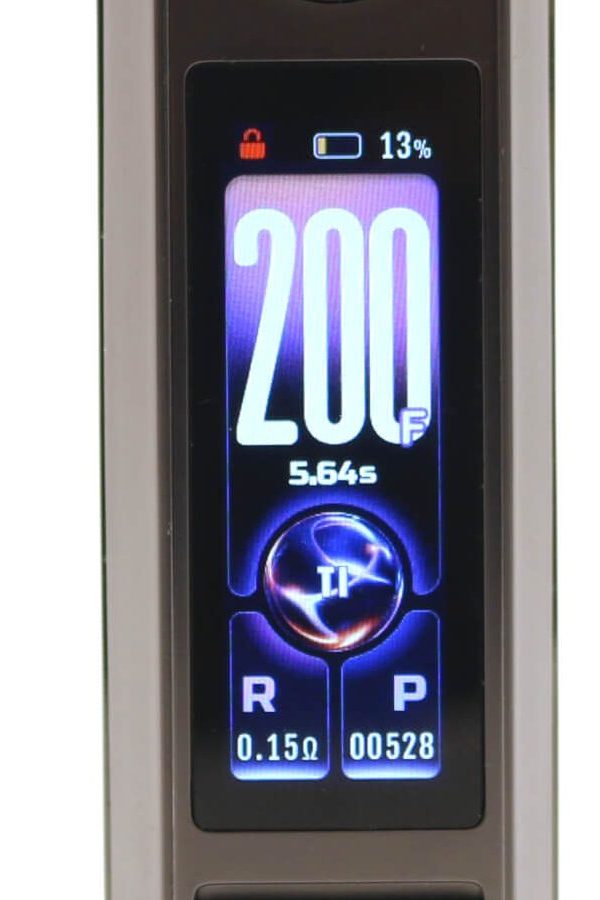
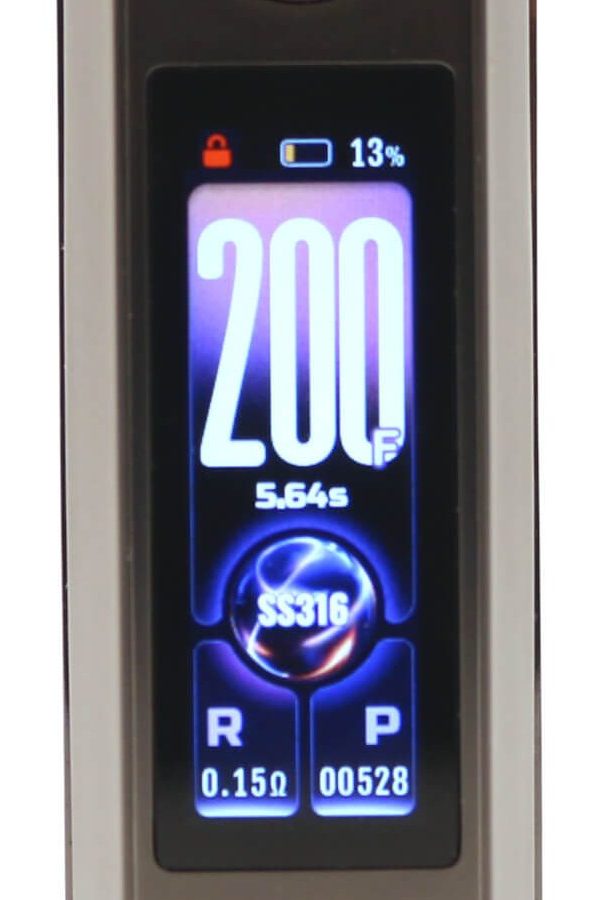
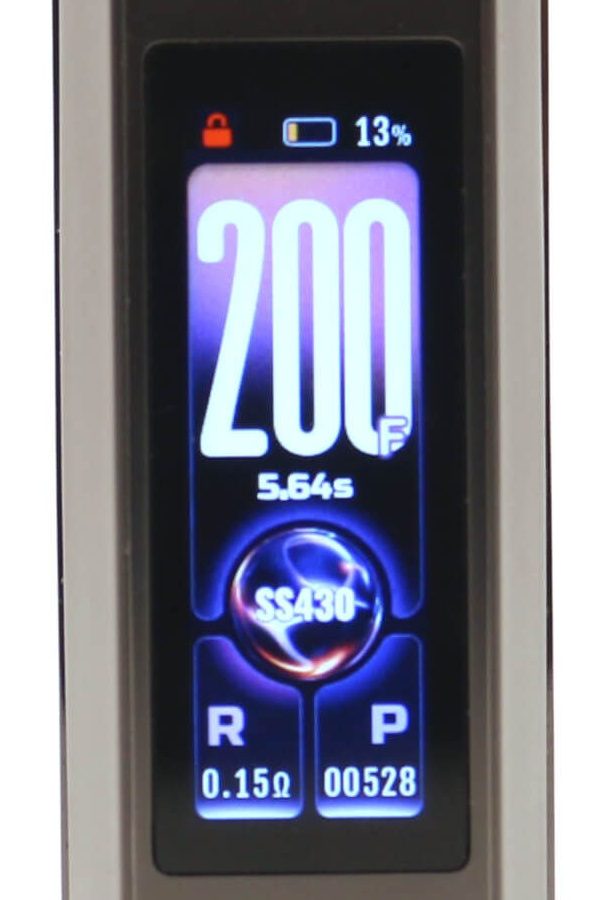
Use the rotary wheel to scroll through each of the available settings. As you scroll through each one, the one that's highlighted can be selected by pressing the fire button. The main display will now show the mode you've selected and the numerical value of the temperature in °F.
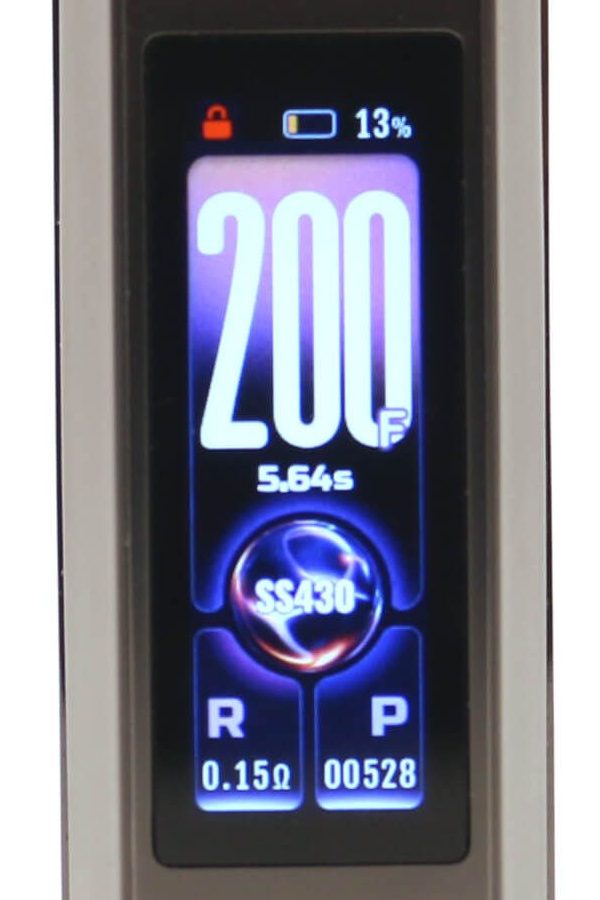
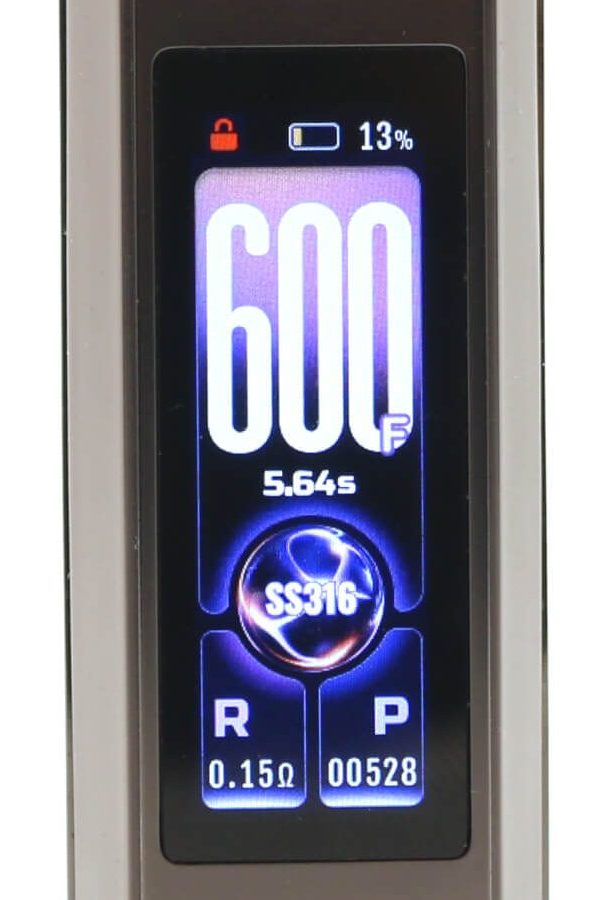
The rotary wheel will increase and decrease the temperature values in 1 degree steps. The range of temperature control is 200 °F - 600 °F (Fahrenheit). Note: There is no function to select a Centigrade scale.
Theme Menu
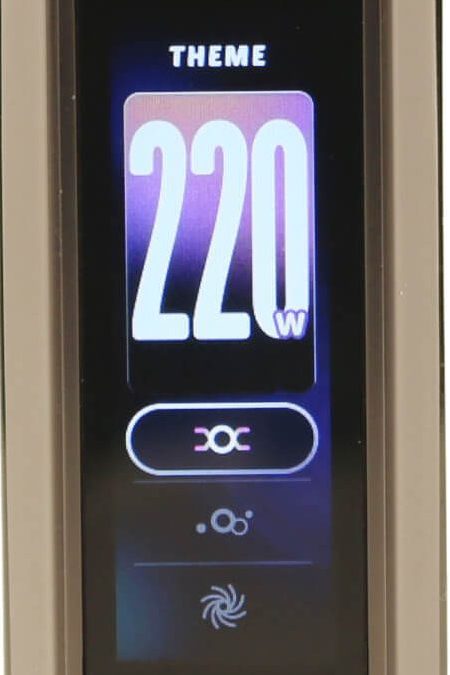
You can alter the layout of the Main display with 3 different theme screens. Select THEME from the Menu settings and it will bring up the 3 options. Use the rotary wheel to scroll through each one and as you do the display above highlights the different screens.
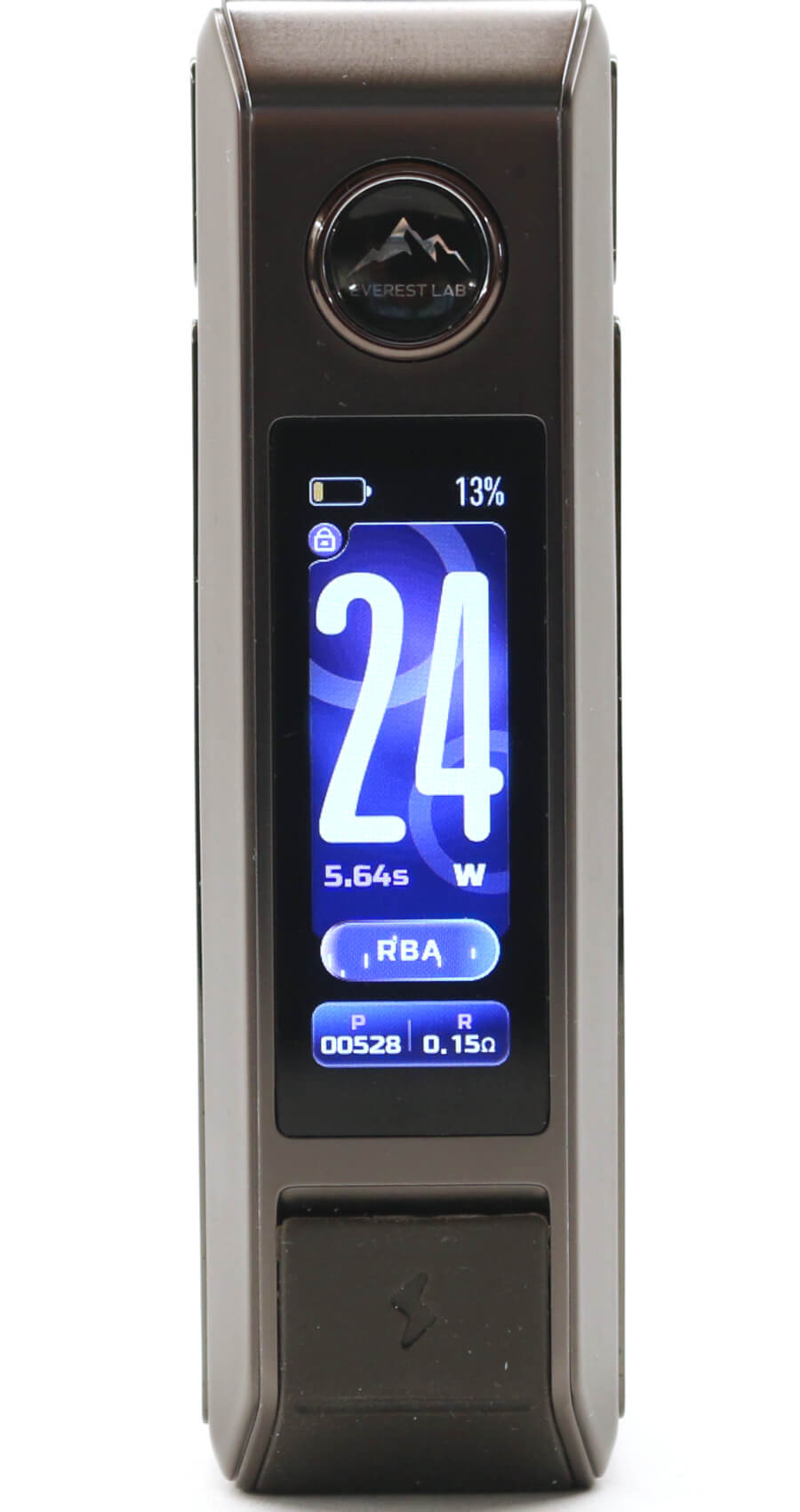
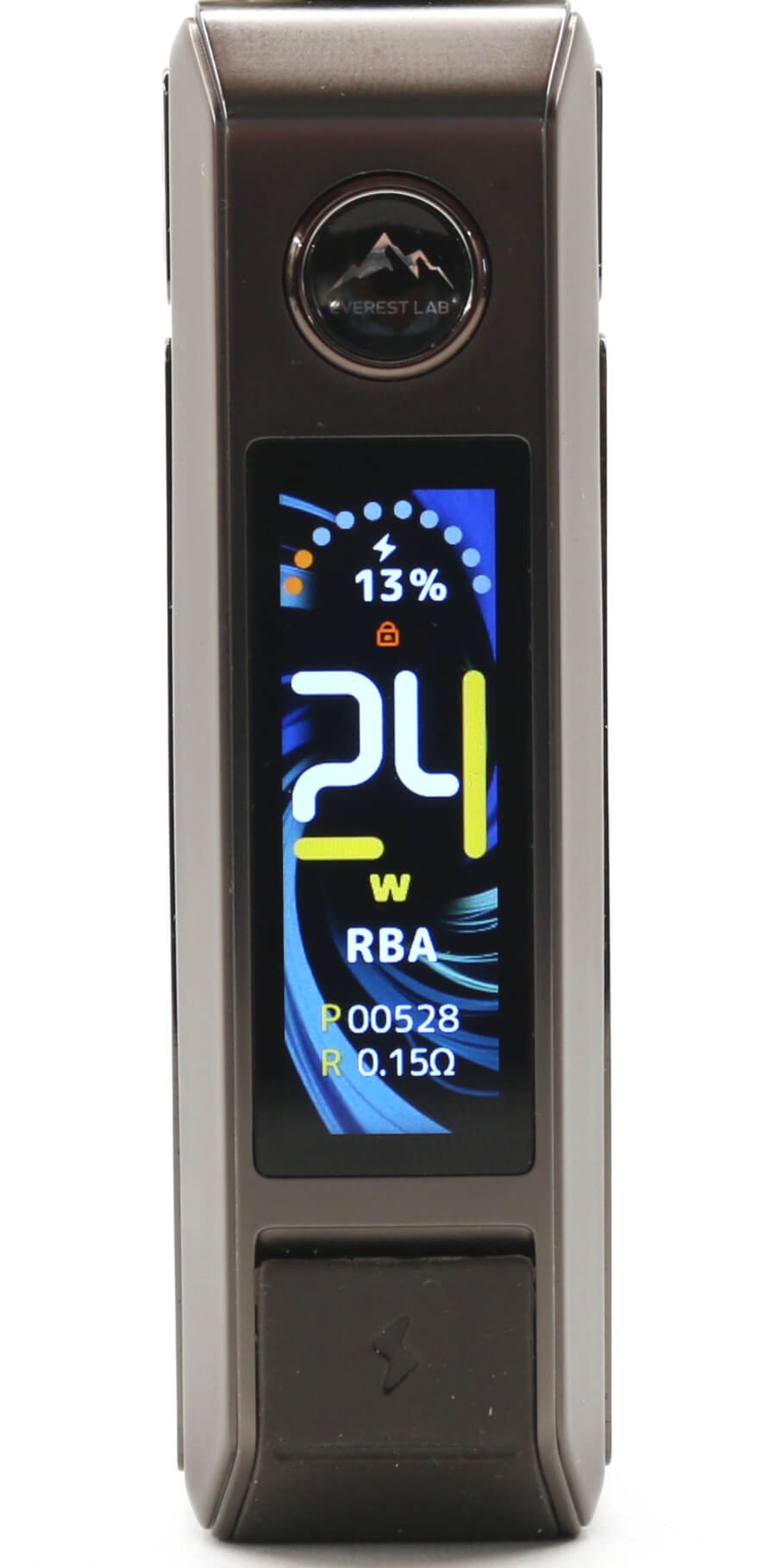
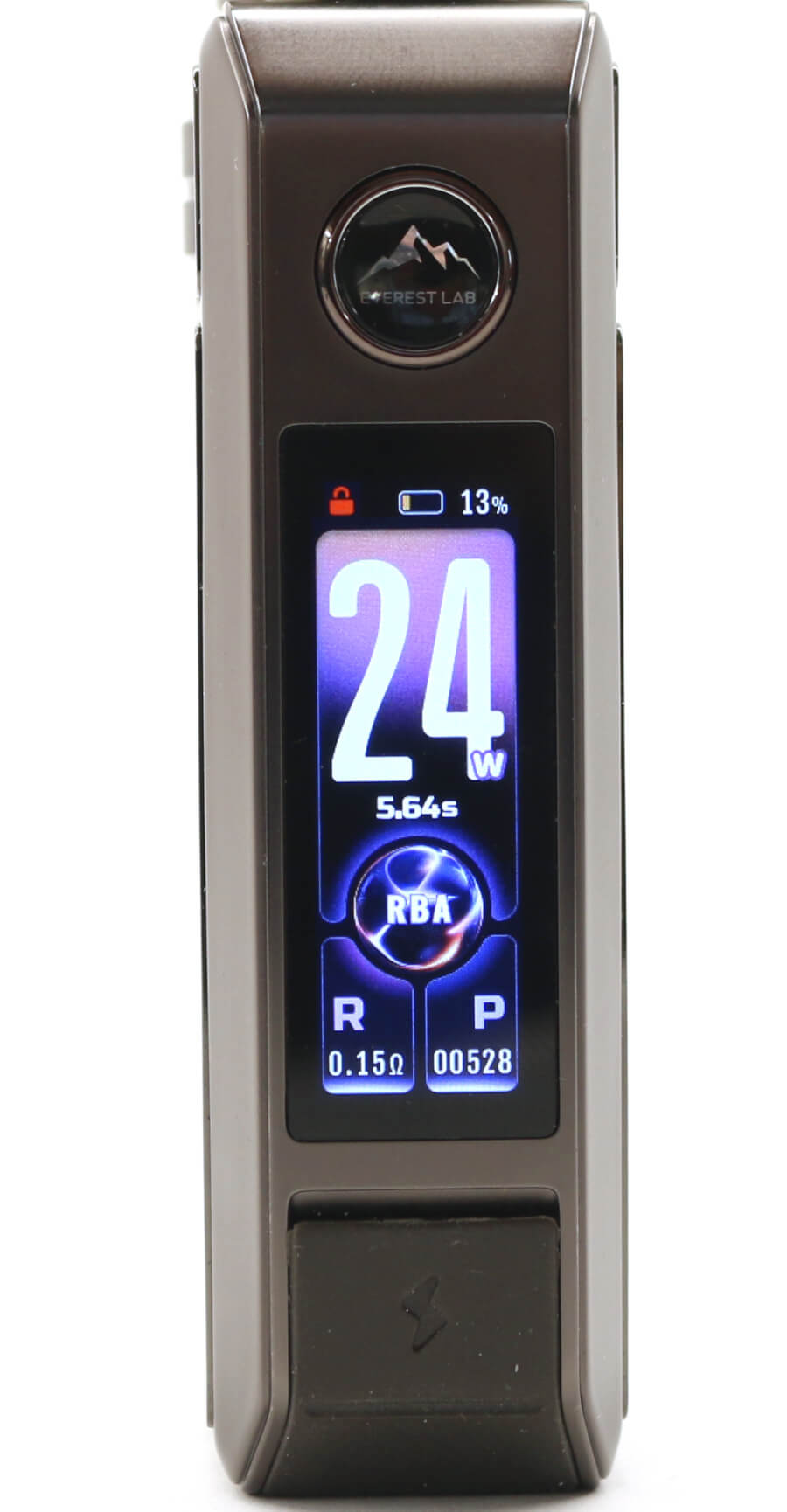
Press the fire button on the theme you want and that theme will be selected. The photos about shows you the Theme menu and the 3 different layouts.
Animation Setting
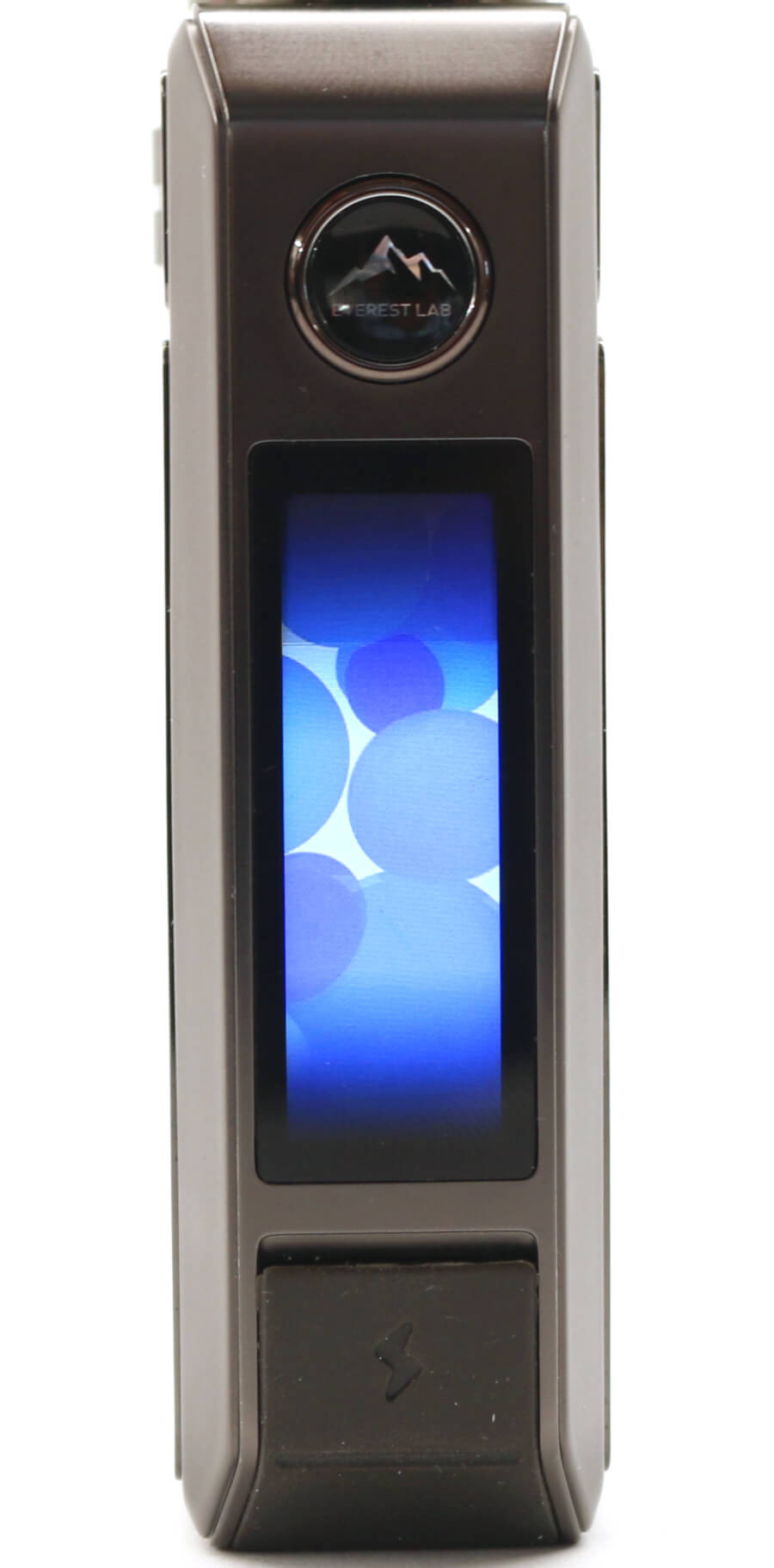
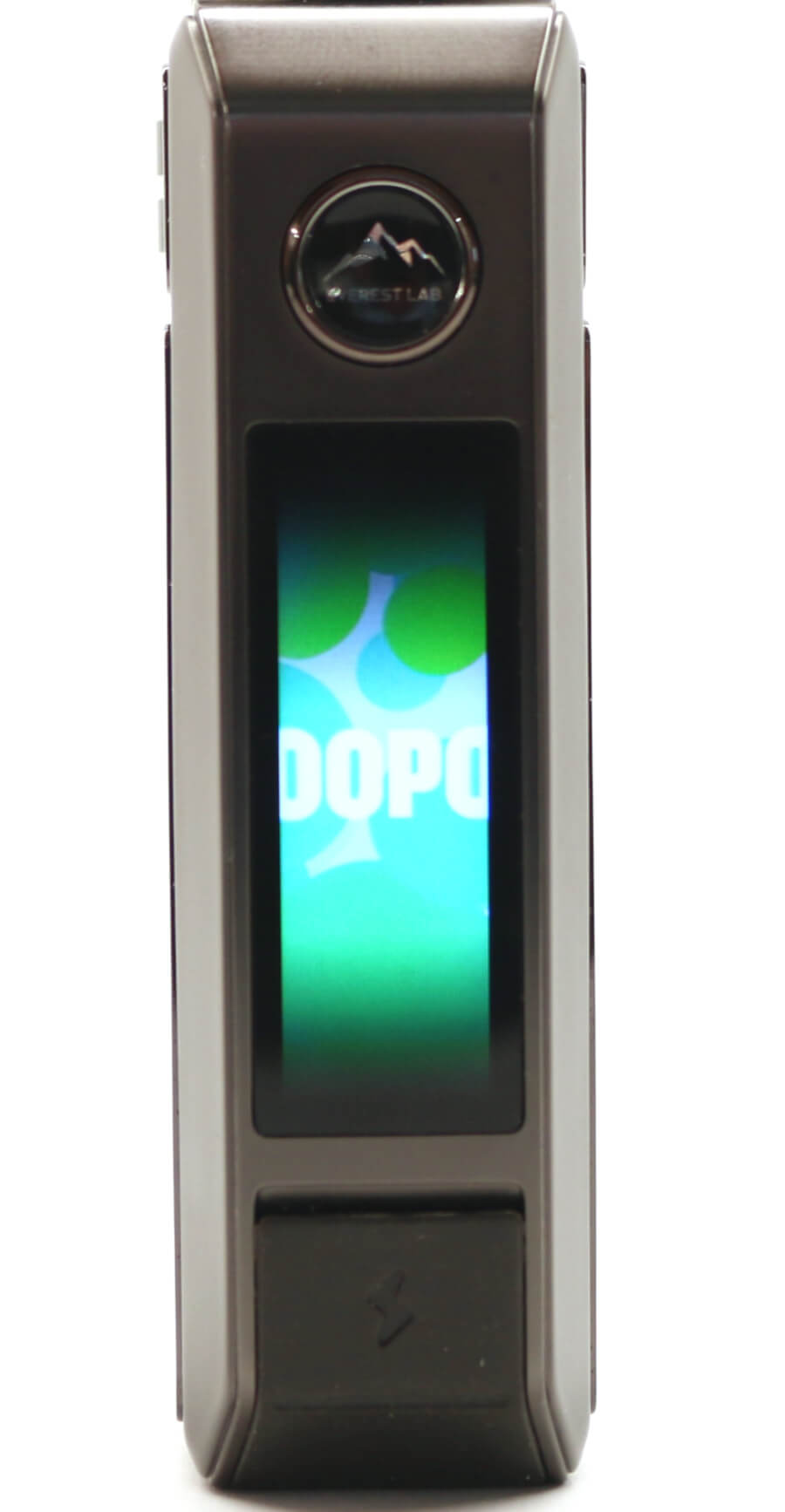
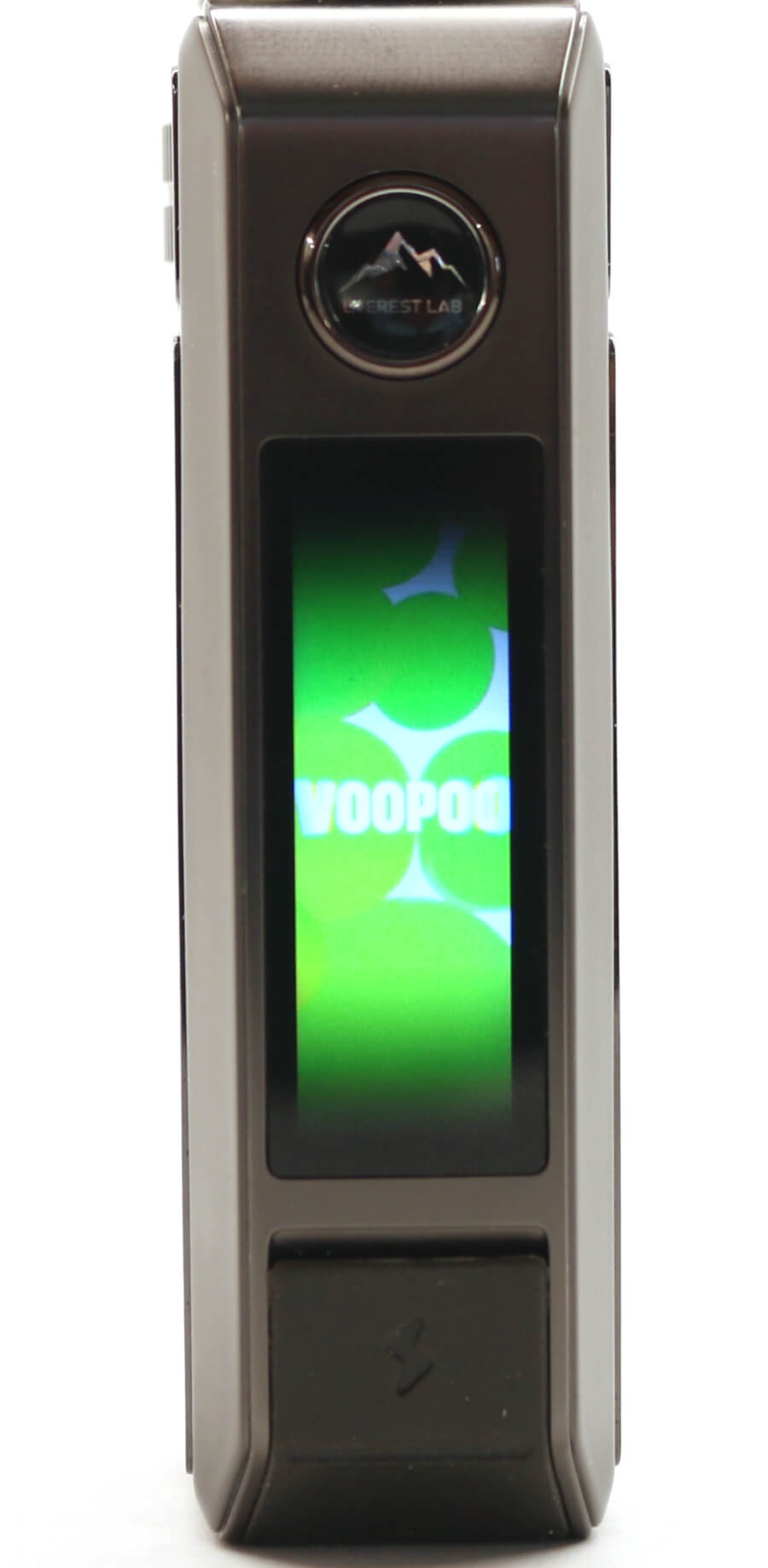
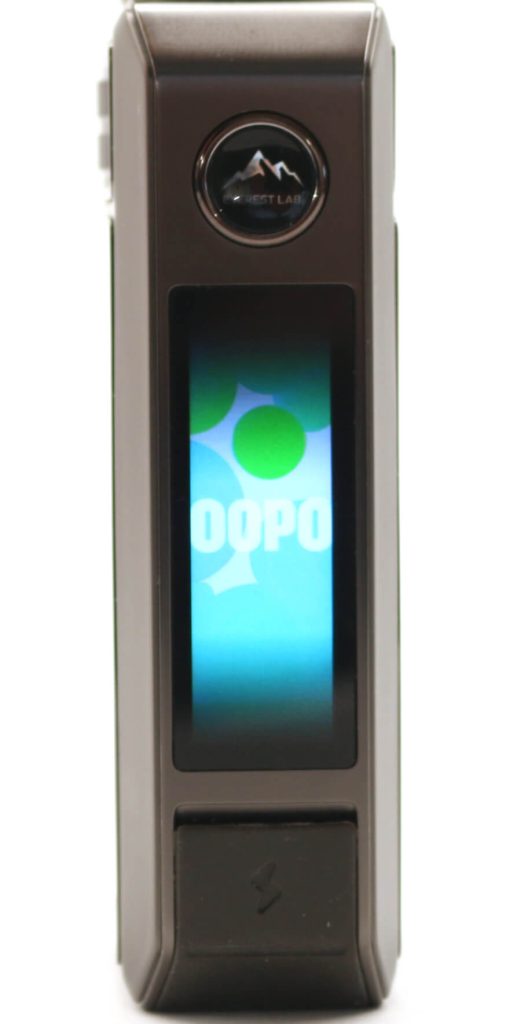
The DRAG 6 has an animated display that can be switched on or off. Once the animation is activated, the display will show moving multi-colored shapes when the device is being fired. When the animation is deactivated, the main display screen will remain illuminated while it's being fired.
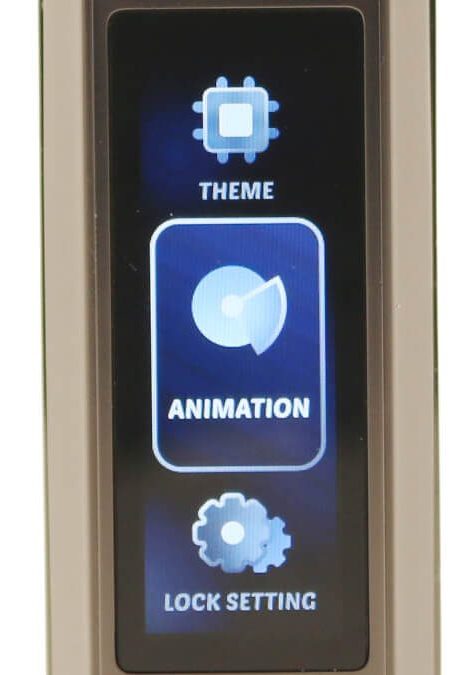
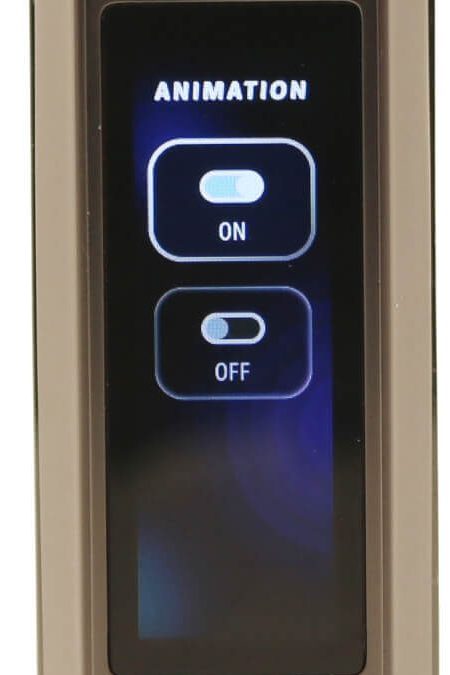
Use the fire button and rotary wheel to select the animation menu. From that menu, press the fire button and select the ON or OFF menu as required.
Lock Setting
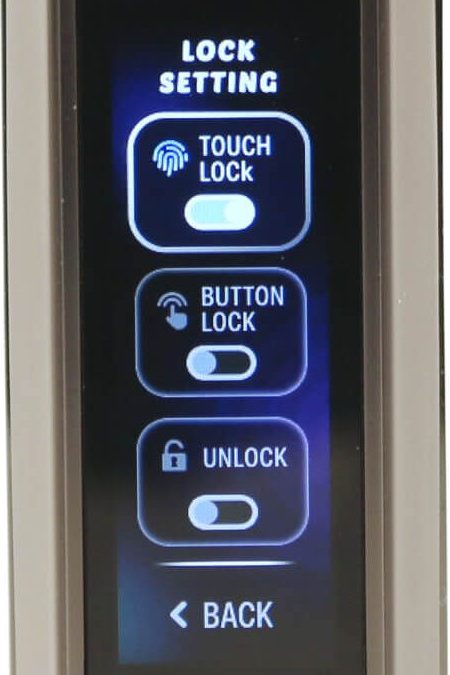
3 different options are available to lock/unlock the device and are selected from the LOCK SETTING menu. Use the rotary wheel to scroll through these options and with the one you want that's highlighted, press the fire button and that will be activated.
- TOUCH - Capacitive auto lock/unlock
- BUTTON - Press Fire button twice to lock and unlock
- UNLOCK - Device/Fire button unlocked
- BACK - Returns to main screen
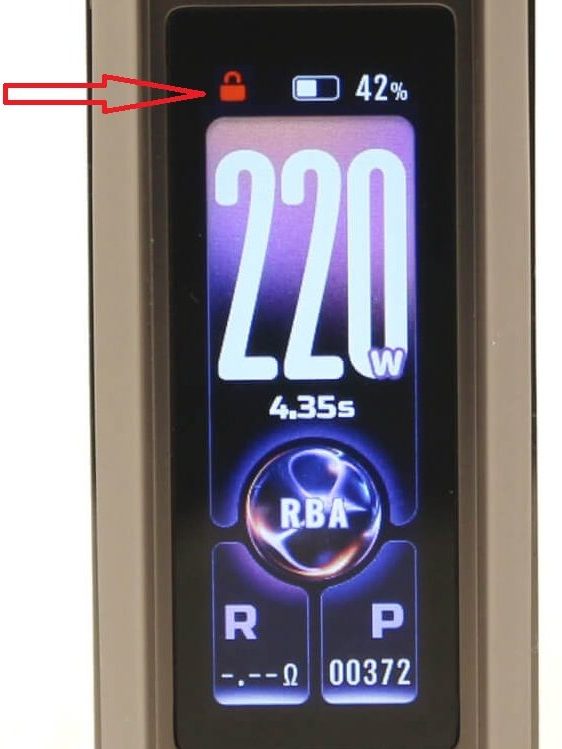
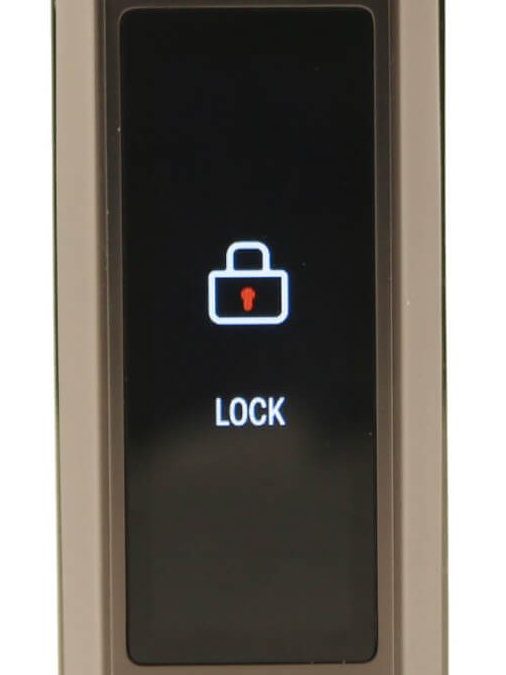
When the fire button is unlocked, the top left hand padlock icon will be white and unlocked. When the fire button is locked, the padlock icon will turn red and the padlock icon will be locked. When the BUTTON lock function is activated, pressing the fire button will bring up the large "LOCKED" icon on the display.
Overview of Modes
Smart Mode
Smart mode will auto detect the type (resistance) of coil fitted and set the optimum wattage for that coil. This is only a guide as you can adjust the wattage up or down using the rotary wheel. What the Smart mode does though is limit the maximum wattage you can go up to depending on the coil type you're using.
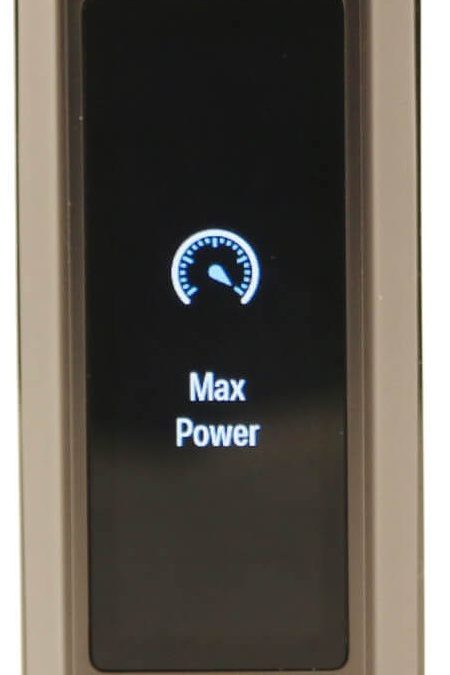
You won't be able to increase the wattage beyond the maximum wattage specified for the type of coil that's in the tank. In the case of the different PNP X coils, the maximum wattage available before the display indicates "MAX POWER" is:
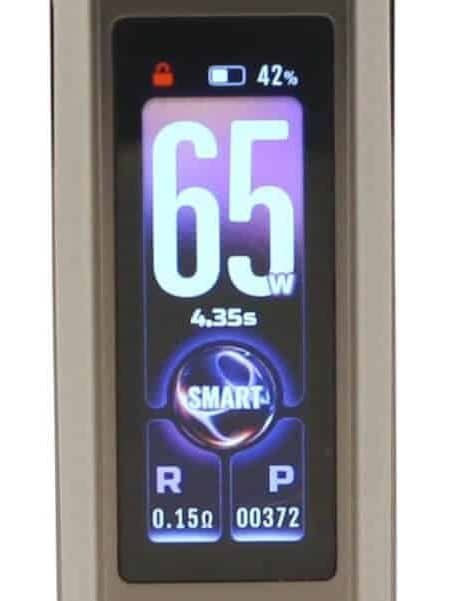
- 0.15 ohm: Auto detect = 65 W. Max wattage = 80 W
- 0.20 ohm: Auto detect = 50 W. Max wattage = 60 W
- 0.30 ohm: Auto detect = 35 W. Max wattage = 40 W
- 0.45 ohm: Auto detect = ? W. Max wattage = 32 W
- 0.60 ohm: Auto detect = 20 W. Max wattage = 23 W
- 0.80 ohm: Auto detect = 15 W. Max wattage = 16 W
- 1.0 ohm: Auto detect = ? W. Max wattage = 13 W
Note: We didn't have the 0.45 ohm and 1.0 ohm PNP X coils so couldn't verify the auto detect wattage the DRAG 6 would select.
Smart mode is an ideal setting for those people who are unsure what wattage level they should be using to vape at. One word of caution though, the auto detected optimum wattage level for each coil type, certainly for my vaping style is quite high.
RBA Mode
RBA mode is basically the standard wattage mode. The DRAG 6 will operate between 5 W all the way up to 220 W in 1 W increments. Once you reach the maximum value (220 W) the display will show "MAX POWER".
A word of warning though, setting the wattage too high above the maximum recommended wattage for each coil type could destroy the coil.
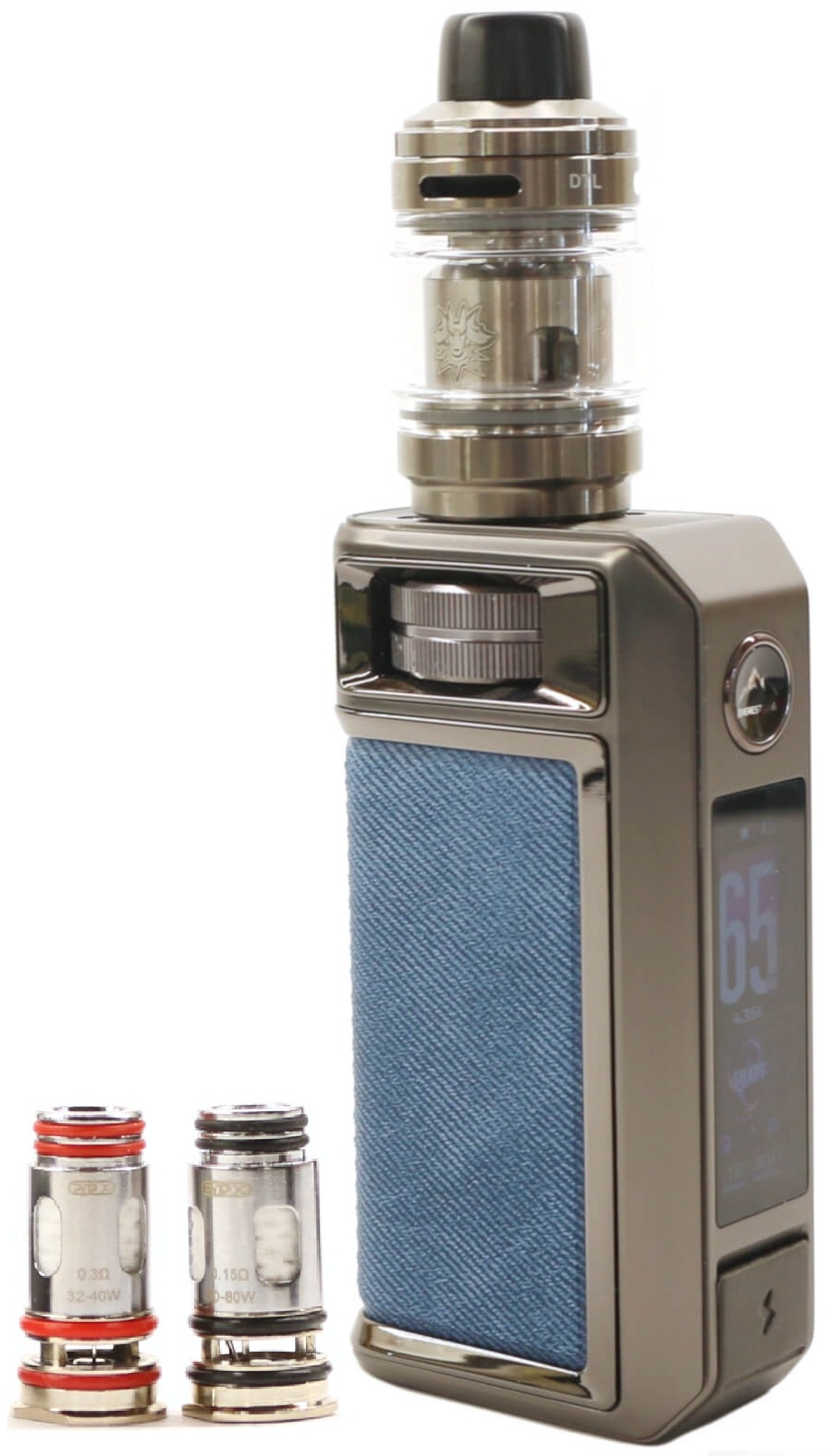
Both the PNP-X 0.15 ohm and PNP-X 0.3 ohm coils provided in the DRAG 6 kit are DTL/RDL coils. We've been using these PNP X coils for a couple of years now in other VOOPOO compatible devices, including the DRAG 5 and DRAG S3/X3 and can't fault them. Flavor, vapor and longevity are all very good and in our opinion really are some of the best stock coils in the vaping industry at this time.
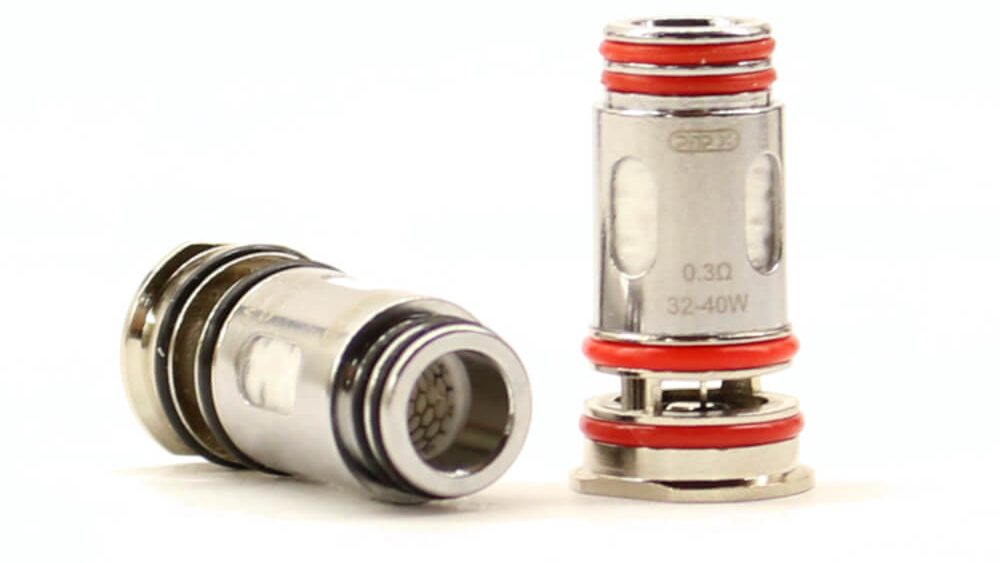
Each of the PNP X coils has the coil resistance and the minimum and maximum recommended wattage range stamped on the coil casing. VOOPOO claim each coil is able to sustain a minimum 100 mL of e-liquid cycled through the coil and provides 4 times more vaping pleasure than other coils.
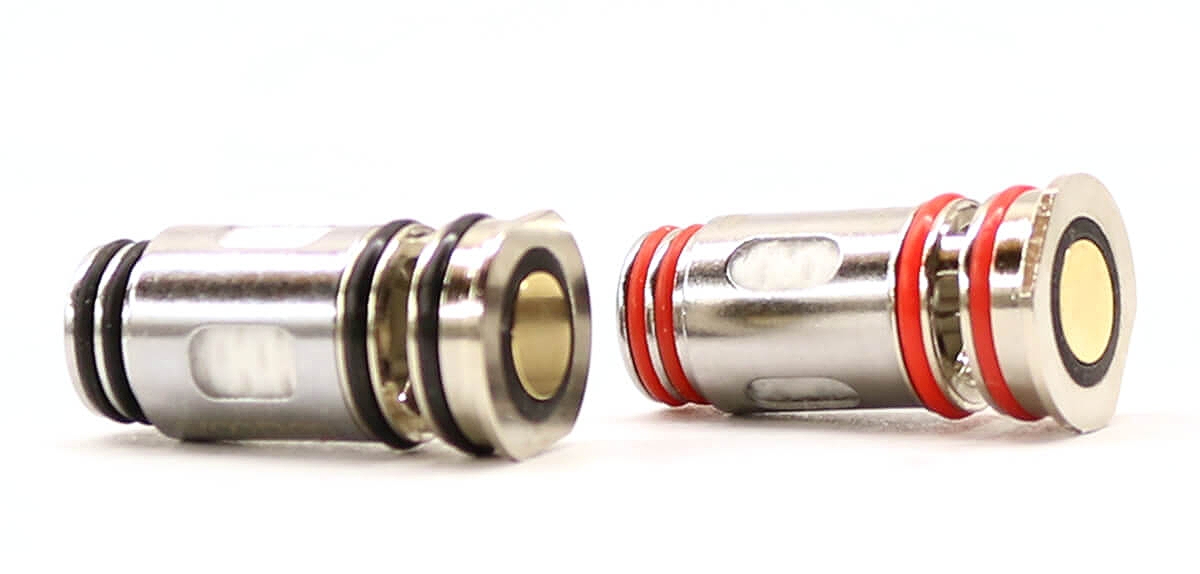
All of the PNP X mesh coils are a push fit type, use Thermo-Stable cotton as the wicking material and have a patented 4-layer leak-proof design. Each of the coils have 4 sealing O-Rings that are color coded for each resistance type and really do provide a very good seal.
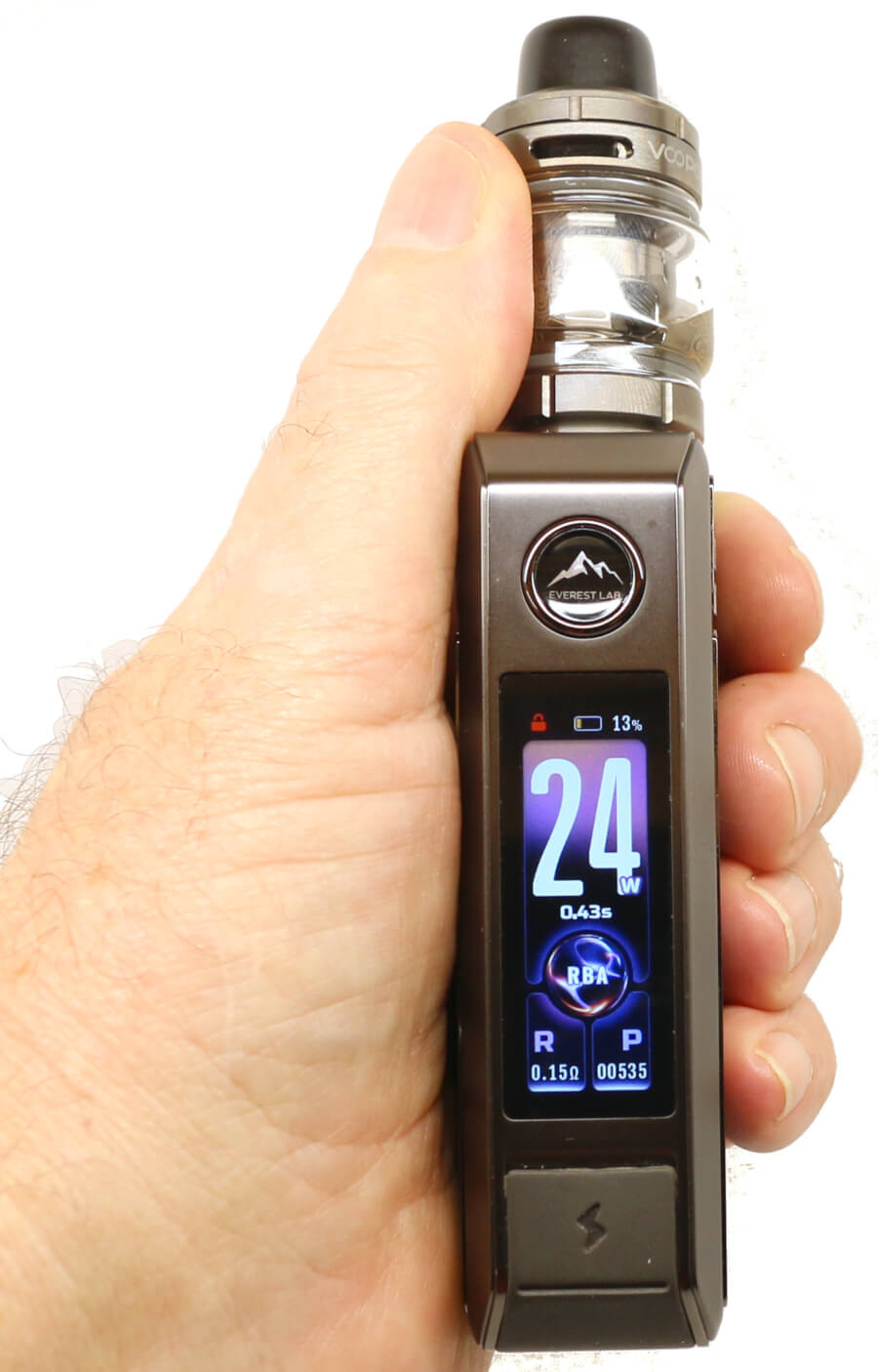
Even though I've included what each of the coil's wattage values are initially set to in Smart mode, I always bed my coils in initially at well below the minimum recommended wattage levels so not to stress the coils too quickly and to improve their longevity.
PNP-X 0.15 ohm Mesh Coil - Black O-Rings
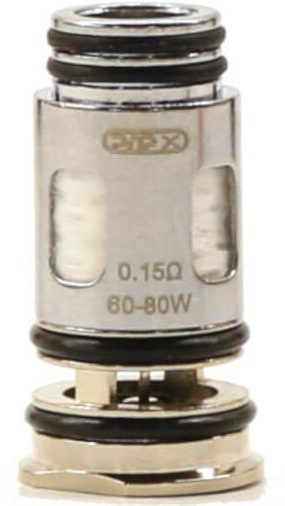
VOOPOO specify the minimum and maximum wattage range for this coil is 60 W - 80 W.
When the DRAG 6 is set to "Smart" mode, the wattage will be automatically set to 65 W and the operating wattage of the DRAG 6, when using the 0.15 ohm coil is 5 W to 80 W.
My ideal wattage for this coil was around the 25 W - 30 W power level with the airflow fully open. Flavor and vapor was as expected, very impressive. The airflow on this tank matches that of the earlier UFORCE-X tank and produces one of the best DTL draws.
Increasing the wattage above 30 W reduces the required draw time and the draw becomes warmer, however it does intensify the flavor and amount of vapor.
PNP-X 0.3 ohm Mesh Coil - Red O-Rings
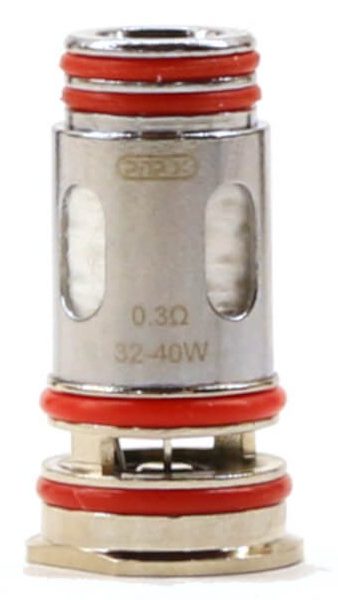
VOOPOO specify the minimum and maximum wattage range for this coil is 32 W - 40 W.
When the DRAG 6 is set to "Smart" mode, the wattage will be automatically set to 35 W and the operating wattage of the DRAG 6, when using the 0.3 ohm coil is 5 W to 40 W.
My ideal wattage for this coil was around the 15 W - 20 W power level with the airflow fully open. Flavor and vapor matched that of the 0.15 ohm coil. Again increasing the wattage above this power level up to 32 W reduces the required draw time and increases the amount of vapor.
Coil Summary
Vaping on these coils at lower wattages can be done with very good results, using them on the recommended wattage was a little too intense for me. Airflow, as expected from the large triple cyclops slots was very airy and gave a superb DTL draw. No turbulence was detected and the vape draw was very smooth. Reducing the airflow for a Restrictive Direct to Lung draw (RDL) needed the airflow control ring to be just off the fully closed position.
VOOPOO DRAG 6 Battery Performance
The DRAG 6 mod is powered by an internal 4400 mAh capacity battery. Vaping around the 25 W power level with the 0.15 ohm coil fitted lasted on average over a day's vaping before the display showed "CHECK BATTERY" and I needed to re-charge.
Obviously the length of vape time between charges is very subjective and depends on several factors:
- Your vaping style i.e. length of draw
- Type of coil you're using
- Power level (wattage) you vape at
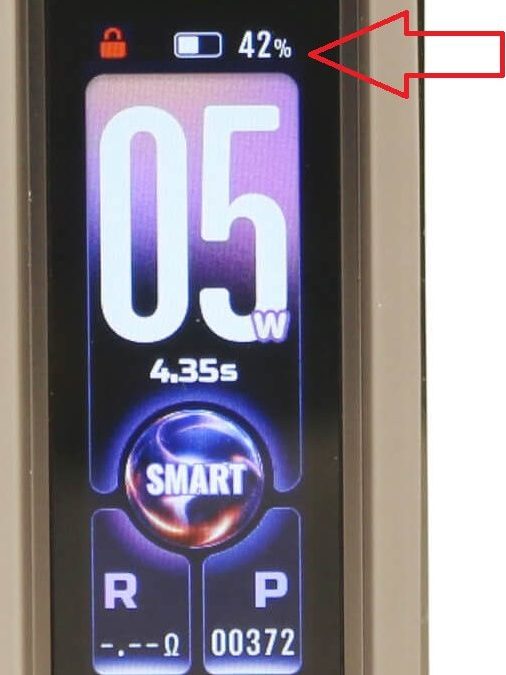
The DRAG 6 indicates the status of the battery with a percentage value against the color changing battery icon on its display so you can keep an eye on the remaining charge left in the battery. As the remaining battery charge decreases the rectangular battery icon will reduce in size along with the numerical percentage value.
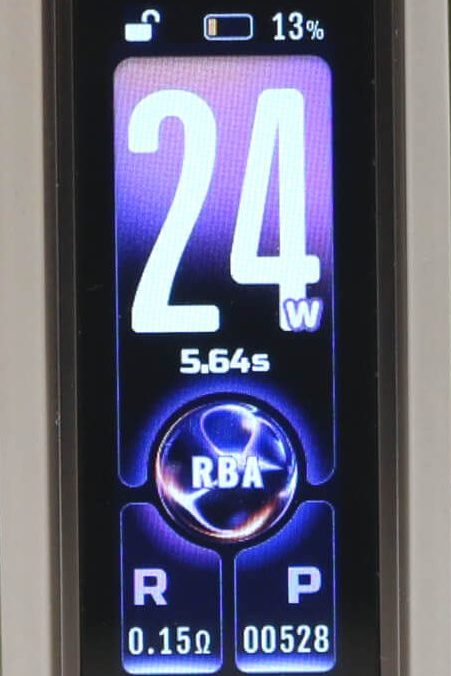
When the battery shows less than 20% of its remaining charge, the battery icon changes color from white to orange/red. When it reaches 0%, the "CHECK BATTERY" prompt will be displayed and the DRAG 6 will then turn off. At this point you will no longer be able to vape and have to put the device on charge.
Our How to Charge section covers what you can expect when charging the VOOPOO DRAG 6. Despite a reasonably quick charging time of 80 minutes (1 hr 20), the DRAG 6 does have pass-thru so you can vape while it's being charged but this will increase the overall charging time.
The intensity of the draw remains the same throughout the discharge cycle of the battery and doesn't diminish as the battery drains.
How do I Charge the VOOPOO DRAG 6 Mod?
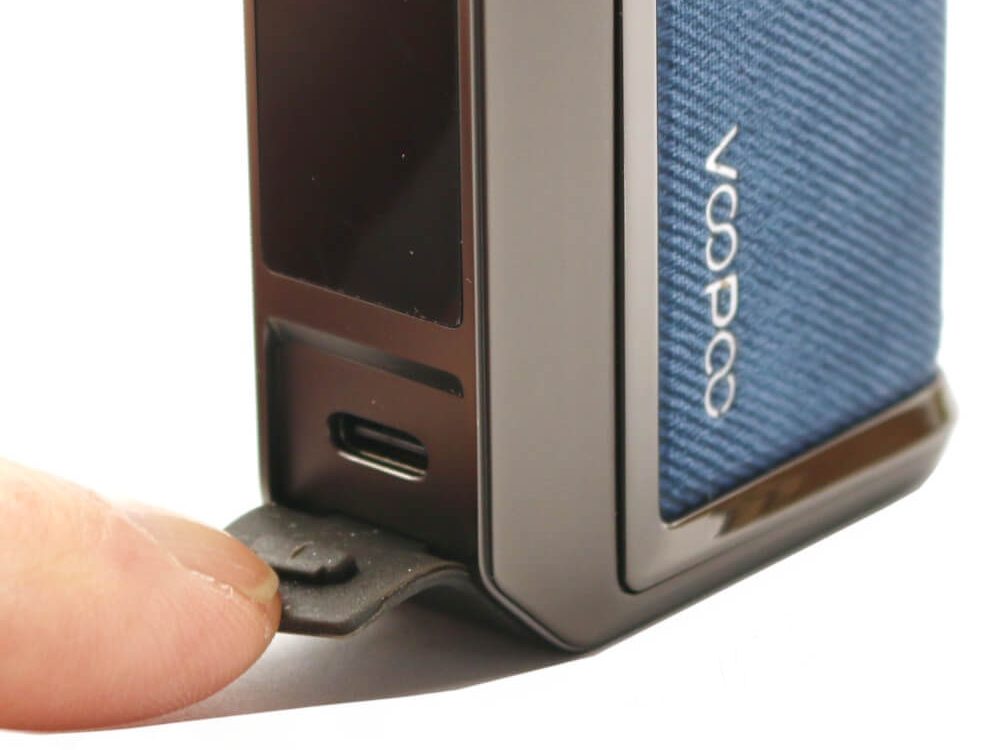
The DRAG 6 has a front panel located Type-C USB port concealed behind a silicone rubber flap positioned below the 1.66 inch display. Connect the Type-C USB charging cable that's comes supplied with the kit into the USB port and the other end into a suitable USB power source. The specified charging circuit of the DRAG 6 is 5 V/3 A.
To charge at this current, you will need a quick charge (QC) power source. However, when we charged the DRAG 6 from a 2 A source, it fully charged the DRAG 6 in 80 minutes.
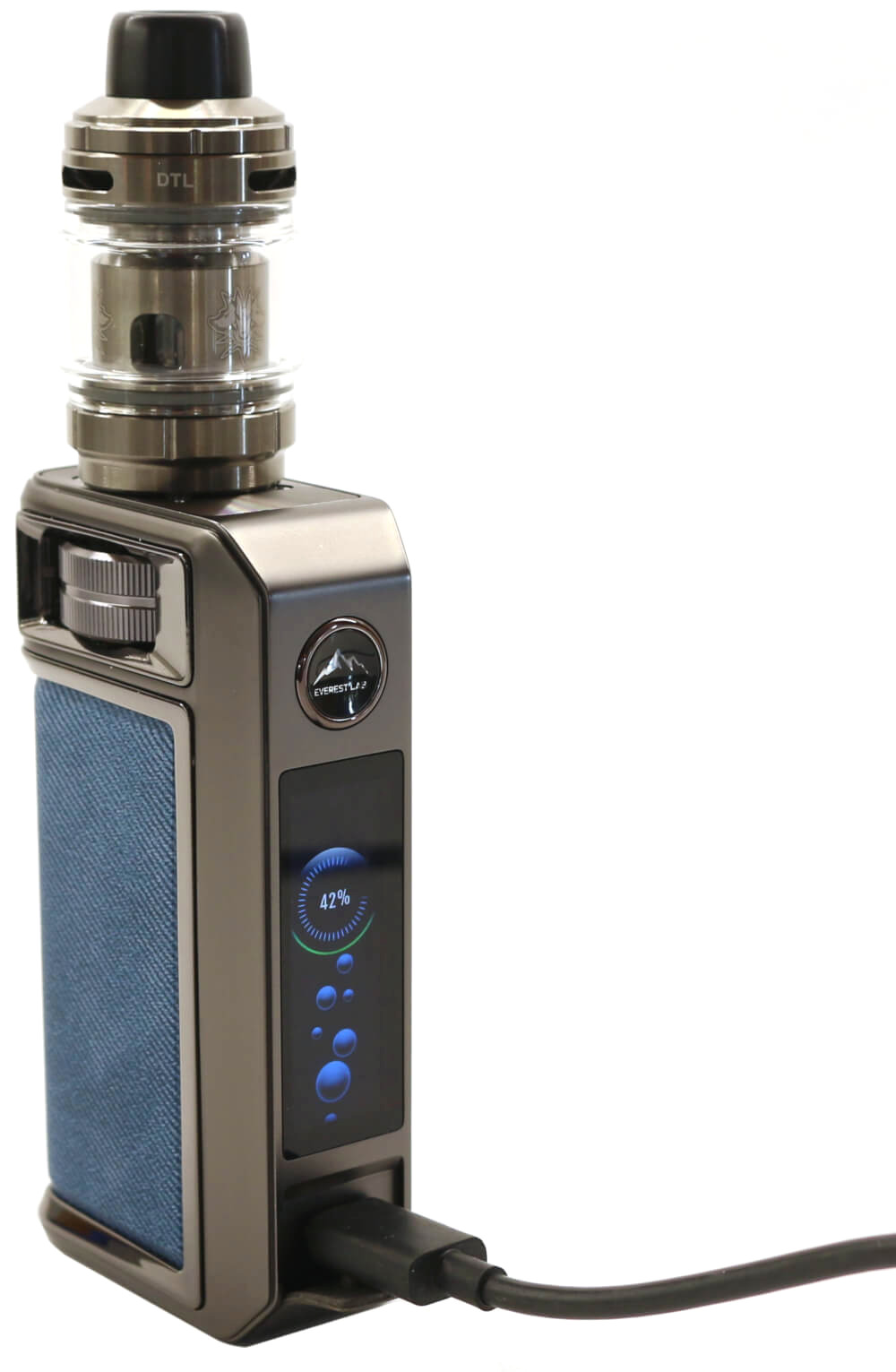
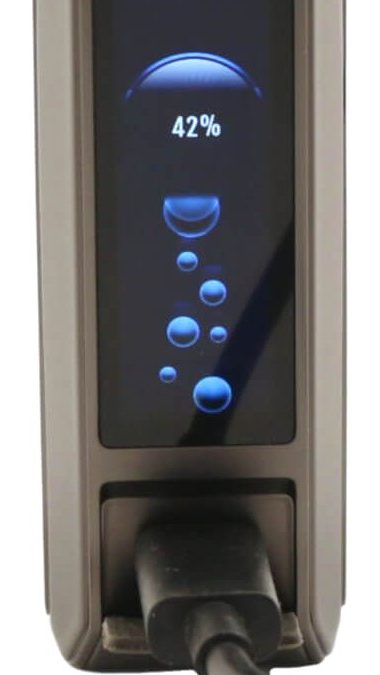
When the DRAG 6 mod is placed on charge, the main display will switch after a few seconds to a battery charging icon showing animated "bubbles" flowing into two animated "circles" with the percentage of charge inside these circles.
After approximately 5 seconds, the screen brightness will dim down to half brightness, 10 seconds later the display extinguishes. At this point there is no visual indication that the battery is being charged.
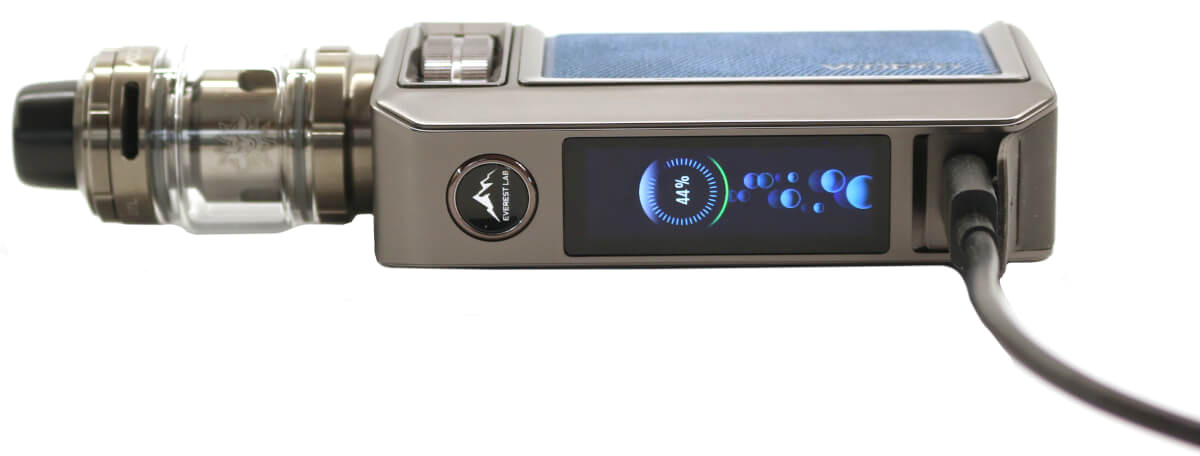
To see the charge status of your battery, you will have to press either the fire button or turn the rotary wheel on the DRAG 6 to bring up the display again but it will only remain visible for another 15 seconds. Full charge is reached when the display indicates 100%.
The DRAG 6 has pass-through vaping so you are able to vape while it's being charged. Charging time from full discharge to fully charged took approximately 80 minutes. As with any vape device, ALWAYS charge the mod resting on a non-flammable surface and NEVER leave your mod unattended whilst charging.
VOOPOO DRAG 6 Kit Review Verdict
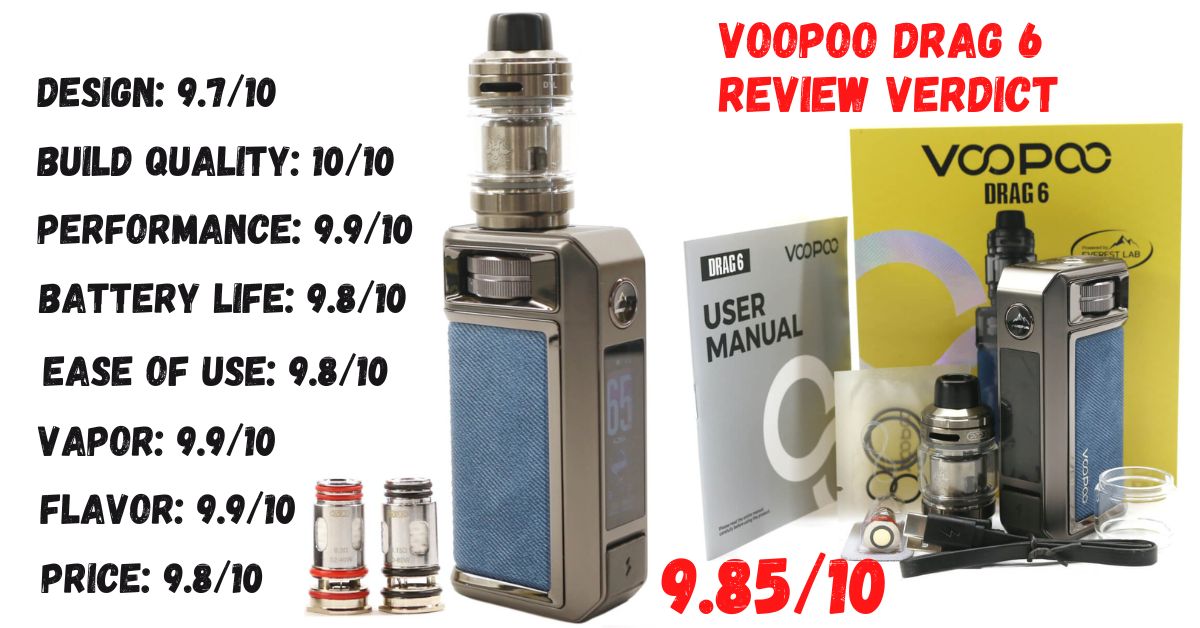
Pros
- Very good build quality
- Very robust
- Lovely aesthetics
- Leather hide inlay
- Capacitive lock/unlock
- Rotary wheel
- 4400 mAh capacity battery
- 220 W output power
- 1.66 inch TFT colored display + Themes
- Amazing flavor and vapor production
- Fully adjustable triple top cyclops airflow
- No leaking
- Quarter turn top fill
- Accepts all VOOPOO PNP-X push fit coils
- Temperature control option
- Smart coil detection
- Type-C 3 A super-fast charging
- Spare Glass and O-rings
Cons
- Display doesn't remain illuminated when charging
- No Celsius measurement in TC mode
VOOPOO DRAG 6 Kit Review Summary
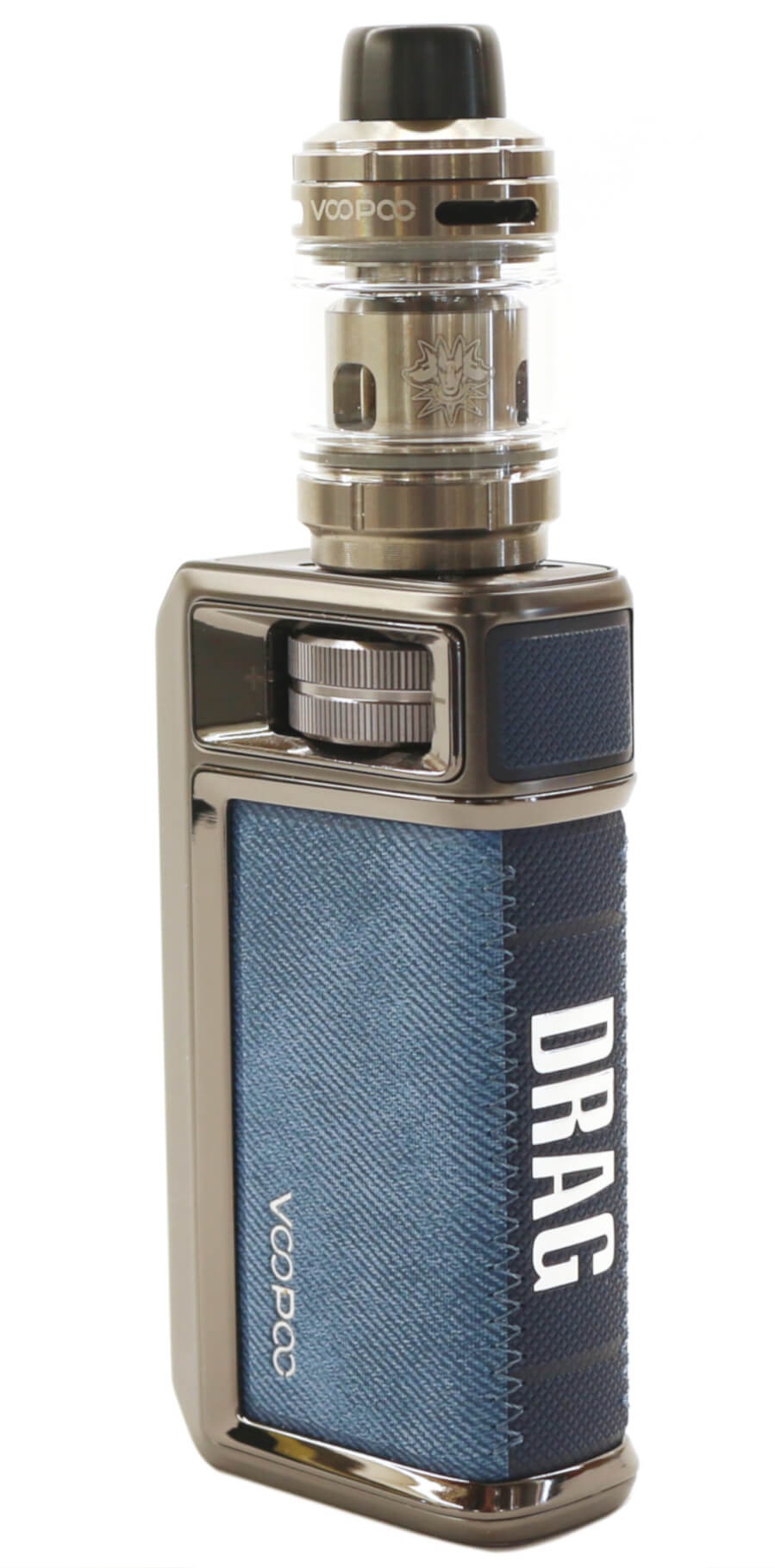
The DRAG 6 is another example of VOOPOO's commitment in continually looking to improve on their existing product range and the DRAG 6 is no exception. I've been a fan of their earlier DRAG 4 and DRAG 5 mods and am pleased to find the DRAG 6, while giving us something a little different, is another great device.
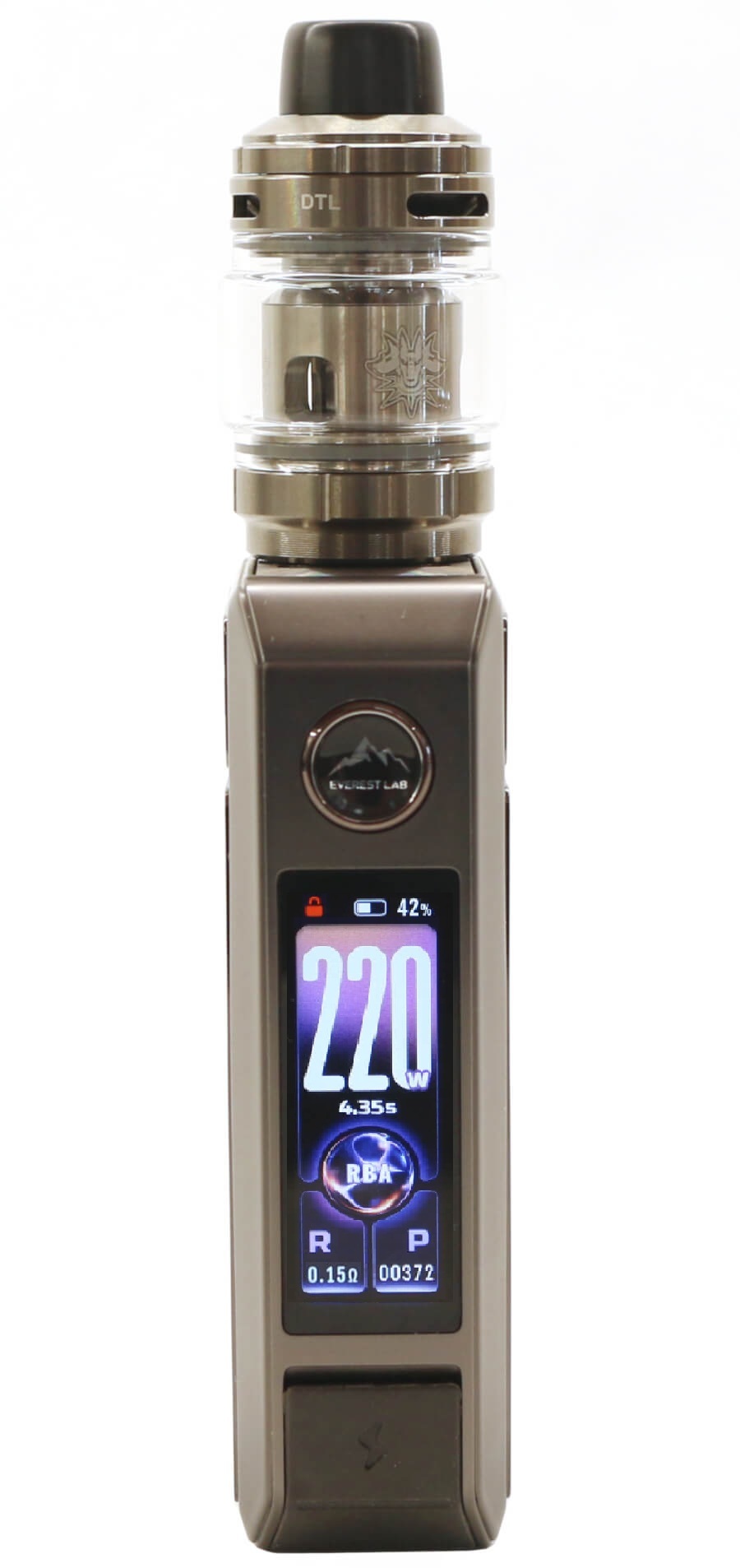
With increased power (220 W), a modernized larger 1.66 inch display, a rotary wheel replacing the up/down buttons and capacitive touch unlock, they've broken the mold of the earlier DRAG kits and it's now powered from an internal 4400 mAh capacity battery.
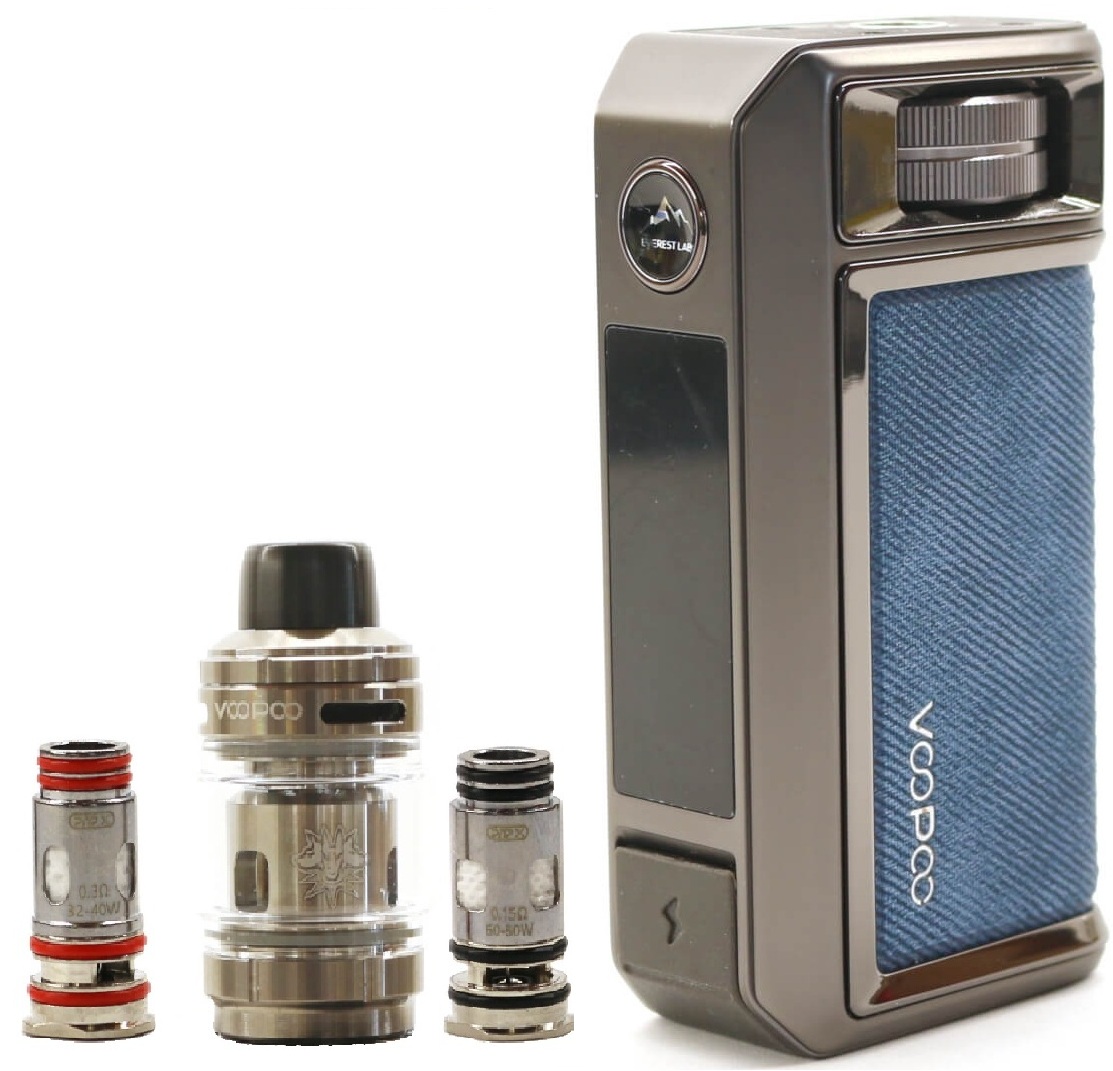
Not only is the DRAG 6 mod a great powerhouse device, it's paired with the new UFORCE-X Tank II and takes the best bits of the earlier UFORCE X tank and UFORCE-L tank. Triple top airflow and quarter turn lift off top-fill, it accepts the whole range of PNP-X mesh coils which in my opinion are some of the best stock coils available at this time.
Hope you enjoyed reading our review on the VOOPOO DRAG 6 with the UFORCE-X Tank II and found it informative and useful. If you have any questions or feedback, please feel free to leave us a comment below.
If you do decide to buy one, please drop us a line and let us know what you think of it.
This article focuses on the DRAG 6 Mod. Want to learn more about the UFORCE-X Tank II? Read: VOOPOO UFORCE-X Tank II In-Depth Review
.jpg)